Microsoft OneNote vs Freenotes: Best Note-Taking App for Productivity & Study
Microsoft OneNote is a powerful, free-form note-taking app from Microsoft Corporation, ideal for professionals and students who need seamless sync across devices and integration with Office 365. Freenotes, developed by Freenotes Inc, focuses on realistic handwriting and PDF annotation, making it a great choice for college students and creatives who prefer a paper-like experience. Both apps offer unique strengths, but cater to different workflows.

Microsoft OneNote: Save Notes
Recommended- Rating
- ★ 4.57
- Downloads
- 1,000,000,000+
- Developer
- Microsoft Corporation

Freenotes - Notes Taking & PDF
- Rating
- ★ 3.48
- Downloads
- 1,000,000+
- Developer
- Freenotes Inc
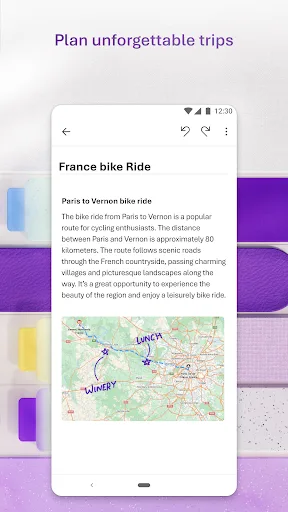
Supercharge your productivity with OneNote. Organize your thoughts and ideas, and simplify planning important moments with your digital note-taking. Secure notes on your phone can sync across all smart devices with Microsoft OneNote. Start your week off strong by organizing your…
Pros
- Free with no storage limits for personal use
- Seamless sync across Windows, Mac, iOS, Android, and web
- Rich text formatting with tables, images, and audio recordings
- Powerful search including text in images and handwriting
- Integration with Microsoft Office and OneDrive
Cons
- Handwriting experience is less polished than dedicated note-taking apps
- No built-in PDF annotation tools for markup
- Can feel cluttered with many features for simple note-taking
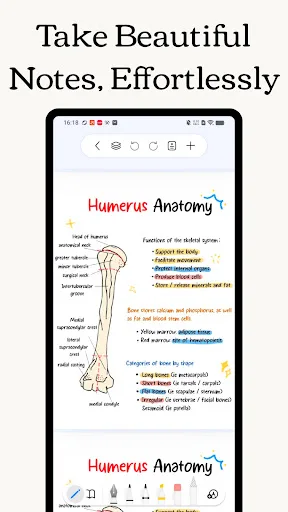
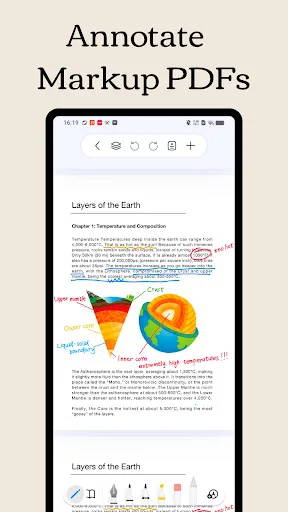
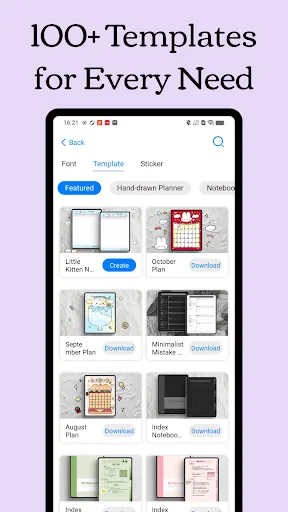
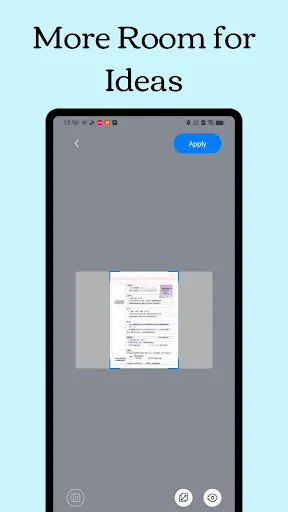
Freenotes: The Ultimate Digital Note-Taking Solution for Study and Work Freenotes lets you experience true paperless learning, combining the pleasure of realistic handwriting with features that boost your study and work efficiency. Whether you're a college student needing PDF ann…
Pros
- Excellent handwriting experience with realistic pen and paper feel
- Full PDF annotation with highlights, text, and drawings
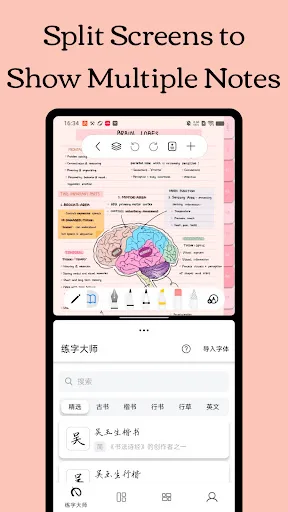
- Organize notes with folders and tags for easy retrieval
- Supports audio recording synced with handwritten notes
- Lightweight and optimized for Android tablets
Cons
- Limited free version with restrictions on number of notes
- No desktop app; only available on Android and iOS
- Sync across devices is less reliable than OneNote
Final Verdict
Our pick: Microsoft OneNote: Save Notes
For most users, Microsoft OneNote is the superior choice due to its robust feature set, cross-platform availability, and deep integration with Microsoft ecosystem. It offers free unlimited storage, powerful organization with notebooks and tags, and reliable sync. However, if you prioritize handwriting experience and PDF annotation with a GoodNotes-like feel, Freenotes is a worthy alternative for Android tablets. Overall, OneNote wins for versatility and value.
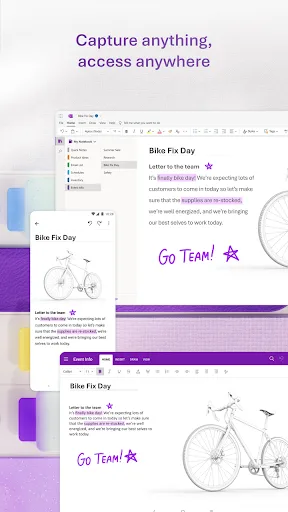
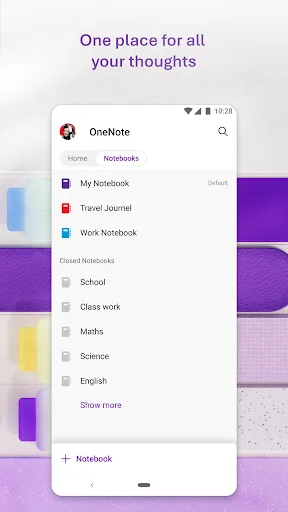
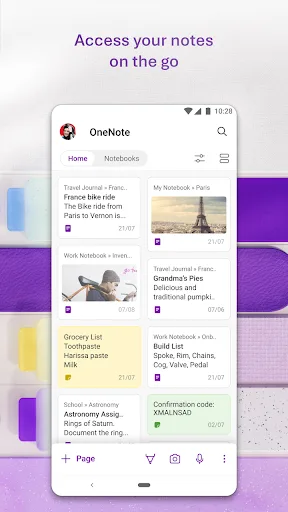
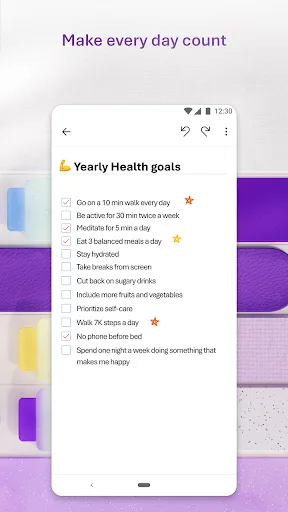
Microsoft OneNote: Save Notes Screenshots
Official app screenshots from the Google Play Store.
Freenotes - Notes Taking & PDF Screenshots
Official app screenshots from the Google Play Store.
Frequently Asked Questions
What are the ratings of OneNote and Freenotes?
Microsoft OneNote has a rating of 4.57 (out of 5) with over 1 billion installs. Freenotes has a rating of 3.53 with over 1 million installs.
Do these apps work offline?
OneNote allows offline access to notes that are stored locally; changes sync when online. Freenotes also supports offline note-taking, but syncing requires internet.
Are there ads in OneNote or Freenotes?
OneNote is ad-free. Freenotes is also ad-free, but offers in-app purchases for premium features.
What are the device requirements for each app?
OneNote requires Android 5.0 or higher and works on phones and tablets. Freenotes requires Android 6.0 or higher and is optimized for tablets with stylus support.
Which app should I choose for note-taking?
Choose OneNote for cross-platform sync, free storage, and integration with Office. Choose Freenotes if you prioritize handwriting and PDF annotation on Android tablets.
Related Comparisons
 VS
VS

ColorNote vs Noteshelf 3: Which Note-Taking App Reigns Supreme
 VS
VS
Google Keep vs Microsoft OneNote: Which Note-Taking App Wins
VS
Freenotes vs Easy Notes: Which Note-Taking App Reigns Supreme?
 VS
VS

Samsung Notes vs Notion: Which Note-Taking App Reigns Supreme
VS
ColorNote vs Zoho Notebook: Which Notes App is Best for You?
VS