Google Wallet vs Samsung Wallet: Which Digital Wallet App Should You Use?
Google Wallet is a versatile digital wallet app by Google LLC, ideal for Android users who want fast, secure contactless payments and access to everyday essentials like boarding passes and tickets. Samsung Wallet, developed by Samsung Electronics, is tailored for Samsung device owners, combining Samsung Pay with Samsung Pass, digital keys, and asset management. Both apps offer convenient tap-to-pay functionality, but they cater to different ecosystems and user needs.
Google Wallet
Recommended- Rating
- ★ 4.38
- Downloads
- 1,000,000,000+
- Developer
- Google LLC
Samsung Wallet (Samsung Pay)
- Rating
- ★ 4.13
- Downloads
- 100,000,000+
- Developer
- Samsung Electronics Co., Ltd.
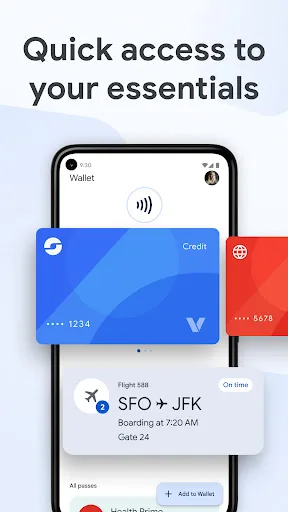
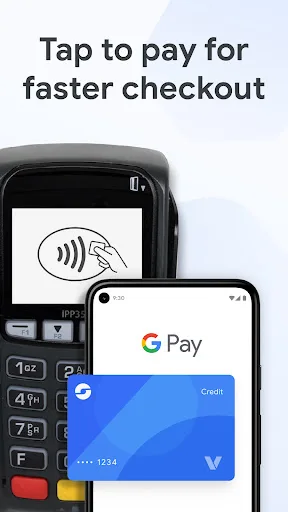
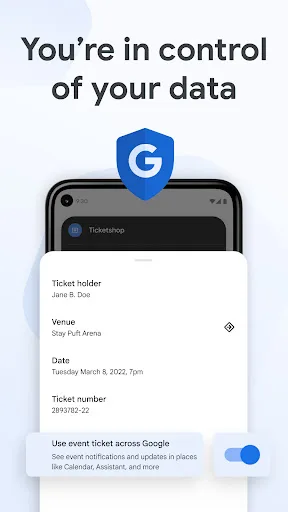
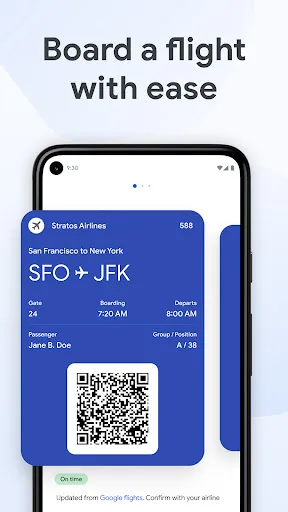
Google Wallet gives you fast, secure access to your everyday essentials. Tap to pay everywhere Google Pay is accepted, board a flight, go to a movie, and more – all with just your phone. Keep everything protected in one place, no matter where you go. CONVENIENT Get what you nee…
Pros
- Works on any NFC-enabled Android device, not limited to specific brands.
- Higher rating of 4.39 with over 1 billion installs, indicating widespread trust.
- Seamlessly integrates with Google services like Gmail and Google Pay for easy access.
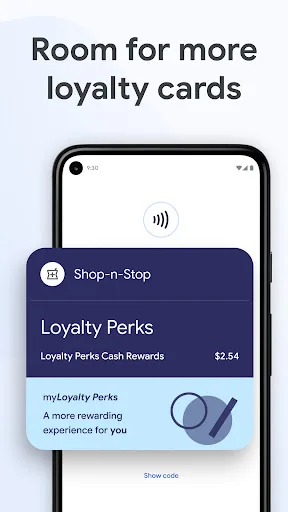
- Supports a wide range of cards, passes, tickets, and loyalty programs.
- Offers quick access via phone settings and quick tiles for convenience.
Cons
- Not available in all countries; limited regional support.
- May lack some Samsung-exclusive features like digital car keys.
- Requires NFC and Android 5.0 or higher, which is standard but excludes older devices.
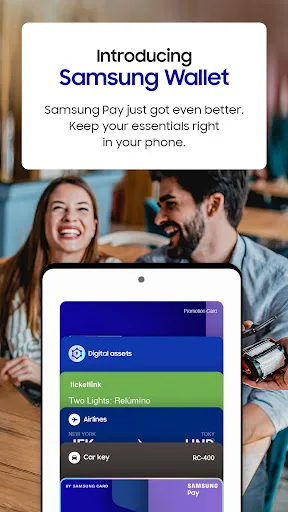
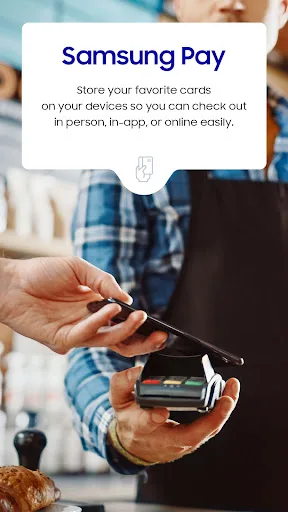
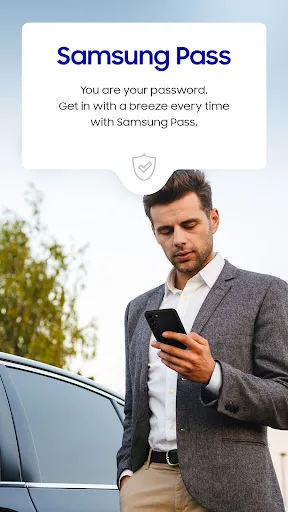
Samsung Pay got even better. Meet Samsung Wallet! Samsung Pay is now part of Samsung Wallet. With Wallet, you get the features and benefits of Samsung Pay, plus Samsung Pass, digital home and car keys, digital asset management, and more. All this comes in a simplified in-app expe…
Pros
- Exclusive to Samsung devices, offering deep integration with One UI and Samsung services.
- Includes Samsung Pass for password management and biometric authentication.
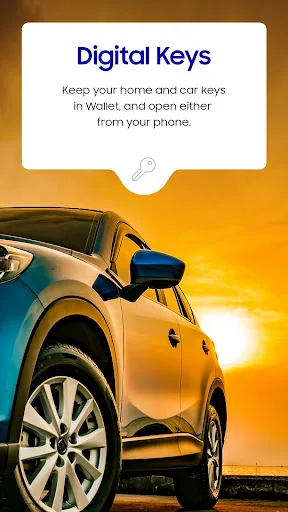
- Supports digital home and car keys for compatible Samsung SmartThings and vehicles.
- Enables digital asset management, such as storing cryptocurrency wallets.
- Quick Access via swiping up from the home screen for fast launch.
Cons
- Only works on Samsung devices, limiting its user base significantly.
- Lower rating of 4.15 with fewer installs (100 million+), reflecting niche appeal.
- May have compatibility issues with non-Samsung NFC terminals or services.
Final Verdict
Our pick: Google Wallet
For most Android users, Google Wallet is the better choice due to its broader compatibility, higher rating (4.39 vs 4.15), and seamless integration with Google services. It works on any NFC-enabled Android device and supports a wide range of payment methods. However, if you own a Samsung phone and want exclusive features like digital car keys or Samsung Pass, Samsung Wallet is a strong contender. Ultimately, Google Wallet offers more flexibility and a larger user base, making it the recommended option for general use.
Google Wallet Screenshots
Official app screenshots from the Google Play Store.
Samsung Wallet (Samsung Pay) Screenshots
Official app screenshots from the Google Play Store.

Frequently Asked Questions
What are the ratings of Google Wallet and Samsung Wallet?
Google Wallet has a rating of 4.3948565, while Samsung Wallet has a rating of 4.148013, based on user reviews.
Can I use these wallet apps offline?
Both apps require an internet connection for initial setup and syncing, but once cards are added, tap-to-pay transactions work offline via NFC.
Do these apps contain ads?
Neither Google Wallet nor Samsung Wallet display ads within the app, as they focus on utility and security.
What are the device requirements for each app?
Google Wallet requires Android 5.0 or later and NFC. Samsung Wallet requires a compatible Samsung device running Android 9.0 or later with NFC.
Which wallet app should I choose?
Choose Google Wallet if you use a non-Samsung Android device or want broader compatibility and a higher rating. Choose Samsung Wallet if you own a Samsung phone and want exclusive features like digital keys and Samsung Pass.
Related Comparisons
 VS
VS

Cash App vs Paytm: Which Wallet App Wins for US vs India Users?
 VS
VS
PayPal vs Paytm: Which Wallet App is Best for You?
VS
Google Wallet vs Wallet - Digital Wallet Card: Which Digital Wallet App is Right for You?
 VS
VS
Remitly vs Wallet Digital Wallet Card: Which App Fits Your Needs?
 VS
VS

Revolut vs Wise: Which Multi-Currency Wallet App is Best for You?
VS