Gym Workout Tracker vs Google Fit: Which Fitness App Reigns Supreme for Your Goals?
Gym Workout Tracker is designed for individuals focused on strength training, muscle building, and structured gym routines, offering customizable sets, reps, and weight tracking. Google Fit, on the other hand, caters to those seeking an all-around activity tracker that integrates with Wear OS and other health apps to monitor daily steps, heart points, and overall wellness. Whether you're a dedicated lifter or a casual fitness enthusiast, understanding the strengths and limitations of each app is crucial. This comparison breaks down their key features, pros, cons, and ideal use cases to help you make an informed decision.

Gym Workout Tracker: Gym Log
Recommended- Rating
- ★ 4.82
- Downloads
- 10,000,000+
- Developer
- Leap Fitness Group

Google Fit: Activity Tracking
- Rating
- ★ 3.44
- Downloads
- 100,000,000+
- Developer
- Google LLC
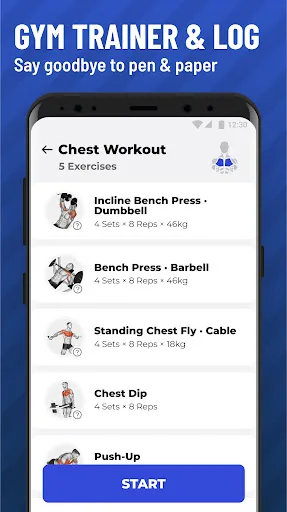
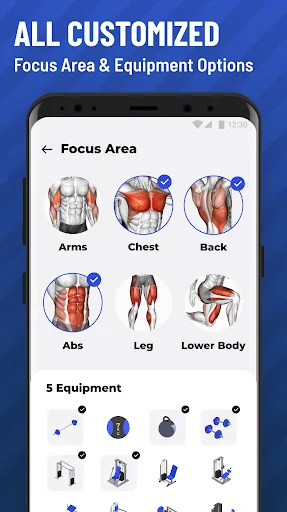
Gain muscles, endurance, max strength or get toned with Gym Workout Tracker through expertly designed sets, reps and weight! Our routines will adapt to your goal and available gym equipment to maximize your results and help you push your limits. ★ As a beginner, have no idea ab…
Pros
- Highly customizable workout plans for muscle gain, endurance, or strength.
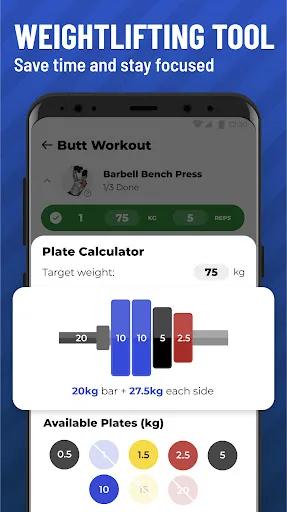
- Tracks sets, reps, and weight with progressive overload suggestions.
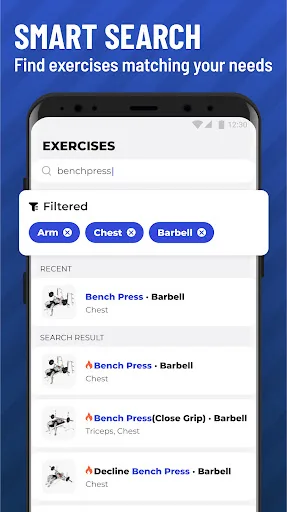
- Includes a large exercise library with demonstrations and instructions.
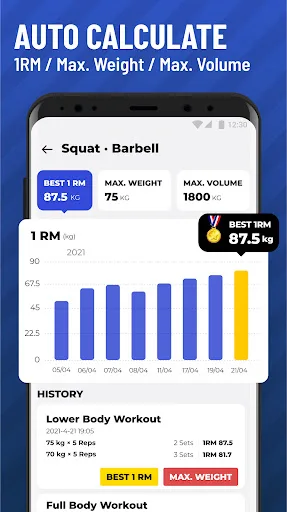
- Offers detailed progress charts and statistics to monitor gains.
- Offline mode allows logging without internet connection.
Cons
- Primarily focused on gym workouts, not suitable for cardio or outdoor activities.
- Premium features require subscription for advanced plans and analytics.
- Interface can feel cluttered for users wanting a simple step counter.
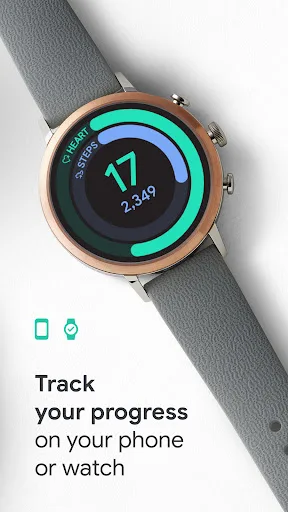
Get to a healthier and more active life with the new Google Fit! It's hard to know how much or what kind of activity you need to stay healthy. That's why Google Fit collaborated with the World Health Organization (WHO) and the American Heart Association (AHA) to bring you Heart P…
Pros
- Free and ad-free with seamless Google account integration.
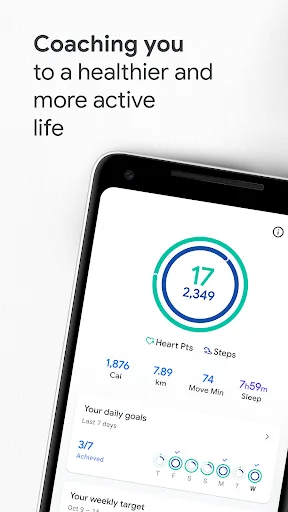
- Tracks heart points and steps using WHO/AHA guidelines for health.
- Works with Wear OS smartwatches and many third-party fitness apps.
- Provides a simple, clean interface for daily activity logging.
- Automatically detects activities like walking, running, and cycling.
Cons
- Lacks detailed weightlifting or gym workout logging features.
- Rating is low (3.45) due to reliability issues and limited customization.
- Requires constant internet or GPS for accurate activity tracking.
Final Verdict
Our pick: Gym Workout Tracker: Gym Log
For serious gym-goers and bodybuilders who need detailed workout logging and progression tracking, Gym Workout Tracker is the clear winner with its specialized features and high user satisfaction. However, if you prefer a holistic approach to health that includes walking, running, and activity monitoring across your day, Google Fit is a solid, free choice backed by Google's ecosystem. Gym Workout Tracker's superior rating (4.81 vs 3.45) and targeted functionality make it the better pick for strength training, while Google Fit excels in simplicity and integration. Ultimately, your choice depends on whether you prioritize gym performance or overall daily activity tracking.
Gym Workout Tracker: Gym Log Screenshots
Official app screenshots from the Google Play Store.
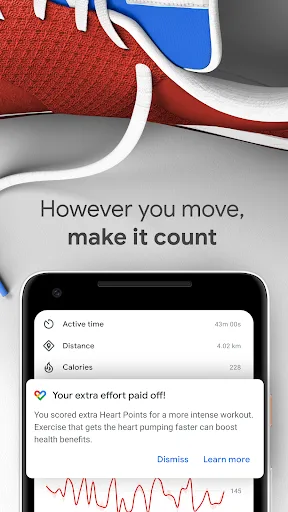
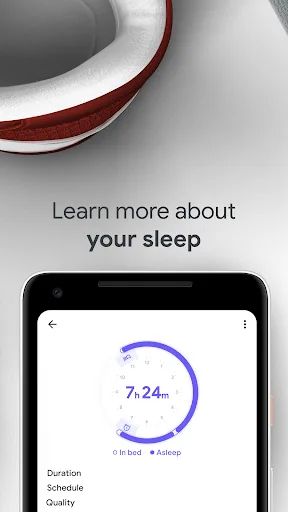
Google Fit: Activity Tracking Screenshots
Official app screenshots from the Google Play Store.

Frequently Asked Questions
Which app has a higher user rating?
Gym Workout Tracker has a significantly higher rating of 4.81 compared to Google Fit's 3.45, based on user reviews.
Can I use these apps offline?
Gym Workout Tracker supports offline mode for logging workouts without internet. Google Fit requires internet for syncing and GPS tracking but can store some data temporarily offline.
Are there any ads or in-app purchases?
Gym Workout Tracker is free with optional premium subscription for advanced features; it contains ads in the free version. Google Fit is completely free and ad-free.
What are the device requirements for these apps?
Both apps require Android 5.0 or later. Gym Workout Tracker needs minimal permissions, while Google Fit benefits from sensors like accelerometer and GPS for full functionality.
Which app should I choose if I'm a beginner?
If you're starting a gym routine, Gym Workout Tracker offers guided workouts and progression. For general activity tracking, Google Fit is simpler and more intuitive for daily steps and heart points.
Related Comparisons
 VS
VS
Blast vs FitNotes: Best Gym Workout Tracker App for Strength Training
VS

Google Fit vs Home Workout: Which Fitness App Reigns Supreme?
 VS
VS
Fitness App Showdown: Gym Workout Plan vs Blast Gym Log Tracker
VS

Fitness App: Gym Workout Plan vs Fitbod – Which Workout Planner Reigns Supreme?
VS
Gym Workout Tracker vs Fitbod: Which Fitness App Reigns Supreme
 VS
VS