Pandora vs Sway Music Player: Which Music Streaming App Reigns Supreme?
Pandora is ideal for users who love personalized radio stations, podcast discovery, and a vast catalog of music with streaming convenience. Sway is perfect for audiophiles who prioritize offline playback, high-quality sound customization, and a distraction-free music player. Pandora offers a curated, internet-dependent experience, while Sway delivers professional-grade audio control without needing a connection.

Pandora - Music & Podcasts
Recommended- Rating
- ★ 3.89
- Downloads
- 100,000,000+
- Developer
- Pandora

Sway - Music Player
- Rating
- ★ 4.64
- Downloads
- 50,000+
- Developer
- Muhammad Ahmad Choudhary
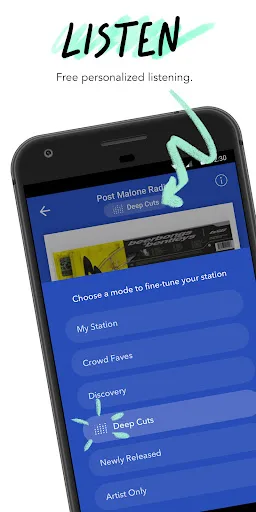
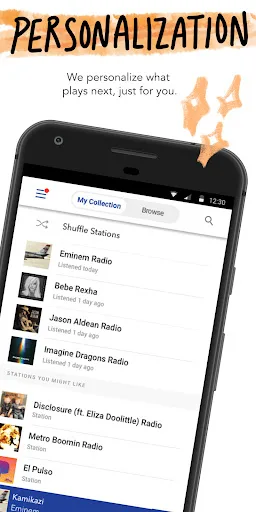
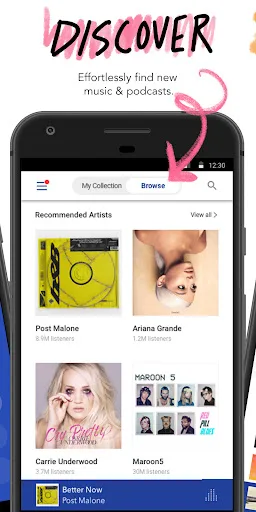
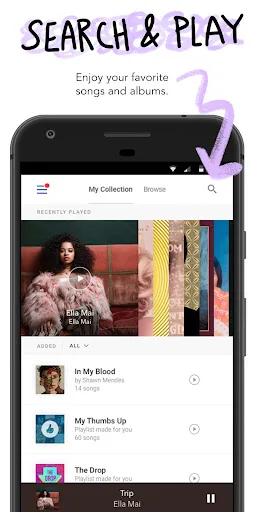
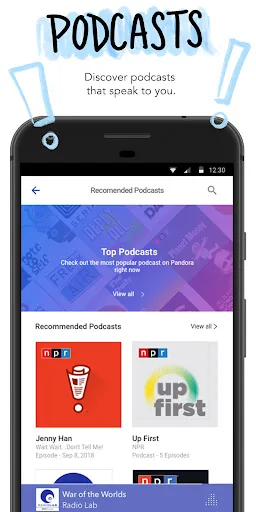
Pandora gives you a personalized listening experience that continually evolves with your tastes. Create stations from your favorite songs, artists or genres, search or browse to find recommended stations for your mood or activity, and discover podcasts that speak to you. Download…
Pros
- Personalized radio stations based on songs, artists, or genres
- Extensive podcast library with regular updates
- Large catalog of millions of songs
- Free tier with ads and basic features
- Mood and activity-based station recommendations
Cons
- Requires internet connection for streaming
- Free version includes frequent ads
- Limited control over specific song playback on free tier
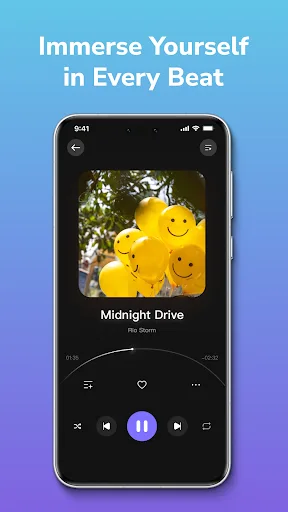
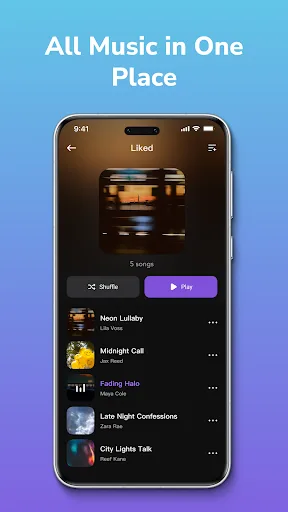
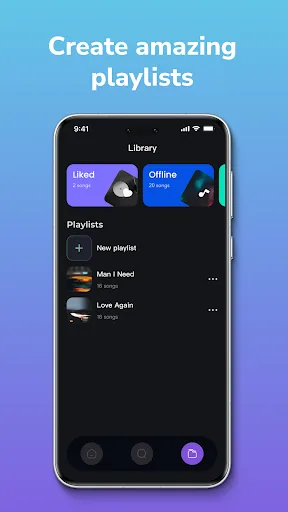
🎵 PROFESSIONAL-GRADE SOUND PURE OFFLINE FREEDOM 🎧 Sway combines high-quality playback with a powerful equalizer, bringing professional sound-system depth and clarity to your music. No internet. No subscriptions. No distractions. Just pure listening, anywhere. ✨ 🚆 MUSIC…
Pros
- Professional-grade 10-band equalizer for sound customization
- Fully offline playback without internet or subscriptions
- No ads or distractions during music listening
- Lightweight app with smooth performance
- Supports various audio formats and gapless playback
Cons
- Very small user base and limited community support
- No streaming or online music discovery features
- Lacks podcast or radio functionality
Final Verdict
Our pick: Pandora - Music & Podcasts
For most users seeking a rich, curated streaming experience with podcasts and personalized stations, Pandora is the winner due to its massive library and established platform. However, for those who value pristine offline audio quality and granular equalizer control, Sway is the better choice. If you want a free, ad-supported streaming service with recommendations, choose Pandora. If you prefer a pure offline player with professional sound tuning, Sway excels. Ultimately, the decision hinges on whether you prioritize online discovery or offline fidelity.
Pandora - Music & Podcasts Screenshots
Official app screenshots from the Google Play Store.
Sway - Music Player Screenshots
Official app screenshots from the Google Play Store.

Frequently Asked Questions
Which app has better ratings?
Sway has a higher rating (4.63) compared to Pandora (3.89), but Pandora has significantly more reviews due to its larger user base.
Can I listen to music offline on both apps?
Pandora requires a subscription (Pandora Plus or Premium) for offline listening. Sway is fully offline and does not require any internet connection for playback.
Do these apps have ads?
Pandora's free tier includes ads; you can remove them with a subscription. Sway has no ads at all.
What are the device requirements for each app?
Pandora requires Android 5.0+ and works on phones and tablets. Sway requires Android 4.4+ and is optimized for low-end devices as well.
Which app should I choose for personalized music discovery?
Choose Pandora for personalized radio stations and podcast recommendations. Sway is not designed for discovery; it is for playing your own local music files.
Related Comparisons
 VS
VS

Claro música vs Suno AI Music: Which Music App Reigns in 2026
 VS
VS
SiriusXM vs Sway Music Player: Which Music Streaming App is Right for You?
 VS
VS

Spotify vs YouTube Music: Which Music Streaming App Reigns Supreme
VS

Sway vs Deezer: Offline Music Player vs Streaming Giant – Which One Wins?
VS
Sway vs YouTube Music: Offline Audio Player vs Streaming Giant
 VS
VS