Samsung Health vs Google Fit: Best Health Tracking App
Samsung Health is ideal for Samsung device users who want a comprehensive health suite with deep device integration and a wide range of tracking features. Google Fit, backed by WHO and AHA, suits users who prefer a simpler, platform-agnostic app focused on heart health and activity goals. Both are free but cater to different ecosystems and tracking philosophies.
Samsung Health
- Rating
- ★ 3.25
- Downloads
- 1,000,000,000+
- Developer
- Samsung Electronics Co., Ltd.

Google Fit: Activity Tracking
Recommended- Rating
- ★ 3.44
- Downloads
- 100,000,000+
- Developer
- Google LLC
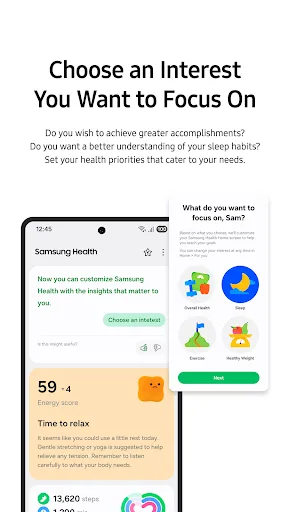
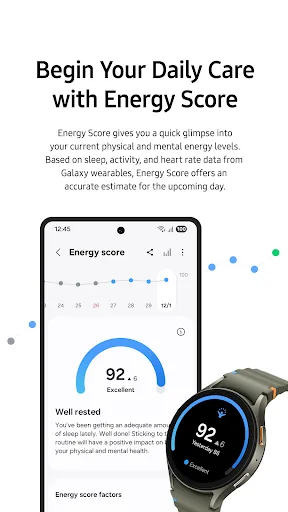
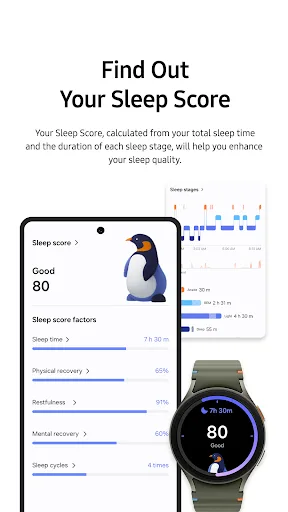
Start healthy habits for yourself with Samsung Health. Samsung Health has various features to help you manage your health. As the app allows you to automatically record many activities, creating a healthy lifestyle is easier and simpler than ever. Check various health records on…
Pros
- Deep integration with Samsung devices and wearables
- Comprehensive health metrics: sleep, stress, body composition
- Automatic activity tracking with minimal battery drain
- Personalized health insights and coaching programs
- Supports third-party app syncing via Health Connect
Cons
- Limited functionality on non-Samsung Android devices
- No iOS app, reducing cross-platform usability
- Can be overwhelming with too many features and data
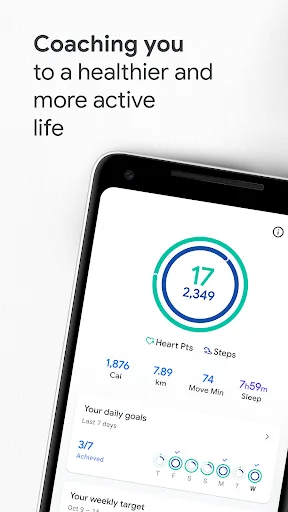
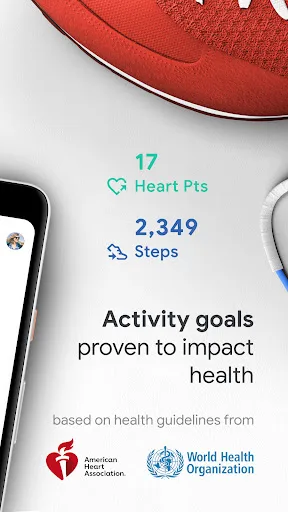
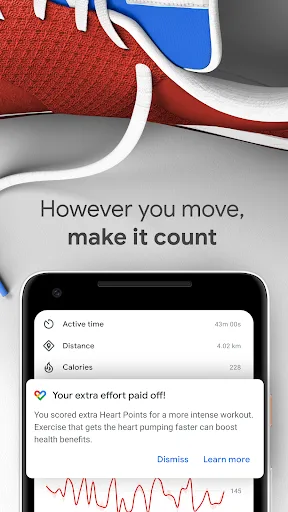
Get to a healthier and more active life with the new Google Fit! It's hard to know how much or what kind of activity you need to stay healthy. That's why Google Fit collaborated with the World Health Organization (WHO) and the American Heart Association (AHA) to bring you Heart P…
Pros
- Backed by WHO and AHA for scientifically sound activity goals
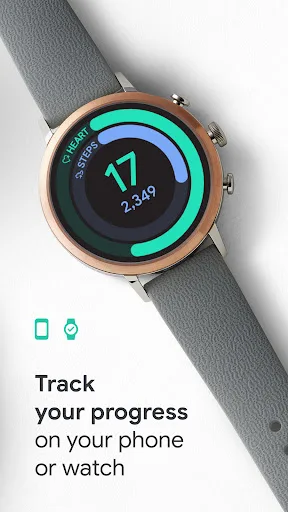
- Simple, intuitive interface focused on Heart Points and steps
- Works seamlessly across Android and iOS devices
- Integrates with many third-party apps and wearables
- Lightweight and battery-friendly
Cons
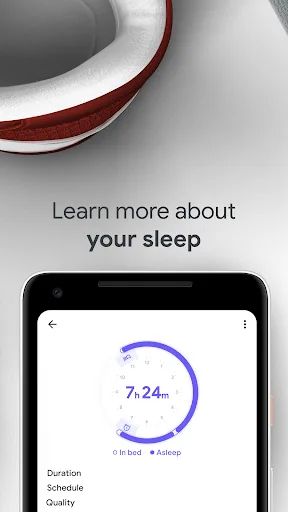
- Less granular sleep and stress tracking compared to Samsung Health
- No built-in food or water logging
- Relies heavily on phone sensors; less accurate without a Wear OS watch
Final Verdict
Our pick: Google Fit: Activity Tracking
For most users, Google Fit offers a cleaner, more universally compatible experience with evidence-based activity goals. Its integration with Android and iOS, plus collaboration with health organizations, makes it a reliable choice. However, Samsung Health is unbeatable for Samsung device owners seeking detailed sleep, stress, and body composition tracking. If you have a Samsung phone, Samsung Health is the better pick; otherwise, Google Fit wins for simplicity and cross-platform support.
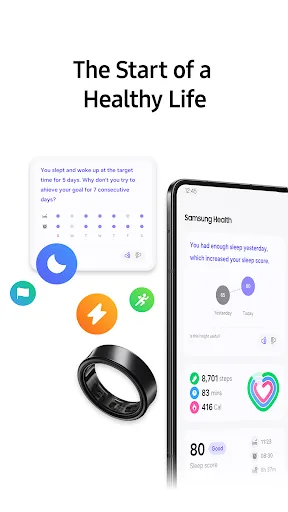
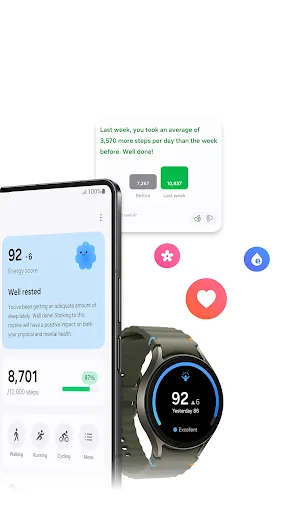
Samsung Health Screenshots
Official app screenshots from the Google Play Store.
Google Fit: Activity Tracking Screenshots
Official app screenshots from the Google Play Store.
Frequently Asked Questions
Which app has higher ratings?
Google Fit has a slightly higher rating of 3.45 compared to Samsung Health's 3.34, but both are well-regarded and the difference is minimal.
Can I use these apps offline?
Yes, both apps can track steps and activities offline, but syncing to cloud and viewing detailed insights requires an internet connection.
Do these apps show ads?
Neither Samsung Health nor Google Fit display ads. Both are free with no in-app advertisements.
What are the device requirements for each app?
Samsung Health requires Android 5.0+ and works best on Samsung devices. Google Fit requires Android 4.4+ or iOS 9.0+ and is compatible with most smartphones.
Which app should I choose for general fitness tracking?
If you own a Samsung phone, Samsung Health offers deeper integration. For cross-platform use or simpler heart-focused goals, Google Fit is the better choice.
Related Comparisons
 VS
VS

Map My Walk vs Noom: Walking Tracker vs Weight Loss & GLP-1 Care
 VS
VS
My Health vs Noom: Weight Loss & GLP-1 Care – Which Health App Reigns Supreme?
VS
Google Fit vs Noom: Best Health & Fitness App for Activity Tracking and Weight Loss
VS
Samsung Health vs Google Health (Fitbit): Which Health App is Best for You
 VS
VS
Verily Me vs Strava: Health App Comparison for Personalized Care vs Fitness Tracking
 VS
VS