Adobe Acrobat Reader: Edit PDF
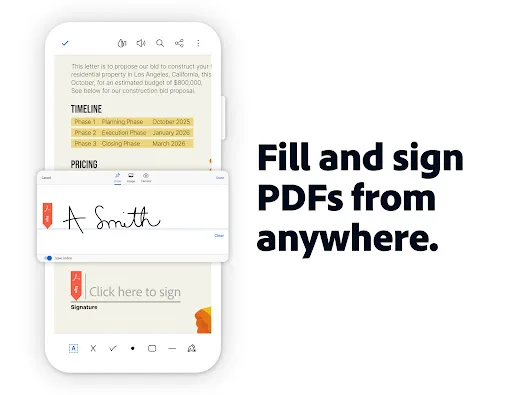
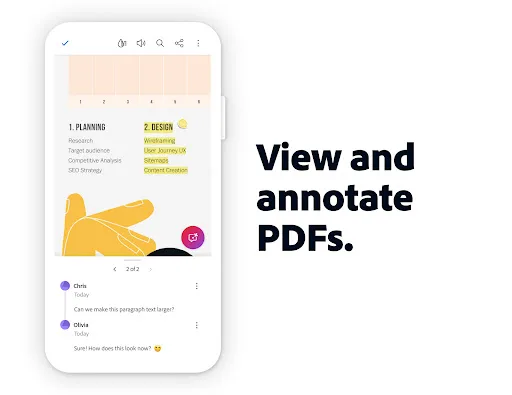
Major new updateCollaborate and share files in PDF Spaces, turn your document summaries into podcast-style audio, and create standout content in Acrobat Reader with design and editor tools powered by Adobe Express. The world’s most trusted PDF reader, editor, signer, converter and maker with more than 635 million installs. View, share, annotate, add comments, sign documents - all in one app. You can store your file…
Adobe Acrobat Reader: Edit PDF Screenshots
Official app screenshots from the Google Play Store.
About Adobe Acrobat Reader: Edit PDF
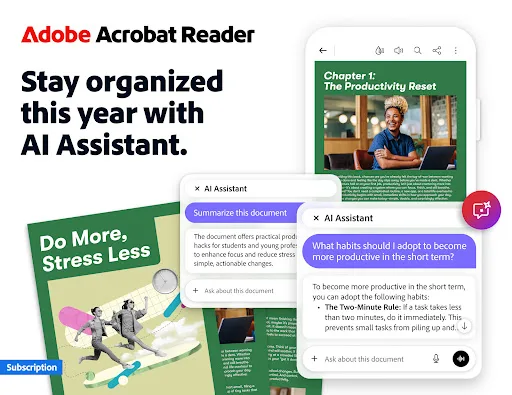
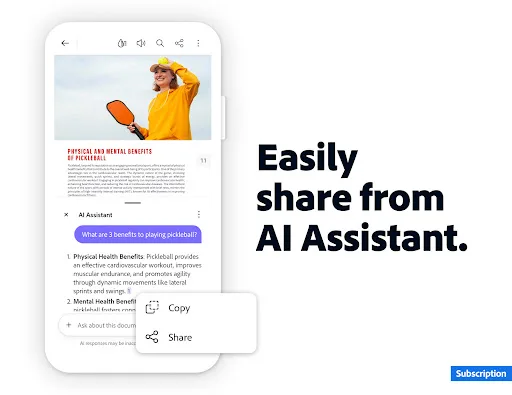
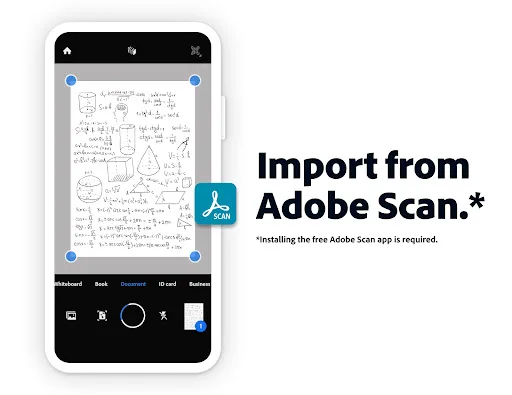
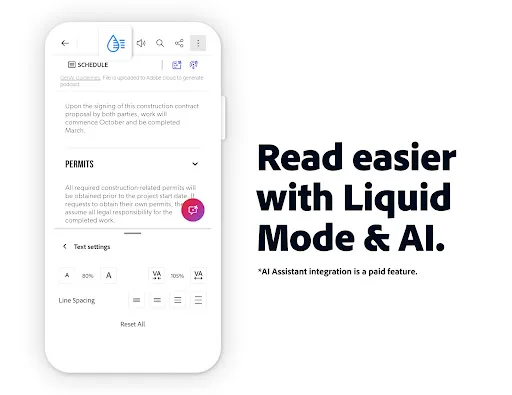
Major new updateCollaborate and share files in PDF Spaces, turn your document summaries into podcast-style audio, and create standout content in Acrobat Reader with design and editor tools powered by Adobe Express. The world’s most trusted PDF reader, editor, signer, converter and maker with more than 635 million installs. View, share, annotate, add comments, sign documents - all in one app. You can store your files online and use this reader to view anywhere. Get your 7-day free trial and try all the features of Acrobat Reader. Paid featuresAdobe Acrobat AI Assistant • Work across multiple files in one place with PDF Spaces. Collaborate, store, and use AI Assistant across files • Use voice or text prompts with AI Assistant chatbot • Ask questions and get cited answers about info in your document, including charts, graphs, and tables with Figures Q&A • Easily share the responses you get • Try voice support to ask queries and have answers read aloud. • Instantly generate summaries from your PDFs with Generative AI Summaries • Get content for emails, text, study notes, blogs, and more [Adobe Acrobat AI Assistant is a paid feature*, free for a limited time] Edit docume…