Adobe Acrobat Reader vs Foxit PDF Editor: Best PDF Tool for Android
Adobe Acrobat Reader is the industry standard with over 500 million installs, ideal for users who need robust PDF viewing, editing, signing, and integration with Adobe Express for design. Foxit PDF Editor is a lightweight alternative trusted by hundreds of millions, offering advanced features like AI Assistant and OCR in a subscription model, perfect for power users on the go. Both apps excel in annotation and form filling, but their strengths differ in ecosystem depth versus specialized tools.

Adobe Acrobat Reader: Edit PDF
Recommended- Rating
- ★ 4.46
- Downloads
- 500,000,000+
- Developer
- Adobe
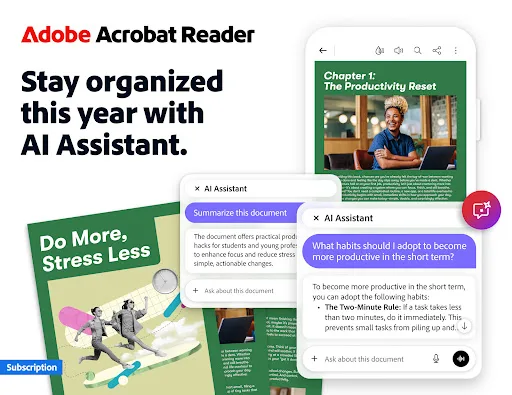
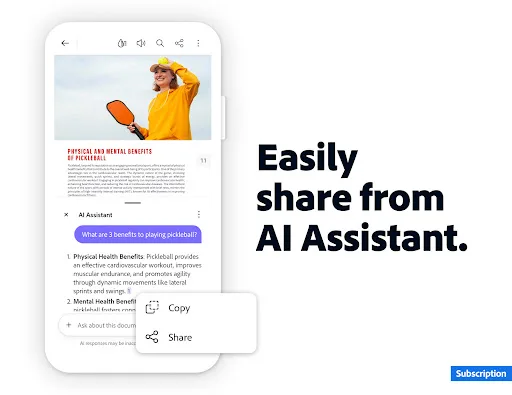
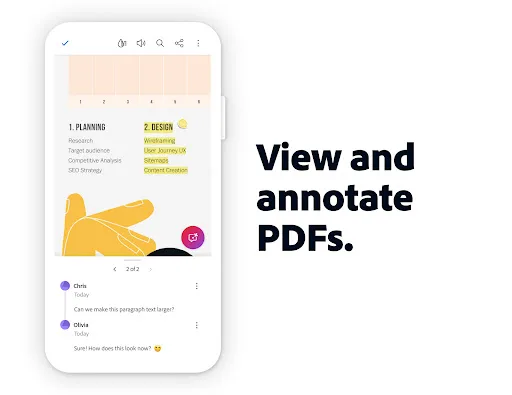
Major new updateCollaborate and share files in PDF Spaces, turn your document summaries into podcast-style audio, and create standout content in Acrobat Reader with design and editor tools powered by Adobe Express. The world’s most trusted PDF reader, editor, signer, converter…
Pros
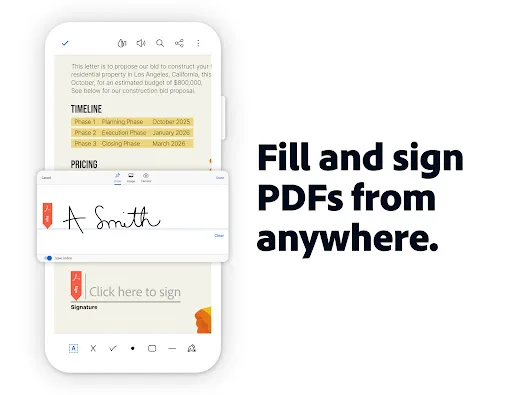
- Extensive free features: view, edit, annotate, sign, and fill forms without a subscription.
- New PDF Spaces for collaborative file sharing and audio summaries of documents.
- Integrated Adobe Express for creating standout content with design tools.
- Highest install base (500M+) and rating (4.456) ensure stability and support.
- Regular major updates with innovative features like podcast-style audio.
Cons
- Some advanced features (e.g., OCR, advanced editing) require a paid subscription.
- App can be resource-heavy on older devices due to feature richness.
- Occasional ads in the free version for premium feature promotions.
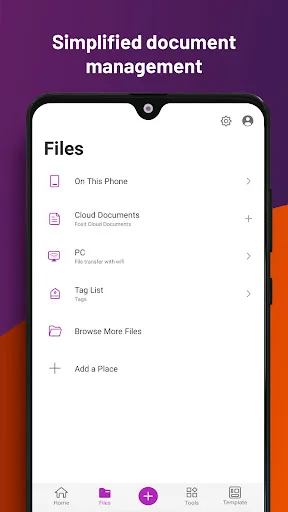
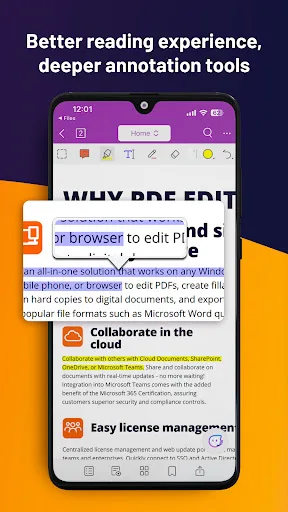
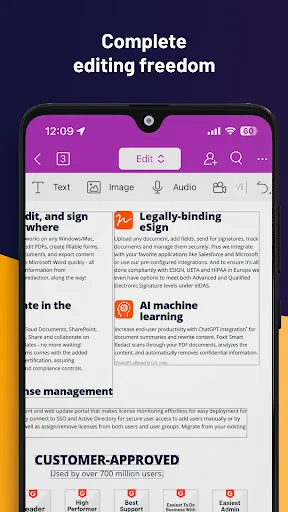
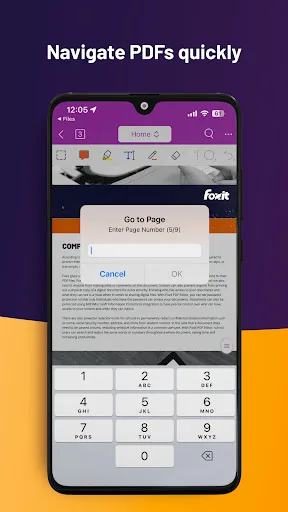
Looking for a versatile PDF editor that you can use anytime, anywhere? Look no further than Foxit PDF Editor mobile app. This easy-to-use PDF editor – trusted by hundreds of millions – allows you to view, edit, and annotate PDF files on Android devices while on the go. The ap…
Pros
- Lightweight and fast performance compared to Adobe Acrobat Reader.
- AI Assistant for intelligent document interactions and summarization.
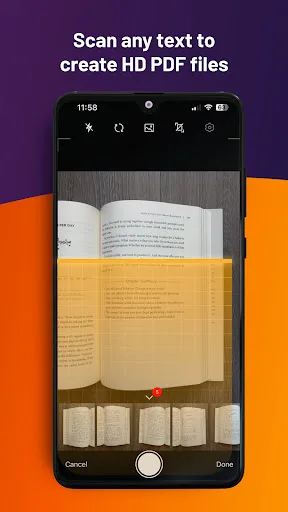
- Built-in OCR (Optical Character Recognition) for scanned PDFs.
- Trusted by hundreds of millions with a focus on mobile productivity.
- Subscription model includes advanced tools without bloatware.
Cons
- Lower rating (4.008) and smaller install base (10M+) than Adobe.
- Core editing features like AI and OCR are behind a paywall.
- Less frequent updates and smaller community support.
Final Verdict
Our pick: Adobe Acrobat Reader: Edit PDF
For most users, Adobe Acrobat Reader is the better choice due to its massive install base, comprehensive free features including the new PDF Spaces and audio summaries, and seamless Adobe ecosystem integration. Foxit PDF Editor is a strong contender for users who need AI-powered assistance and OCR without Adobe's interface complexity. However, Adobe’s higher rating (4.456 vs 4.008) and broader adoption make it the safer pick for general PDF tasks. We recommend Adobe Acrobat Reader as the winner for its reliability and feature set.
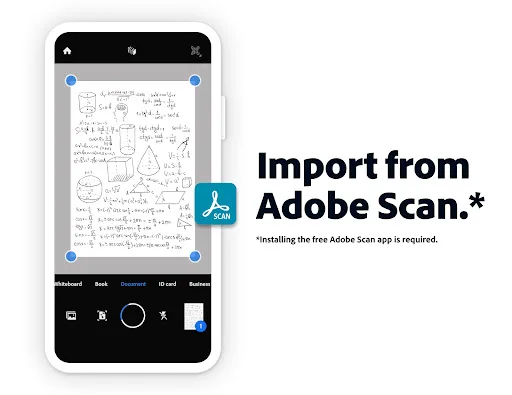
Adobe Acrobat Reader: Edit PDF Screenshots
Official app screenshots from the Google Play Store.

Foxit PDF Editor Screenshots
Official app screenshots from the Google Play Store.
Frequently Asked Questions
Which app has a better rating?
Adobe Acrobat Reader has a higher rating of 4.456315 compared to Foxit PDF Editor's 4.00818 on Google Play.
Can I use these apps offline?
Yes, both apps allow offline viewing and annotation of downloaded PDFs. However, features like AI Assistant (Foxit) and audio summaries (Adobe) require an internet connection.
Do these apps display ads?
Adobe Acrobat Reader may show occasional promotions for premium features but no intrusive ads. Foxit PDF Editor is ad-free in its free version.
What are the device requirements?
Both apps require Android 5.0 or later. Adobe Acrobat Reader may need more RAM (recommended 2GB+) for smooth performance, while Foxit is lighter and runs well on 1GB devices.
Which app should I choose for basic PDF editing?
For basic editing (annotations, form filling, signing), Adobe Acrobat Reader offers more free features. If you need OCR or AI assistance, consider Foxit PDF Editor's subscription.
Related Comparisons
 VS
VS

Mobi PDF vs MobiOffice: Which MobiSystems PDF Tool is Best for You?
 VS
VS
Document Reader vs MobiPDF: Which PDF Tool Reigns Supreme?
 VS
VS
iLovePDF vs Document Reader & PDF Editor: Best PDF Tool for Android
 VS
VS
Xodo vs Document Reader: Best PDF Tool for Android
 VS
VS

PDFgear vs CS PDF Reader: Best Free PDF Editor for Android
 VS
VS