iLovePDF vs Document Reader & PDF Editor: Best PDF Tool for Android
iLovePDF is a dedicated PDF editor and scanner from iLovePDF, designed for users who need robust PDF-specific tools like merging, splitting, and signing. Document Reader & PDF Editor by QR Code Scanner is an all-in-one file viewer supporting PDF, Word, Excel, and more, ideal for users who manage multiple document types. While iLovePDF excels at pure PDF workflows, Document Reader offers broader file support with over 100 million installs. Your choice depends on whether you need specialized PDF features or a universal document viewer.
iLovePDF: PDF Editor & Scanner
Recommended- Rating
- ★ 4.56
- Downloads
- 10,000,000+
- Developer
- iLovePDF
Document Reader & PDF Editor
- Rating
- ★ 4.57
- Downloads
- 100,000,000+
- Developer
- QR Code Scanner.
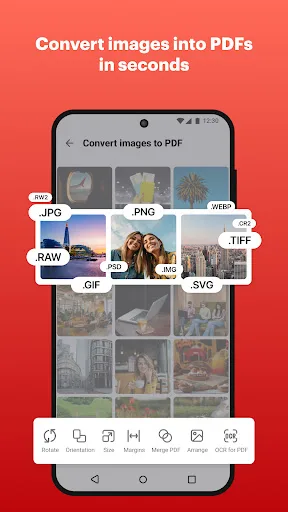
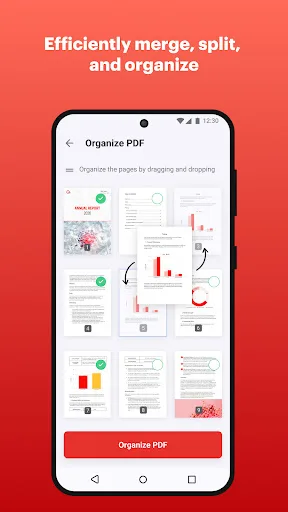
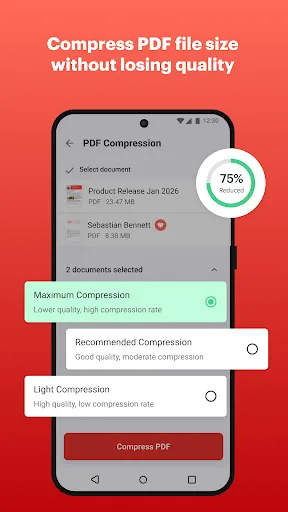
iLovePDF brings document management into one place, so you can get the job done completely paperless from your Android smartphone and tablet. Read, convert, annotate, and sign PDF in just a few seconds with this handy document scanner and editor. Boost your productivity with ever…
Pros
- Dedicated PDF scanner with smart cropping and OCR
- Comprehensive editing: merge, split, compress, and sign PDFs
- Cloud integration with Google Drive, Dropbox, and iCloud
- User-friendly interface optimized for mobile
- Regular updates and reliable customer support
Cons
- Limited to PDF format; no support for Word or Excel
- Some advanced features require a paid subscription
- Occasional ads in the free version
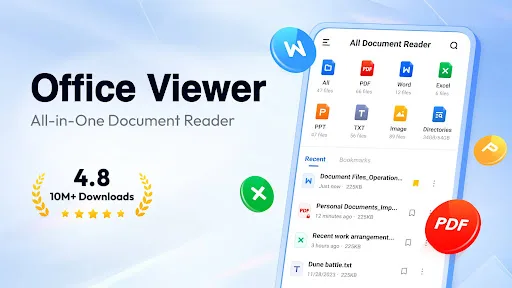
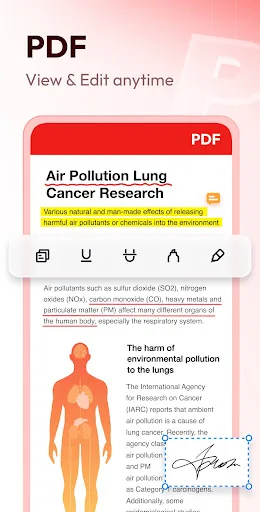
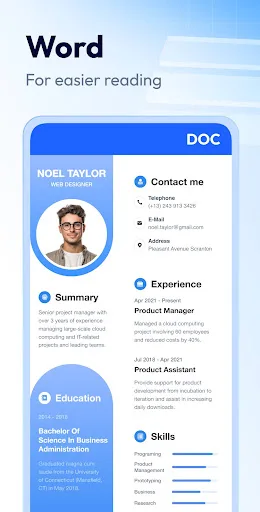
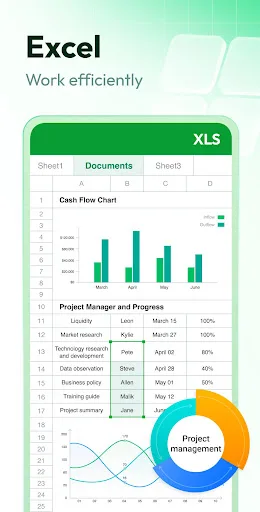
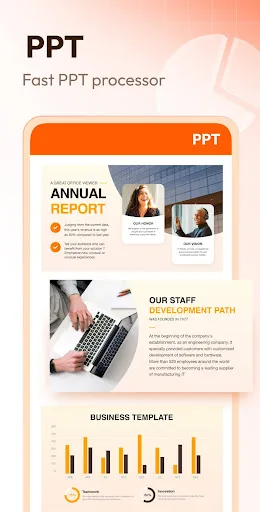
Document Reader is an all-in-one file viewer that helps you read, edit, and manage all your office files with ease. From reviewing lecture notes before an exam to checking work reports on the commute — PDF, WORD, EXCEL, PPT, TXT, etc. are all supported. It's easy to use and com…
Pros
- Supports multiple formats: PDF, Word, Excel, PPT, TXT
- Over 100 million installs, indicating broad trust
- Built-in file manager for easy organization
- Lightweight and fast document loading
- Free to use with no subscription required
Cons
- PDF editing features are basic compared to dedicated editors
- Contains ads that can be intrusive
- Developer is less known; updates may be less frequent
Final Verdict
Our pick: iLovePDF: PDF Editor & Scanner
For users whose primary need is comprehensive PDF editing, scanning, and conversion, iLovePDF is the better choice due to its specialized toolset and high rating. However, if you frequently work with various office formats and want a single app for all documents, Document Reader & PDF Editor offers unmatched versatility with over 100 million downloads. Considering both apps have similar ratings (4.56 vs 4.57), the recommendation hinges on your workflow: choose iLovePDF for dedicated PDF tasks, or Document Reader for multi-format support. We recommend iLovePDF for its focused PDF capabilities and developer reputation.
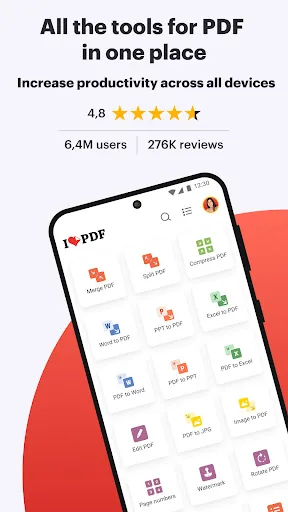
iLovePDF: PDF Editor & Scanner Screenshots
Official app screenshots from the Google Play Store.
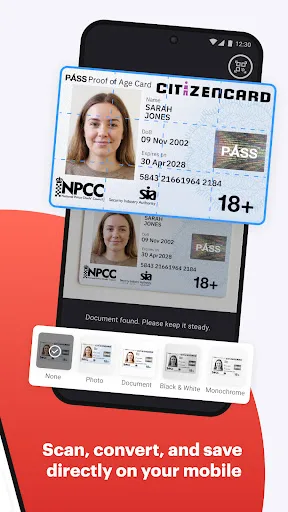
Document Reader & PDF Editor Screenshots
Official app screenshots from the Google Play Store.
Frequently Asked Questions
Which app has a higher rating?
Both apps have nearly identical ratings: iLovePDF at 4.56 and Document Reader at 4.57, based on millions of reviews.
Can I use these apps offline?
Yes, both apps allow offline viewing and editing of downloaded files. However, cloud features require internet.
Do these apps contain ads?
iLovePDF has occasional ads in the free version but offers an ad-free subscription. Document Reader includes ads more frequently.
What are the device requirements?
Both apps require Android 5.0 or higher and work on phones and tablets. iLovePDF needs about 50MB, Document Reader about 30MB.
Which app should I choose?
Choose iLovePDF if you need advanced PDF tools like signing and merging. Choose Document Reader if you handle multiple document formats daily.
Related Comparisons
 VS
VS

Mobi PDF vs MobiOffice: Which MobiSystems PDF Tool is Best for You?
 VS
VS
Document Reader vs MobiPDF: Which PDF Tool Reigns Supreme?
 VS
VS
Xodo vs Document Reader: Best PDF Tool for Android
 VS
VS

PDFgear vs CS PDF Reader: Best Free PDF Editor for Android
 VS
VS
PDF Reader vs MobiOffice: Which PDF Tool Reigns Supreme?
VS