PDFgear vs CS PDF Reader: Best Free PDF Editor for Android
PDFgear is a full-featured free PDF editor praised by Digital Trends and Lifewire for its comprehensive toolkit. It's ideal for users who need robust editing, annotation, and page management without any cost. CS PDF Reader, powered by CamScanner, is an all-in-one PDF tool with scanning, converting, and editing capabilities, perfect for users who want a versatile app that handles PDFs, images, and Office files. Both are free, but they cater to slightly different needs.
PDFgear: PDF Editor & Reader
- Rating
- ★ 4.35
- Downloads
- 1,000,000+
- Developer
- PDF GEAR TECH PTE. LTD.

CS PDF Reader - PDF Editor
Recommended- Rating
- ★ 4.47
- Downloads
- 10,000,000+
- Developer
- INTSIG PTE
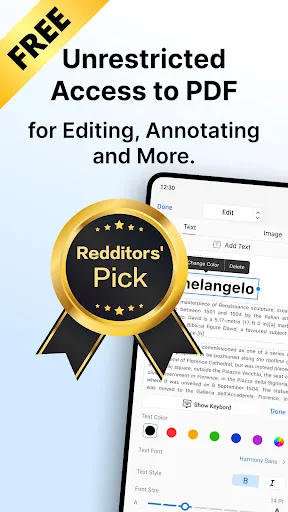
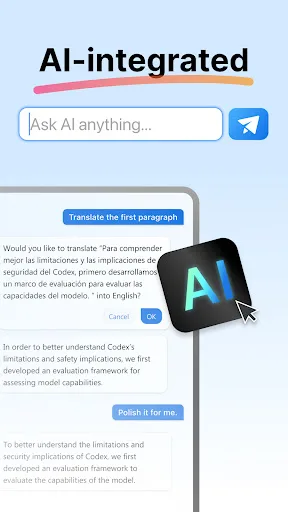
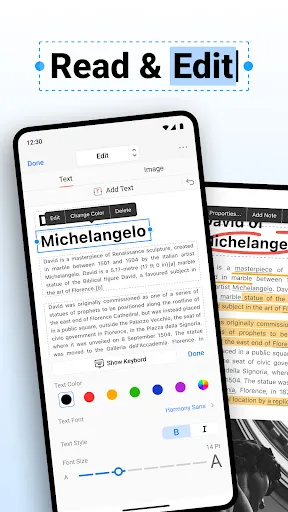
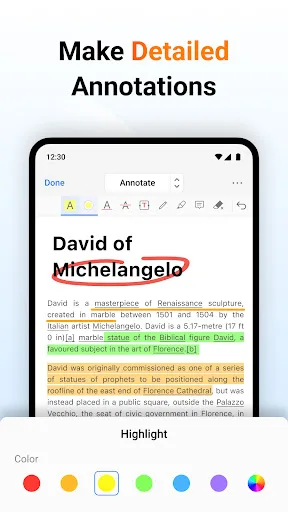
PDFgear is a full-featured and free PDF editor, which provides read, edit, annotation, page management, and print PDF documents. "It's called PDFgear, and it's a holy grail I never thought I'd find." - Digital Trends "PDFgear is a full toolkit for doing pretty much anything you c…
Pros
- Completely free with no hidden fees or subscription required
- Comprehensive PDF editing including text, images, and annotations
- Page management: insert, delete, reorder, and rotate pages
- Highly praised by reputable tech publications like Digital Trends and Lifewire
- Supports PDF reading with smooth scrolling and night mode
Cons
- Lower rating (4.35) compared to competitor
- Fewer installs (1M+) indicating smaller user base
- Lacks scanning and conversion features found in CS PDF Reader
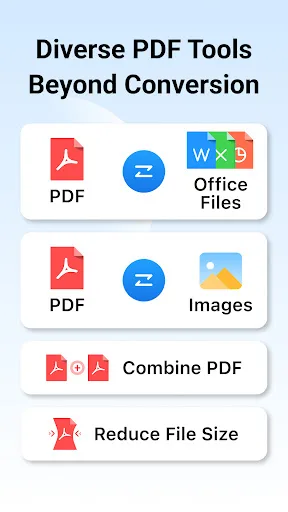
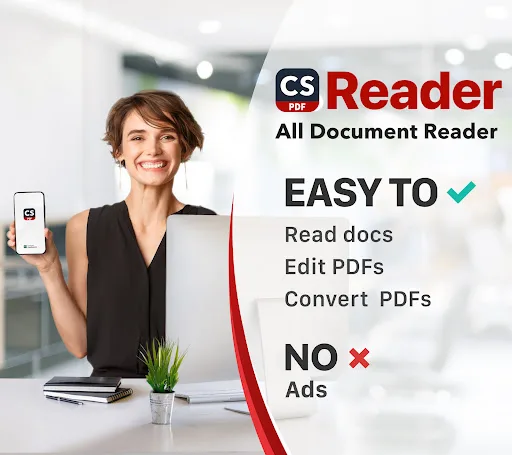
The CS PDF mobile app, powered by CamScanner, is an all-in-one PDF tool. It's a PDF reader, PDF editor, PDF converter, and PDF scanner. Easily convert PDFs to Word and other formats with this app. You can also convert images, Excel, and PPT files to PDFs for free. CS PDF is compa…
Pros
- Higher rating (4.47) and over 10 million installs, proven reliability
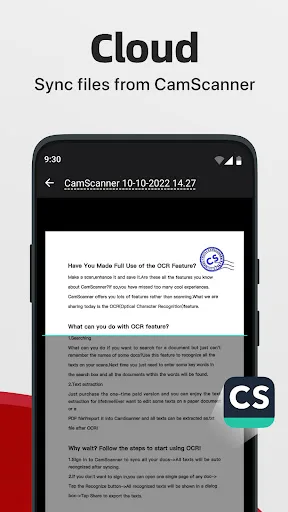
- Powered by CamScanner, offering excellent scanning and OCR capabilities
- Converts PDF to Word, Excel, PPT, and images for free
- All-in-one tool: PDF reader, editor, converter, and scanner
- Compatible with Microsoft, Google, and Adobe file formats
Cons
- May include ads or prompts to upgrade (though core features are free)
- Some advanced editing features may be less intuitive than PDFgear
- Requires more permissions due to scanning functionality
Final Verdict
Our pick: CS PDF Reader - PDF Editor
CS PDF Reader is the better choice for most users due to its higher rating (4.47 vs 4.35), massive install base (10M+ vs 1M+), and integration with CamScanner's powerful scanning and conversion features. It offers a broader set of tools including PDF-to-Word conversion and image-to-PDF scanning, all for free. While PDFgear excels in pure PDF editing and annotation, CS PDF Reader's versatility and reliability make it the winner. For users who only need advanced PDF editing, PDFgear is a strong contender, but overall, CS PDF Reader is recommended.
PDFgear: PDF Editor & Reader Screenshots
Official app screenshots from the Google Play Store.
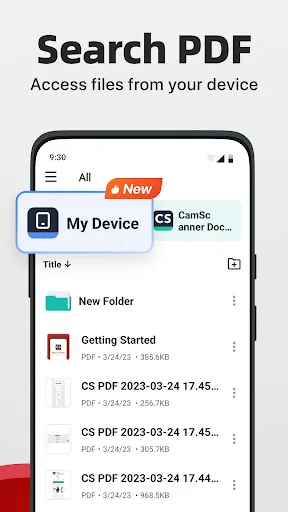
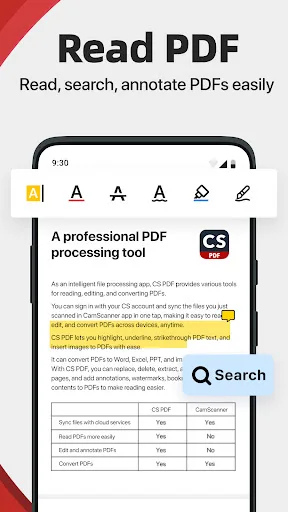
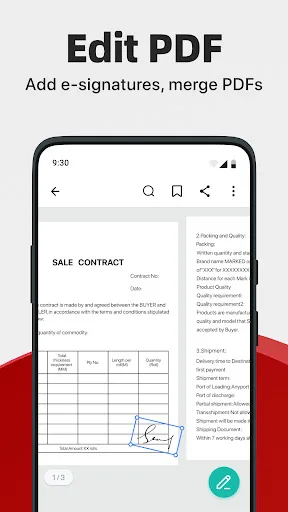
CS PDF Reader - PDF Editor Screenshots
Official app screenshots from the Google Play Store.
Frequently Asked Questions
Which app has a higher rating?
CS PDF Reader has a higher rating of 4.47 compared to PDFgear's 4.35.
Can I use these apps offline?
Both apps offer offline functionality for reading and editing PDFs. However, features like cloud sync or online conversion may require internet.
Do these apps contain ads?
PDFgear is ad-free. CS PDF Reader may display ads, but they are not intrusive. Both are free to use.
What are the device requirements?
Both apps run on Android 5.0 and above. CS PDF Reader may require camera access for scanning. PDFgear needs storage permissions for file access.
Which app should I choose?
Choose CS PDF Reader for an all-in-one solution with scanning and conversion. Choose PDFgear if you need a dedicated PDF editor with advanced annotation tools.
Related Comparisons
 VS
VS

Mobi PDF vs MobiOffice: Which MobiSystems PDF Tool is Best for You?
 VS
VS
Document Reader vs MobiPDF: Which PDF Tool Reigns Supreme?
 VS
VS
iLovePDF vs Document Reader & PDF Editor: Best PDF Tool for Android
 VS
VS
Xodo vs Document Reader: Best PDF Tool for Android
 VS
VS
PDF Reader vs MobiOffice: Which PDF Tool Reigns Supreme?
VS