PDF Reader vs MobiOffice: Which PDF Tool Reigns Supreme?
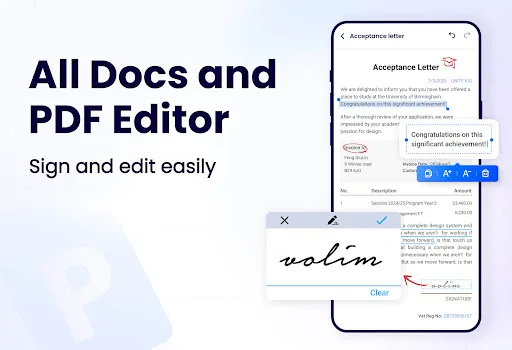
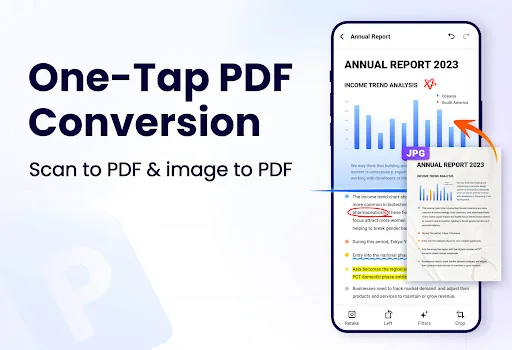
PDF Reader - PDF Viewer is an AI-powered all-in-one app designed for users who need a dedicated PDF editor and viewer with advanced features like text editing, signing, and conversion. MobiOffice, on the other hand, is a comprehensive office suite that includes word processing, spreadsheets, presentations, and PDF capabilities, making it ideal for professionals who need a full productivity solution. While PDF Reader focuses solely on PDF tasks, MobiOffice offers broader office functionality at the cost of some specialized PDF features.
PDF Reader - PDF Viewer
- Rating
- ★ 4.22
- Downloads
- 100,000,000+
- Developer
- QR Code Scanner.

MobiOffice: Word, Sheets, PDF
Recommended- Rating
- ★ 4.35
- Downloads
- 100,000,000+
- Developer
- MobiSystems
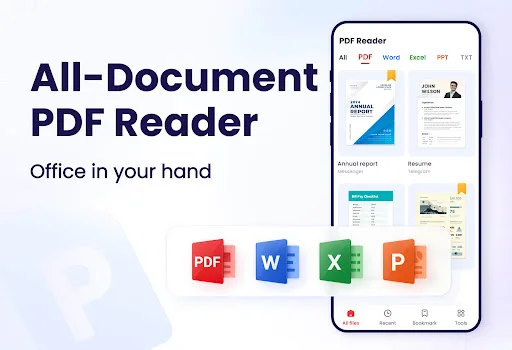
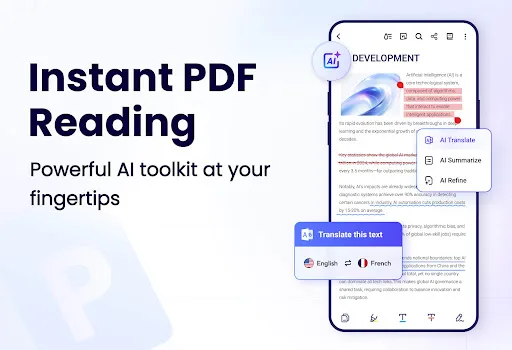
This AI-powered all-in-one PDF Reader lets you open, read, edit, sign and convert PDF files anytime, anywhere. This smart PDF Viewer automatically detects and displays all files on your device — PDF, Word, Excel, PPT and TXT are all supported. With this PDF Editor and PDF Conve…
Pros
- AI-powered PDF editing and conversion
- Supports multiple file formats including Word, Excel, PPT, and TXT
- Free to use with essential features
- Automatic detection of all PDF files on device
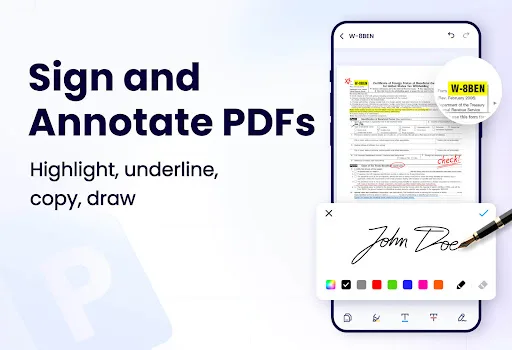
- Built-in PDF signing and annotation tools
Cons
- Contains ads which can be intrusive
- Some advanced features require in-app purchases
- No support for creating or editing spreadsheets or presentations
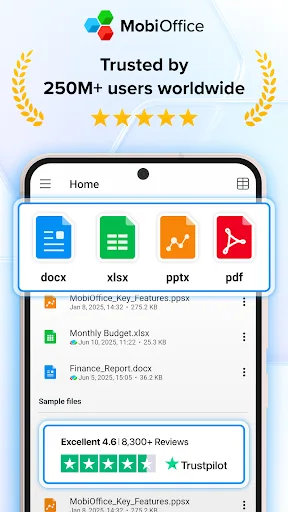
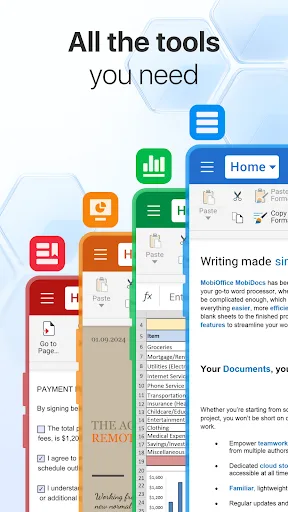
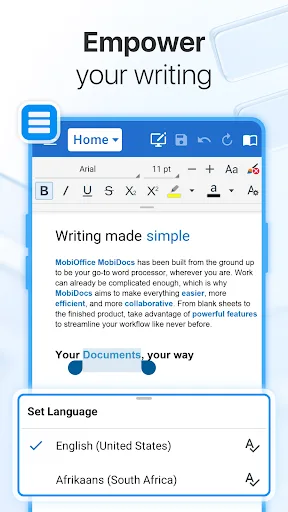
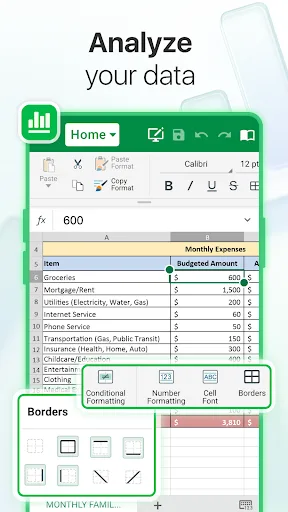
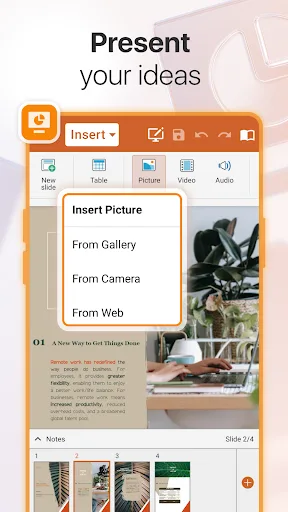
MobiOffice is the smart choice for office productivity. With this powerful office pack, you can create, edit, comment, format, convert, and protect documents, spreadsheets and presentations - as well as the ability to view and sign PDF files. Compatible with Microsoft Office (Wor…
Pros
- Comprehensive office suite with Word, Sheets, and Slides
- High compatibility with Microsoft Office and Google Docs formats
- PDF viewing and signing capabilities included
- Higher rating (4.34) compared to PDF Reader (4.22)
- Document protection and conversion features
Cons
- PDF editing features are more limited than dedicated PDF apps
- Some features require a subscription
- Larger app size due to multiple components
Final Verdict
Our pick: MobiOffice: Word, Sheets, PDF
For users who primarily work with PDFs and need robust editing, annotation, and conversion tools, PDF Reader - PDF Viewer is the better choice due to its AI-powered features and dedicated PDF focus. However, if you require a complete office suite that handles Word, Excel, PowerPoint, and PDFs in one app, MobiOffice is the way to go. Both apps have high ratings and massive install bases, but MobiOffice's slightly higher rating and integration with Microsoft formats give it an edge for general productivity. Ultimately, choose PDF Reader for specialized PDF tasks and MobiOffice for all-in-one office work. Our recommendation leans towards MobiOffice for its versatility.
PDF Reader - PDF Viewer Screenshots
Official app screenshots from the Google Play Store.
MobiOffice: Word, Sheets, PDF Screenshots
Official app screenshots from the Google Play Store.
Frequently Asked Questions
Which app has a higher rating?
MobiOffice has a slightly higher rating of 4.34 compared to PDF Reader's 4.22, based on millions of reviews.
Can I use these apps offline?
Both apps offer offline functionality for viewing and basic editing, but some features like cloud sync or online conversion may require an internet connection.
Do these apps contain ads?
PDF Reader - PDF Viewer contains ads in the free version, while MobiOffice is ad-free but may prompt subscription offers.
What are the device requirements?
Both apps require Android 5.0 or later and work on most smartphones and tablets. MobiOffice may need more storage due to its suite of tools.
Which app should I choose for PDF editing?
For dedicated PDF editing, annotation, and conversion, PDF Reader - PDF Viewer is more feature-rich. For a balance of PDF and office tasks, choose MobiOffice.
Related Comparisons
 VS
VS
Mobi PDF vs MobiOffice: Which MobiSystems PDF Tool is Best for You?
 VS
VS
Document Reader vs MobiPDF: Which PDF Tool Reigns Supreme?
 VS
VS
iLovePDF vs Document Reader & PDF Editor: Best PDF Tool for Android
 VS
VS
Xodo vs Document Reader: Best PDF Tool for Android
 VS
VS

PDFgear vs CS PDF Reader: Best Free PDF Editor for Android
VS