Mobi PDF vs MobiOffice: Which MobiSystems PDF Tool is Best for You?
Mobi PDF (MobiSystems) is a dedicated PDF tool for scanning, editing, annotating, and securing PDFs, ideal for users who need a focused PDF solution. MobiOffice (MobiSystems) is a full office suite that includes PDF viewing and signing alongside document, spreadsheet, and presentation editing, perfect for those who need an all-in-one productivity app. Both are from the same developer but serve different primary use cases.
Mobi PDF・Editor・Scanner・Reader
Recommended- Rating
- ★ 4.42
- Downloads
- 10,000,000+
- Developer
- MobiSystems

MobiOffice: Word, Sheets, PDF
- Rating
- ★ 4.35
- Downloads
- 100,000,000+
- Developer
- MobiSystems
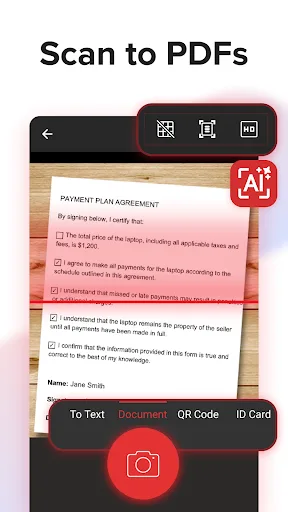
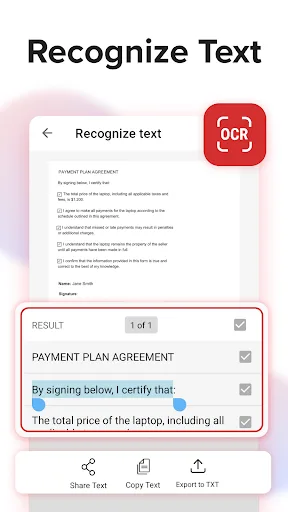
MobiPDF Editor and Scanner gives you a powerful collection of expert tools to quickly and easily view, review, edit, create, and secure PDFs on your phone, wherever you are. 📃 AI-Powered Scan to PDF Experience AI-powered scanning with enhanced edge detection and capture clear…
Pros
- AI-powered scanning with enhanced edge detection
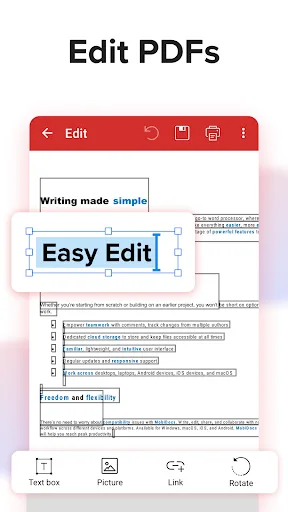
- Comprehensive PDF editing: text, images, annotations
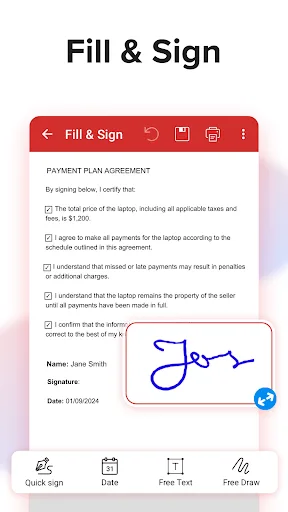
- Form filling and electronic signatures
- PDF security with password protection and redaction
- Optimized for mobile with smooth performance
Cons
- No support for Word, Excel, or PowerPoint files
- Free version has limited features; requires subscription for full access
- Occasional ads in free version
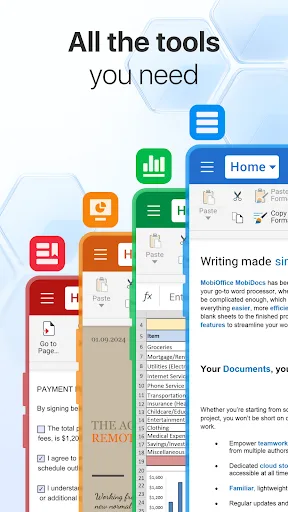
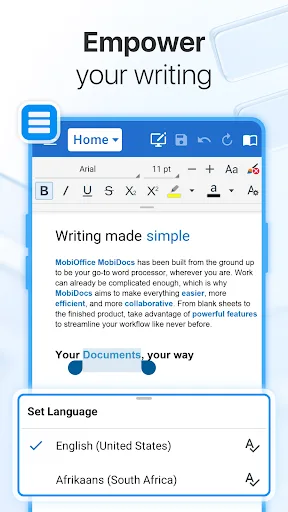
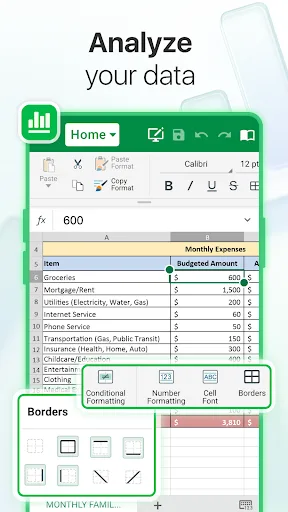
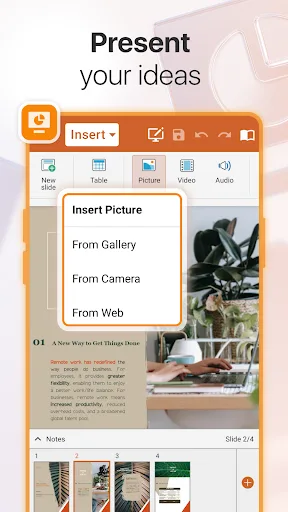
MobiOffice is the smart choice for office productivity. With this powerful office pack, you can create, edit, comment, format, convert, and protect documents, spreadsheets and presentations - as well as the ability to view and sign PDF files. Compatible with Microsoft Office (Wor…
Pros
- Full office suite: Word, Excel, PowerPoint, and PDF
- PDF viewing and signing capabilities
- Compatible with Microsoft Office and Google Docs formats
- Cloud integration with multiple services
- Lightweight and fast performance
Cons
- PDF editing is limited compared to dedicated PDF apps
- No AI-powered scanning feature
- Free version has ads and limited functionality
Final Verdict
Our pick: Mobi PDF・Editor・Scanner・Reader
If your primary need is robust PDF editing, scanning, and form filling, choose Mobi PDF for its specialized features like AI-powered scanning and advanced editing tools. If you need to work with Word, Excel, and PowerPoint files in addition to basic PDF viewing and signing, MobiOffice is the better choice as it offers a complete office suite. For pure PDF power, Mobi PDF wins; for versatility, MobiOffice is the winner. Given the question focuses on PDF tools, Mobi PDF is recommended as the dedicated PDF app.
Mobi PDF・Editor・Scanner・Reader Screenshots
Official app screenshots from the Google Play Store.
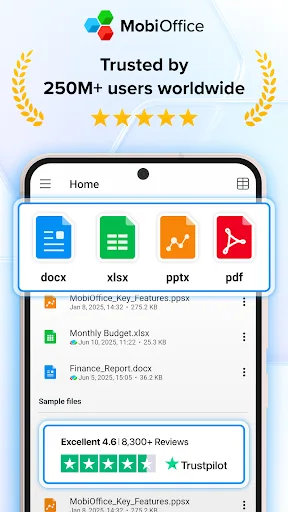
MobiOffice: Word, Sheets, PDF Screenshots
Official app screenshots from the Google Play Store.
Frequently Asked Questions
What are the ratings of Mobi PDF and MobiOffice?
Mobi PDF has a rating of 4.42 based on over 10 million installs, while MobiOffice has a rating of 4.35 based on over 100 million installs. Both are highly rated.
Can I use these apps offline?
Yes, both apps offer offline functionality for viewing and editing documents. However, some features like cloud sync or AI scanning may require internet.
Do these apps contain ads?
Yes, the free versions of both apps include ads. Upgrading to a premium subscription removes ads and unlocks full features.
What are the device requirements?
Both apps require Android 5.0 or later. They are optimized for phones and tablets, with support for various screen sizes.
Which one should I choose for PDF tasks?
For dedicated PDF editing, scanning, and form filling, choose Mobi PDF. For occasional PDF viewing and signing alongside office document editing, choose MobiOffice.
Related Comparisons
 VS
VS
Document Reader vs MobiPDF: Which PDF Tool Reigns Supreme?
 VS
VS
iLovePDF vs Document Reader & PDF Editor: Best PDF Tool for Android
 VS
VS
Xodo vs Document Reader: Best PDF Tool for Android
 VS
VS

PDFgear vs CS PDF Reader: Best Free PDF Editor for Android
 VS
VS
PDF Reader vs MobiOffice: Which PDF Tool Reigns Supreme?
VS