Xodo vs Document Reader: Best PDF Tool for Android
Xodo PDF Reader & Editor by Apryse Software Inc. is a dedicated PDF powerhouse for professionals who need advanced annotation, editing, and scanning. Document Reader - PDF Editor by Simple Design Ltd. is an all-in-one file viewer supporting PDF, Office, and more, ideal for users who need a universal document opener. Both apps are highly rated and widely installed, but cater to different workflows.
PDF Reader & Editor: Xodo
Recommended- Rating
- ★ 4.19
- Downloads
- 10,000,000+
- Developer
- Apryse Software Inc.
Document Reader - PDF Editor
- Rating
- ★ 4.73
- Downloads
- 50,000,000+
- Developer
- Simple Design Ltd.
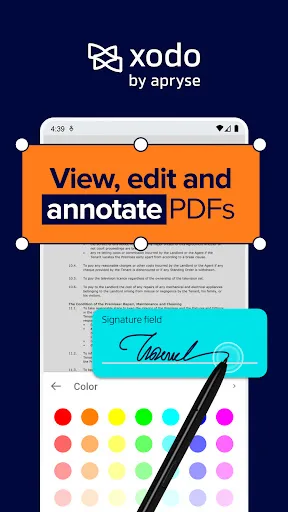
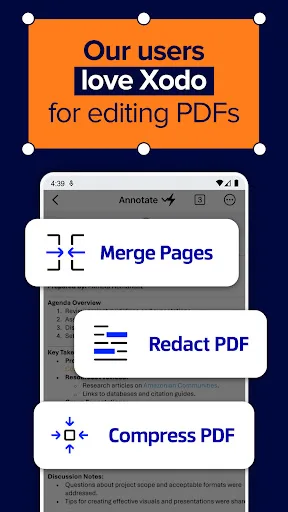
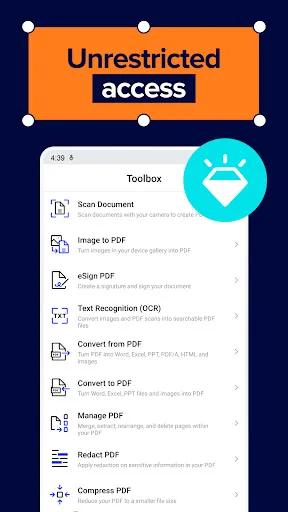
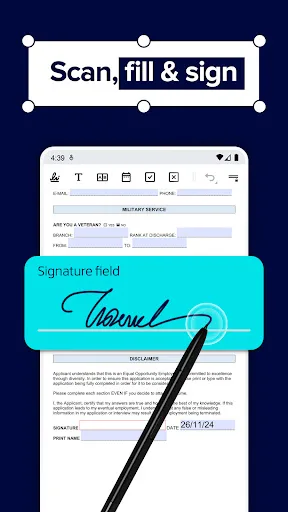
📄 Xodo — PDF Reader, Scanner & Editor. Manage PDFs for Work, Productivity, and Study Read, edit, annotate, scan, sign, and share PDFs effortlessly in one app with Xodo — a powerful PDF reader scanner and editor built for document management and business workflows. Designed…
Pros
- Comprehensive PDF editing: add text, images, signatures, and annotations
- Built-in PDF scanner with OCR support
- Smooth performance and intuitive UI
- Cloud integration (Google Drive, Dropbox, OneDrive)
- Free to use with no ads
Cons
- Limited support for non-PDF formats
- Some advanced features require in-app purchases
- Occasional sync issues with cloud services
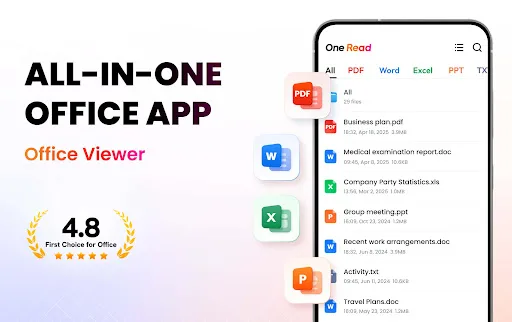
Want to quickly open all formats of files on your phone with just ONE app anytime, anywhere? Try All Document Reader! This all-in-one file viewer is perfectly compatible with all Office files, helping you easily process files in all formats, such as PDF, DOC, DOCX, XLS, XLXS, PPT…
Pros
- Opens a wide range of file formats: PDF, DOC, XLS, PPT, TXT, and more
- Automatic file scanning and organization
- Lightweight and fast loading
- Free with no ads
- Simple, easy-to-navigate interface
Cons
- PDF editing features are basic compared to Xodo
- No PDF scanning or OCR capability
- Less frequent updates and support
Final Verdict
Our pick: PDF Reader & Editor: Xodo
If you primarily work with PDFs and require robust editing, annotation, and scanning capabilities, Xodo is the clear winner. For users who need to view and manage various document formats (PDF, DOC, XLS, etc.) in one place, Document Reader offers better versatility. However, Xodo's specialized PDF features and higher user satisfaction among power users make it the recommended choice for dedicated PDF tasks.
PDF Reader & Editor: Xodo Screenshots
Official app screenshots from the Google Play Store.
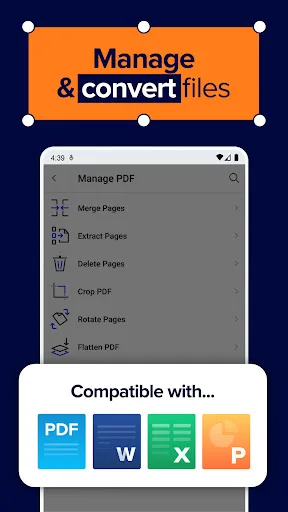
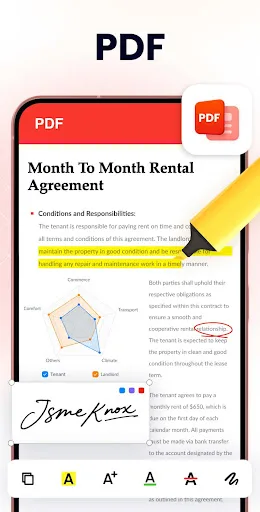
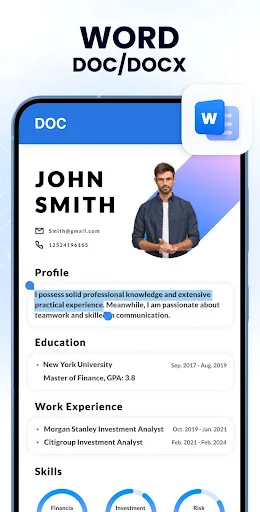
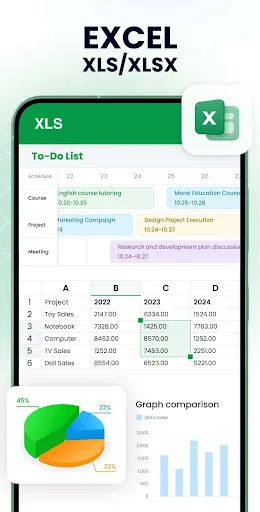
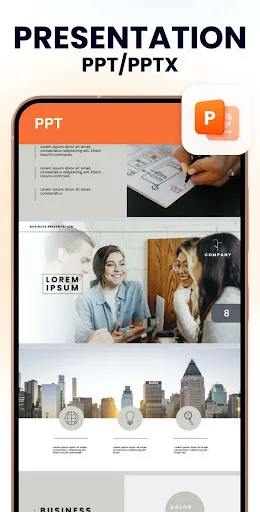
Document Reader - PDF Editor Screenshots
Official app screenshots from the Google Play Store.
Frequently Asked Questions
Which app has a higher rating?
Document Reader - PDF Editor has a slightly higher rating of 4.73 compared to Xodo's 4.19, but Xodo's rating is still very good and reflects its specialized features.
Can I use these apps offline?
Yes, both apps work offline for viewing and basic editing. However, cloud sync and some advanced features require an internet connection.
Do these apps contain ads?
Both Xodo and Document Reader are free and do not display ads, providing a clean user experience.
What are the device requirements?
Both apps support Android 5.0 and up. They are optimized for phones and tablets, with Xodo requiring slightly more storage for advanced features.
Which app should I choose for PDF editing?
For heavy PDF editing, scanning, and annotation, choose Xodo. For viewing and basic edits across multiple document types, Document Reader is better.
Related Comparisons
 VS
VS

Mobi PDF vs MobiOffice: Which MobiSystems PDF Tool is Best for You?
VS
Document Reader vs MobiPDF: Which PDF Tool Reigns Supreme?
 VS
VS
iLovePDF vs Document Reader & PDF Editor: Best PDF Tool for Android
 VS
VS
PDFgear vs CS PDF Reader: Best Free PDF Editor for Android
 VS
VS
PDF Reader vs MobiOffice: Which PDF Tool Reigns Supreme?
VS