iLovePDF vs MobiPDF: Which PDF Tool is Best for Android?
iLovePDF is a comprehensive PDF toolkit ideal for users who need quick, all-in-one document management—from scanning to signing—with a focus on simplicity and speed. MobiPDF, powered by AI, targets professionals and power users who require advanced editing, annotation, and secure document handling on the go. Both apps have over 10 million installs, but they cater to slightly different audiences.
iLovePDF: PDF Editor & Scanner
Recommended- Rating
- ★ 4.56
- Downloads
- 10,000,000+
- Developer
- iLovePDF
Mobi PDF・Editor・Scanner・Reader
- Rating
- ★ 4.42
- Downloads
- 10,000,000+
- Developer
- MobiSystems
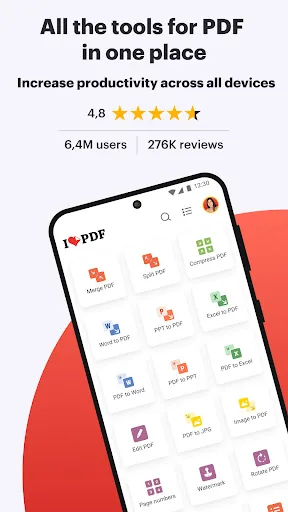
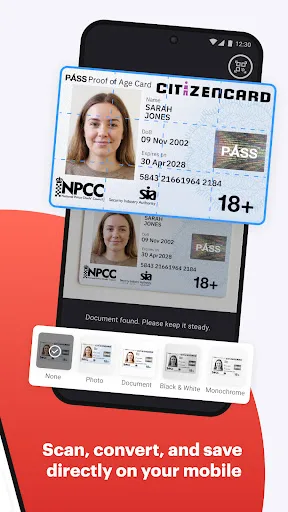
iLovePDF brings document management into one place, so you can get the job done completely paperless from your Android smartphone and tablet. Read, convert, annotate, and sign PDF in just a few seconds with this handy document scanner and editor. Boost your productivity with ever…
Pros
- Higher user rating (4.57) with over 10M installs
- All-in-one tool: scan, compress, merge, split, sign PDFs
- Fast and intuitive interface for quick document tasks
- Supports multiple file conversions (PDF to Word, Excel, etc.)
- Free version covers most essential features
Cons
- Some advanced features require subscription
- Limited offline functionality (requires internet for conversions)
- No AI-powered scanning or advanced annotation tools
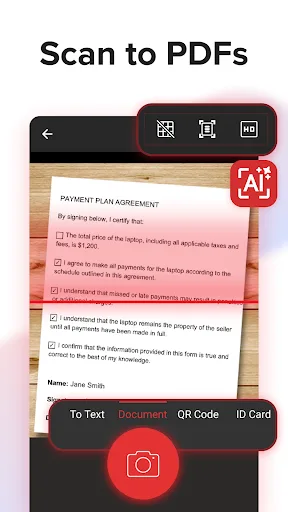
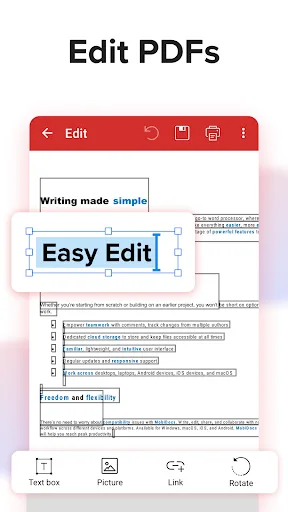
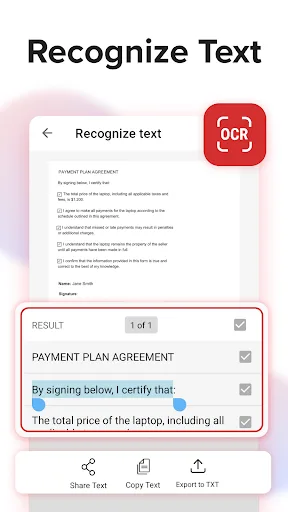
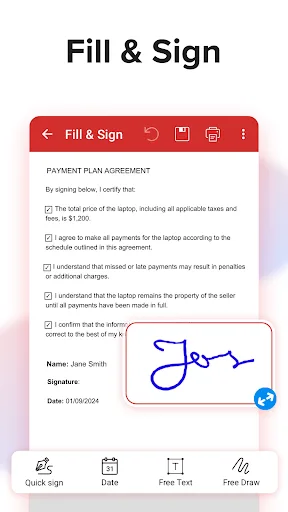
MobiPDF Editor and Scanner gives you a powerful collection of expert tools to quickly and easily view, review, edit, create, and secure PDFs on your phone, wherever you are. 📃 AI-Powered Scan to PDF Experience AI-powered scanning with enhanced edge detection and capture clear…
Pros
- AI-powered scanning with enhanced edge detection
- Rich annotation and editing tools for professionals
- Strong security features (password protection, redaction)
- Offline mode for basic PDF viewing and editing
- Seamless integration with cloud services
Cons
- Lower overall rating (4.42) compared to iLovePDF
- Free version has limited features; subscription needed for full access
- Interface can be overwhelming for casual users
Final Verdict
Our pick: iLovePDF: PDF Editor & Scanner
For most users, iLovePDF is the better choice due to its higher rating (4.57 vs 4.42), broader feature set, and intuitive interface. It excels in everyday tasks like scanning, compressing, and merging PDFs with minimal friction. However, if you need AI-powered scanning, extensive annotation tools, or advanced security features, MobiPDF is a strong alternative. Ultimately, iLovePDF offers the best balance of functionality and ease of use for the majority of Android users.
iLovePDF: PDF Editor & Scanner Screenshots
Official app screenshots from the Google Play Store.
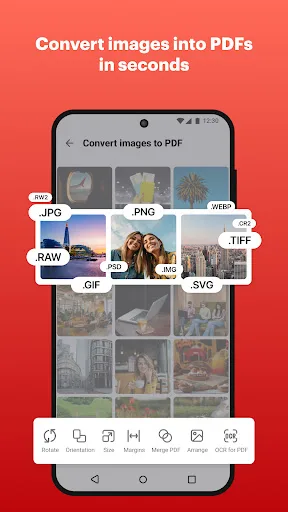
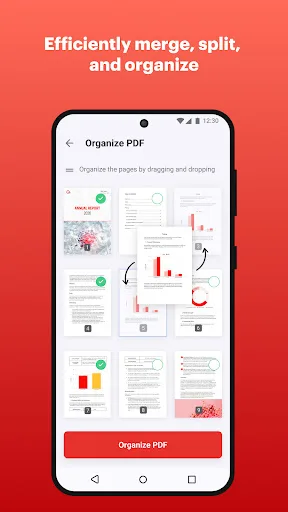
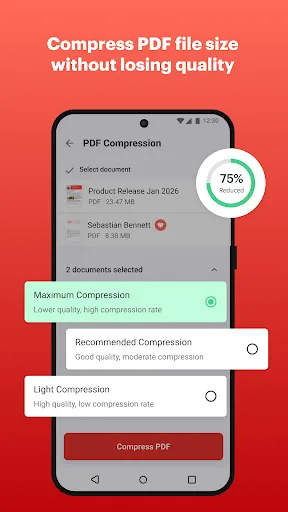
Mobi PDF・Editor・Scanner・Reader Screenshots
Official app screenshots from the Google Play Store.
Frequently Asked Questions
Which app has a better rating?
iLovePDF has a higher rating of 4.565934 compared to MobiPDF's 4.423611, based on overall user reviews.
Can I use these apps offline?
iLovePDF requires internet for most features like conversions and cloud access. MobiPDF offers offline viewing and basic editing, but advanced features need connectivity.
Do these apps contain ads?
Both apps have ads in their free versions. iLovePDF shows occasional banner ads, while MobiPDF may display ads during scanning and editing. Premium subscriptions remove ads.
What are the device requirements?
Both apps require Android 5.0 (Lollipop) or later. iLovePDF recommends 2GB RAM for smooth performance; MobiPDF works well on devices with at least 2GB RAM and a camera for scanning.
Which app should I choose for basic PDF tasks?
For basic tasks like scanning, merging, and compressing PDFs, iLovePDF is the better choice due to its simplicity and higher rating. For advanced editing and AI scanning, choose MobiPDF.
Related Comparisons
VS

Mobi PDF vs MobiOffice: Which MobiSystems PDF Tool is Best for You?
 VS
VS
Document Reader vs MobiPDF: Which PDF Tool Reigns Supreme?
VS
iLovePDF vs Document Reader & PDF Editor: Best PDF Tool for Android
 VS
VS
Xodo vs Document Reader: Best PDF Tool for Android
 VS
VS

PDFgear vs CS PDF Reader: Best Free PDF Editor for Android
 VS
VS