iLovePDF: PDF Editor & Scanner
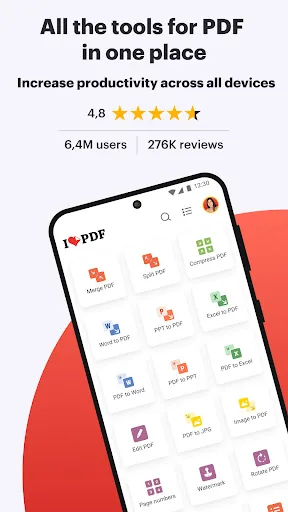
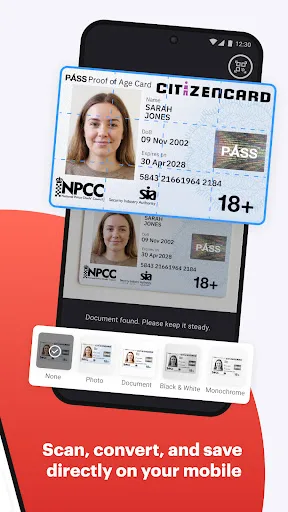
iLovePDF brings document management into one place, so you can get the job done completely paperless from your Android smartphone and tablet. Read, convert, annotate, and sign PDF in just a few seconds with this handy document scanner and editor. Boost your productivity with every tool you need to work on the go! PHONE SCANNER • Smartphone and Tablet Scanner: Snap a photo of anything and save it to PDF. Multipage P…
iLovePDF: PDF Editor & Scanner Screenshots
Official app screenshots from the Google Play Store.
About iLovePDF: PDF Editor & Scanner
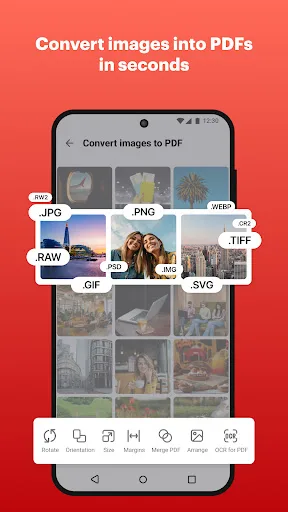
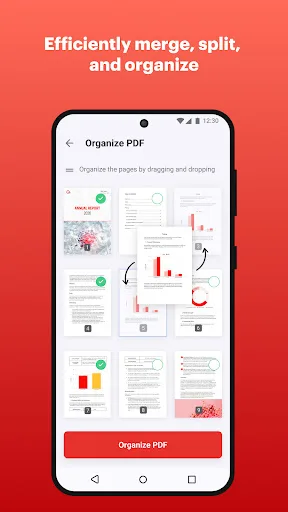
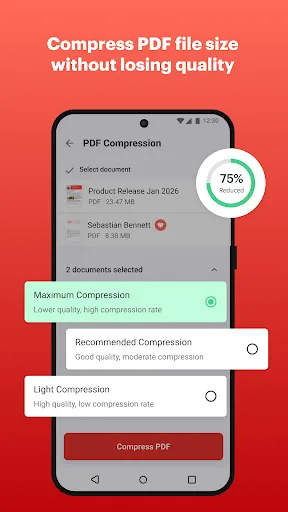
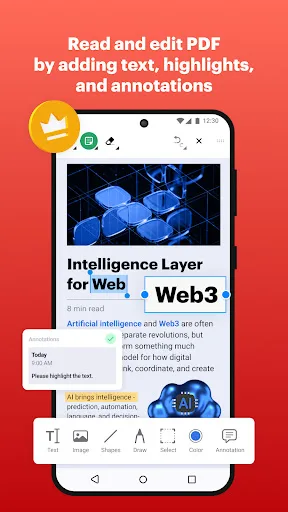
iLovePDF brings document management into one place, so you can get the job done completely paperless from your Android smartphone and tablet. Read, convert, annotate, and sign PDF in just a few seconds with this handy document scanner and editor. Boost your productivity with every tool you need to work on the go! PHONE SCANNER • Smartphone and Tablet Scanner: Snap a photo of anything and save it to PDF. Multipage PDF option available. • Text recognition (OCR): Turn any scanned text or image into PDF with high accuracy. PDF CONVERTER • JPG to PDF: Take a picture of a document and save it to PDF. • MS Office Converter: Convert office documents to PDF files. Turn your PDF files into editable Office formats such as Word, Excel, Powerpoint. • Extract images from PDF: Extract images from your PDF document with high quality. Convert your own images to single or multiple PDF files. PDF EDITOR • Annotate PDF: Simply highlight the relevant text in your PDF. Add notes and annotations to PDF documents, leave comments, draw or insert images to PDF. Choose your format of annotation. • Fill and sign forms: Quickly fill out a PDF form by typing text and e-sign it using your finger. �…