MobiOffice vs iLovePDF: Best Android PDF Tool for Productivity
MobiOffice is a full-featured office suite ideal for users who need to create and edit Word, Excel, and PowerPoint files alongside PDF tasks. iLovePDF is a dedicated PDF tool perfect for users who primarily handle PDF documents and need powerful scanning, conversion, and annotation features. Both apps are highly rated, but they serve different primary purposes.

MobiOffice: Word, Sheets, PDF
Recommended- Rating
- ★ 4.35
- Downloads
- 100,000,000+
- Developer
- MobiSystems
iLovePDF: PDF Editor & Scanner
- Rating
- ★ 4.56
- Downloads
- 10,000,000+
- Developer
- iLovePDF
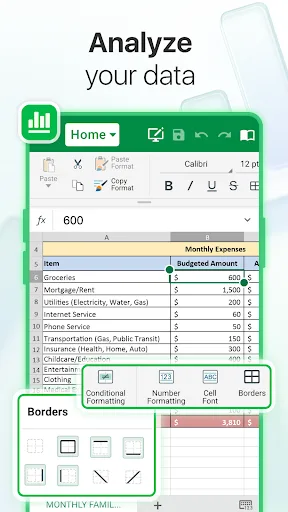
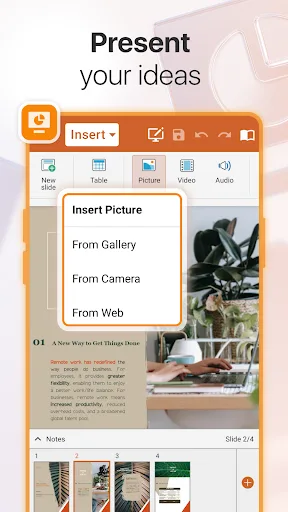
MobiOffice is the smart choice for office productivity. With this powerful office pack, you can create, edit, comment, format, convert, and protect documents, spreadsheets and presentations - as well as the ability to view and sign PDF files. Compatible with Microsoft Office (Wor…
Pros
- Full office suite supporting Word, Excel, PowerPoint, and PDF
- Over 100 million installs, indicating widespread trust
- Compatible with Microsoft Office, Google Docs, and OpenDocument formats
- Includes PDF viewing, annotation, and digital signature capabilities
- Offers document protection and conversion features
Cons
- PDF editing features are not as advanced as dedicated PDF apps
- Interface can feel cluttered with many office tools
- Some advanced features require a subscription
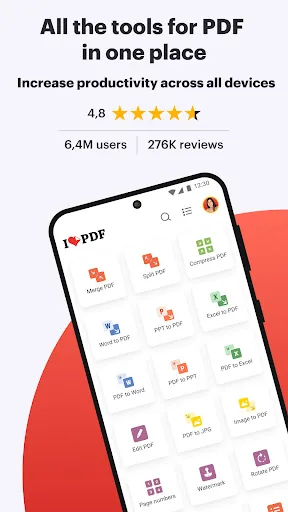
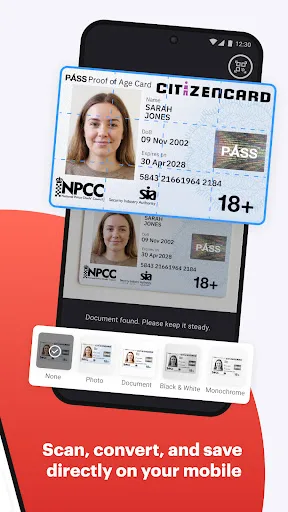
iLovePDF brings document management into one place, so you can get the job done completely paperless from your Android smartphone and tablet. Read, convert, annotate, and sign PDF in just a few seconds with this handy document scanner and editor. Boost your productivity with ever…
Pros
- Specialized PDF editor with powerful annotation and signing tools
- Built-in document scanner with high-quality image processing
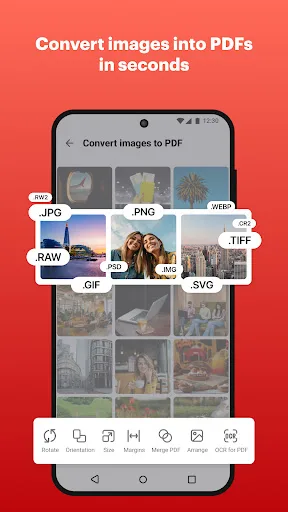
- Supports PDF conversion to and from multiple formats
- Clean, intuitive interface focused solely on PDF tasks
- Lightweight app with fast performance on most devices
Cons
- Does not support editing of Word, Excel, or PowerPoint files
- Fewer installs and community resources compared to MobiOffice
- Some features like OCR are limited in the free version
Final Verdict
Our pick: MobiOffice: Word, Sheets, PDF
For users who need a comprehensive office suite with PDF capabilities, MobiOffice is the clear winner due to its broader file format support and higher install base. However, if your work revolves exclusively around PDF editing, scanning, and conversion, iLovePDF offers a more streamlined and specialized experience. We recommend MobiOffice for its versatility and proven reliability, especially for professionals who handle multiple document types. iLovePDF is an excellent choice for heavy PDF users who value advanced scanning and conversion tools.
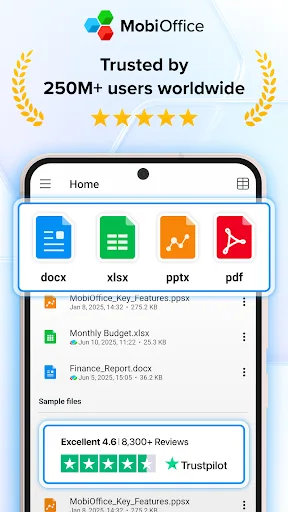
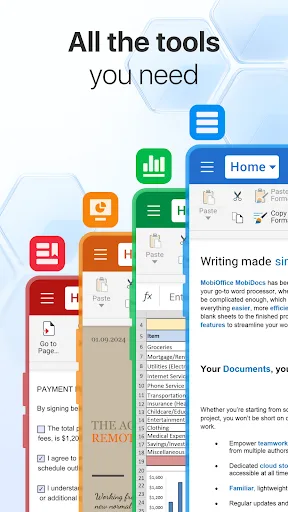
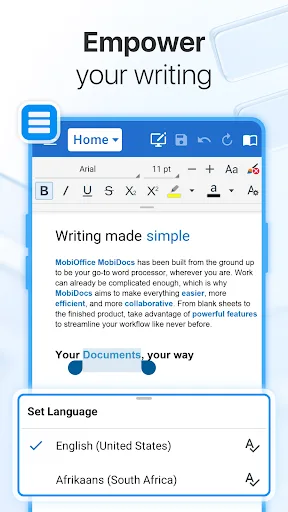
MobiOffice: Word, Sheets, PDF Screenshots
Official app screenshots from the Google Play Store.
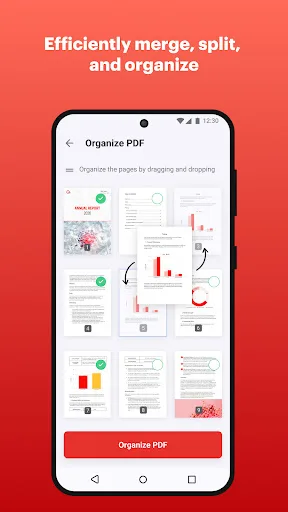
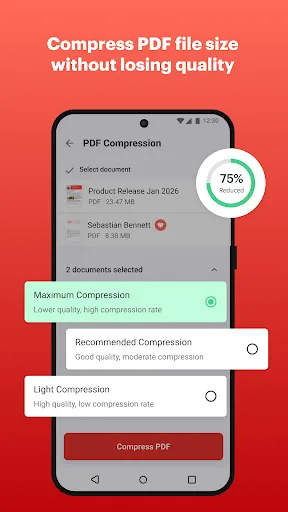
iLovePDF: PDF Editor & Scanner Screenshots
Official app screenshots from the Google Play Store.
Frequently Asked Questions
Which app has a higher rating?
iLovePDF has a slightly higher rating (4.56) compared to MobiOffice (4.32) on the Google Play Store.
Can I use these apps offline?
Both apps offer offline functionality for basic editing and viewing, but some features like cloud conversion may require an internet connection.
Do these apps contain ads?
Both apps include ads in their free versions. Premium subscriptions remove ads and unlock additional features.
What are the minimum Android requirements?
MobiOffice requires Android 5.0 or later; iLovePDF requires Android 5.0 or later. Both run smoothly on most modern devices.
Which app should I choose for PDF-heavy tasks?
If you primarily work with PDFs, choose iLovePDF for its specialized tools. If you need an all-in-one office suite, choose MobiOffice.
Related Comparisons
 VS
VS
Mobi PDF vs MobiOffice: Which MobiSystems PDF Tool is Best for You?
 VS
VS
Document Reader vs MobiPDF: Which PDF Tool Reigns Supreme?
VS
iLovePDF vs Document Reader & PDF Editor: Best PDF Tool for Android
 VS
VS
Xodo vs Document Reader: Best PDF Tool for Android
 VS
VS

PDFgear vs CS PDF Reader: Best Free PDF Editor for Android
 VS
VS