KineMaster - Video Editor
Edit everything: Movies, vlogs, Reels, and Shorts. [ AI Tools for Your Next Video ] Complex videos can be made quickly with these AI features. • AI Auto Captions: Add subtitles instantly from video or audio • AI Text-to-Speech: Create spoken audio from text with one tap • AI Voice: Make your audio unique when you apply AI Voices • AI Music Match: Get song recommendations fast • AI Magic Removal: Cut out the…
KineMaster - Video Editor Screenshots
Official app screenshots from the Google Play Store.
About KineMaster - Video Editor
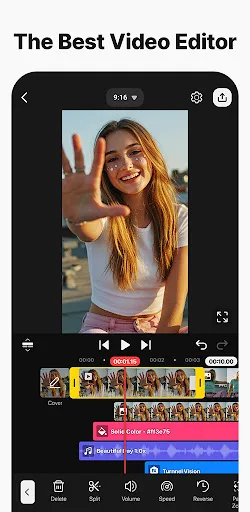
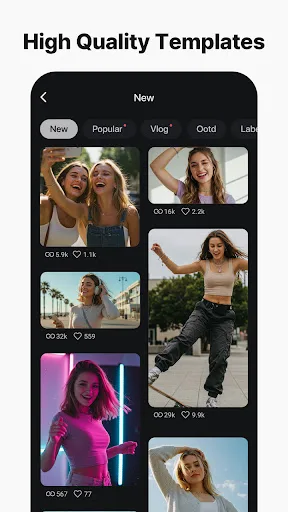
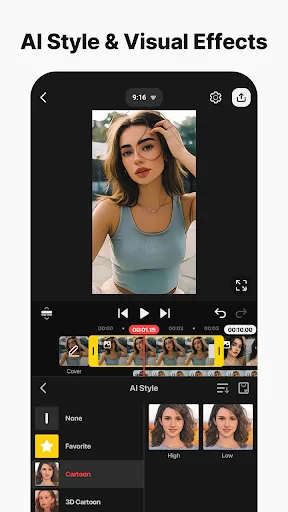
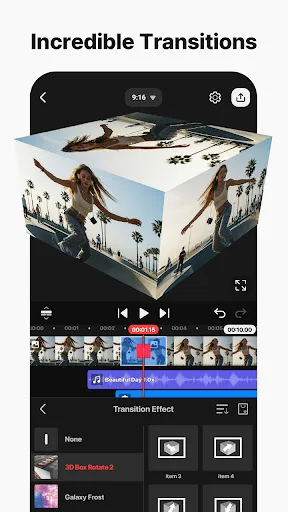
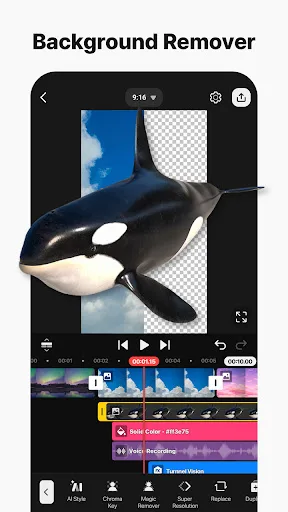
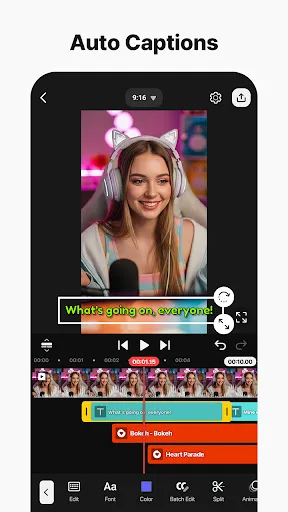
Edit everything: Movies, vlogs, Reels, and Shorts. [ AI Tools for Your Next Video ] Complex videos can be made quickly with these AI features. • AI Auto Captions: Add subtitles instantly from video or audio • AI Text-to-Speech: Create spoken audio from text with one tap • AI Voice: Make your audio unique when you apply AI Voices • AI Music Match: Get song recommendations fast • AI Magic Removal: Cut out the background around people and faces • AI Noise Removal: Zap distracting sounds in your video or audio • AI Vocal Separator: Split a song into its vocals and music • AI Tracking: Make your text and stickers follow moving objects • AI Upscaling: Boost the size of low-resolution media • AI Style: Add artistic effects to your videos and images [ Professional Video Editing for Everyone ] KineMaster makes advanced tools easy to use. • Keyframe Animation: Adjust the size, position, and rotation of every layer • Chroma Key (Green Screen): Remove backgrounds and combine videos like the pros • Speed Control: Reverse, slow down, or turn your videos into time-lapse masterpieces [ Jumpstart Your Creativity ] Pick a template, replace its photos and videos, and you’r…