Canva vs KineMaster: Best Video Editor for You? ( Comparison)
Canva is a versatile design tool that includes video editing, ideal for social media content creators who need quick, template-based edits with AI magic. KineMaster is a dedicated video editor with a multi-track timeline, perfect for vloggers and filmmakers wanting precise control. Canva excels in simplicity and all-in-one design, while KineMaster offers professional-grade editing features. Your choice depends on whether you prioritize ease of use or advanced capabilities.
KineMaster - Video Editor
Recommended- Rating
- ★ 4.44
- Downloads
- 500,000,000+
- Developer
- KineMaster, Video Editor Experts Group
Canva is your free photo editor, logo maker, collage maker, and video editor in one editing app! Design digital art faster with powerful magic AI tools built-in, like the AI image generator that allows you to transform text to image in just a few minutes Make stunning social medi…
Pros
- AI image generator and magic design tools built-in
- Huge library of templates for social media, logos, and more
- Very easy to use with drag-and-drop interface
- All-in-one app for photo, video, and graphic design
- Free version with extensive features and cloud storage
Cons
- Video timeline is limited compared to dedicated editors
- Some advanced video features require subscription
- Export resolution capped at 1080p on free plan
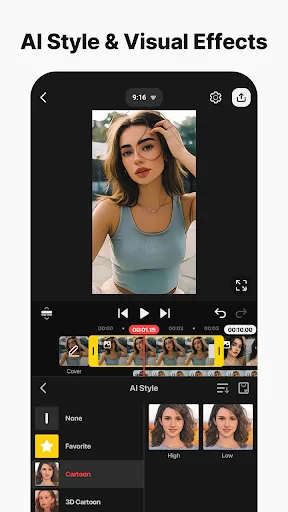
Edit everything: Movies, vlogs, Reels, and Shorts. [ AI Tools for Your Next Video ] Complex videos can be made quickly with these AI features. • AI Auto Captions: Add subtitles instantly from video or audio • AI Text-to-Speech: Create spoken audio from text with one tap • A…
Pros
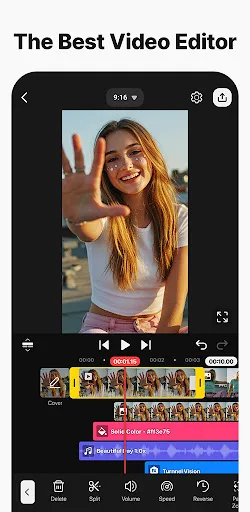
- Multi-track timeline for complex video editing
- AI auto captions and text-to-speech features
- Precise keyframe animation and speed control
- Wide range of export options including 4K
- Regular updates with new effects and tools
Cons
- Free version has watermarks on exports
- Interface can be overwhelming for beginners
- Some advanced features locked behind subscription
Final Verdict
Our pick: KineMaster - Video Editor
If you're a beginner or social media manager who wants to create polished videos quickly without a steep learning curve, Canva is the better choice due to its intuitive interface and powerful AI tools. However, for serious video editing with multi-layer timelines, keyframe animation, and precise audio control, KineMaster is superior. KineMaster also includes AI features like auto captions and text-to-speech. Overall, KineMaster edges out for dedicated video editing, but Canva wins for all-in-one design. We recommend KineMaster for video-focused projects.

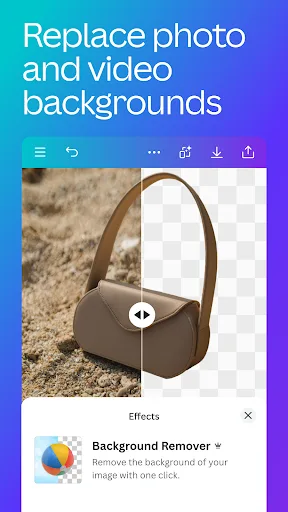
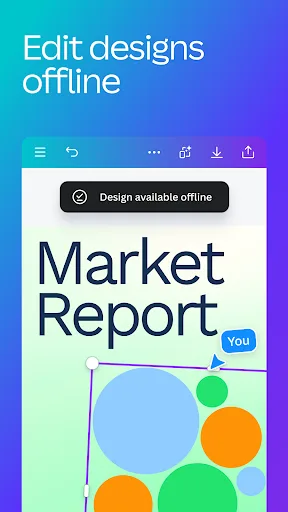
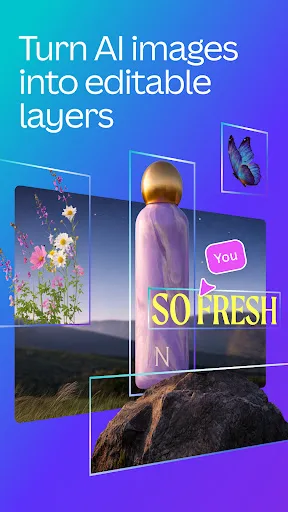
Canva: AI Photo & Video Editor Screenshots
Official app screenshots from the Google Play Store.


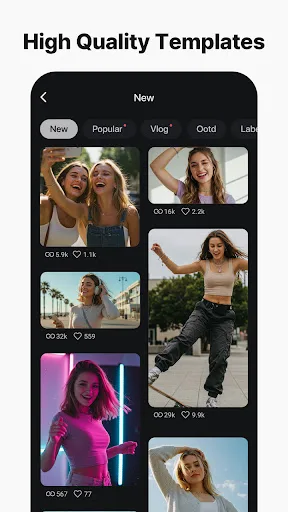
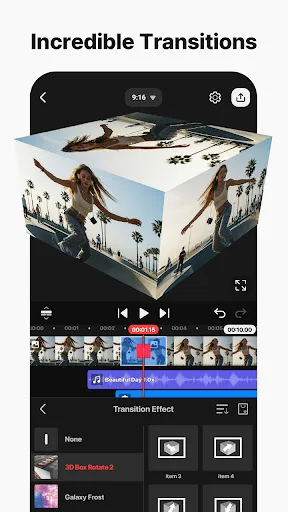
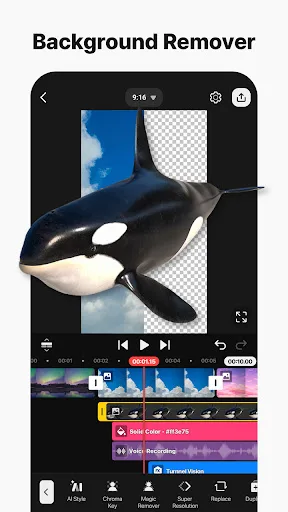
KineMaster - Video Editor Screenshots
Official app screenshots from the Google Play Store.
Frequently Asked Questions
Which app has a higher rating?
Canva has a rating of 4.77 out of 5, while KineMaster is rated 4.44. Canva is rated higher overall.
Can I use these apps offline?
Both apps offer limited offline functionality. Canva requires internet for AI features and template downloads. KineMaster can edit locally but needs online for AI tools and some assets.
Do these apps have ads?
Canva’s free version has occasional ads. KineMaster free version shows ads and adds a watermark to exports. Both offer ad-free experiences with subscriptions.
What are the device requirements?
Both apps support Android 6.0+. KineMaster recommends 2GB RAM for 4K editing. Canva runs smoothly on most devices, but AI features may need newer models.
Which app should I choose for video editing?
Choose Canva for quick, template-based social media videos and design. Choose KineMaster for detailed, multi-track editing with professional control.
Related Comparisons
 VS
VS
PowerDirector vs KineMaster: Best Video Editor for Android in 2026
 VS
VS
VN vs Video Guru: Which Free Video Editor Reigns Supreme?
 VS
VS
CapCut vs PowerDirector: Which Video Editor Reigns Supreme
 VS
VS

VivaCut vs Lightroom: Best Video Editor for Android
 VS
VS
Edits vs VivaCut: Best Free Video Editor for Creators
VS