VivaCut vs Lightroom: Best Video Editor for Android
If you're looking for a powerful video editor on Android, VivaCut and Adobe Lightroom are two heavyweights with over 100 million installs each. VivaCut is designed for users who want advanced editing features like multi-layer timelines and chroma key, ideal for creating professional-looking short videos. Lightroom, on the other hand, excels in photo and video color grading, perfect for content creators who prioritize visual aesthetics and need a seamless Adobe ecosystem integration. This comparison will help you decide which app aligns with your editing style.

AI Video Editor - VivaCut
Recommended- Rating
- ★ 4.29
- Downloads
- 100,000,000+
- Developer
- VivaCut professional video editor
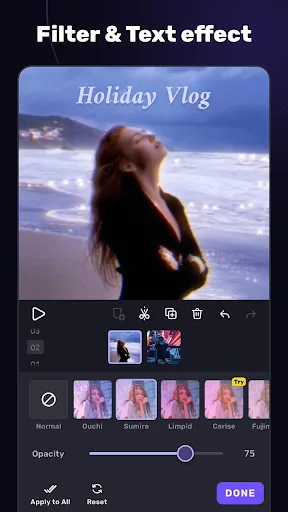
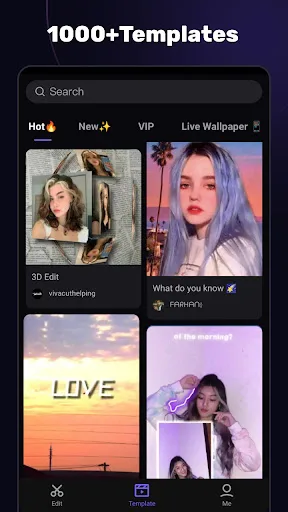
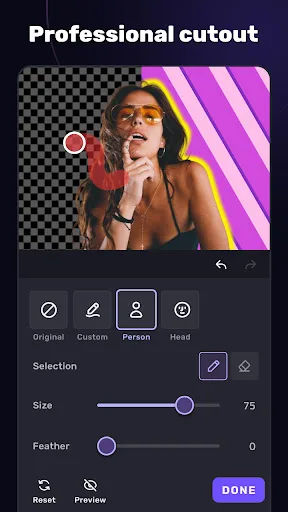
VivaCut is an amazing video editor & video maker. Whether you want to make a great movie or just want to share memories and fun moments with your friends, VivaCut is a perfect choice for you. Create short videos with one click using cool effect and transition templates! VivaCut i…
Pros
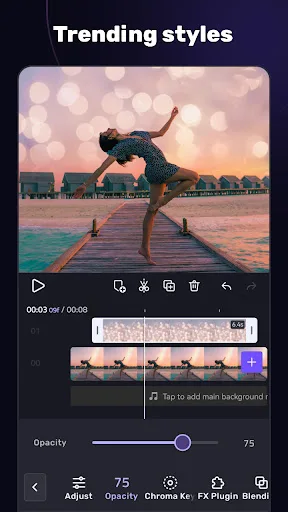
- Multi-layer timeline for complex edits
- Chroma key (green screen) support
- Wide range of transition and effect templates
- AI-powered features like auto-captioning
- Supports 4K video export
Cons
- Free version has watermarks
- Occasional ads can be intrusive
- Steep learning curve for beginners
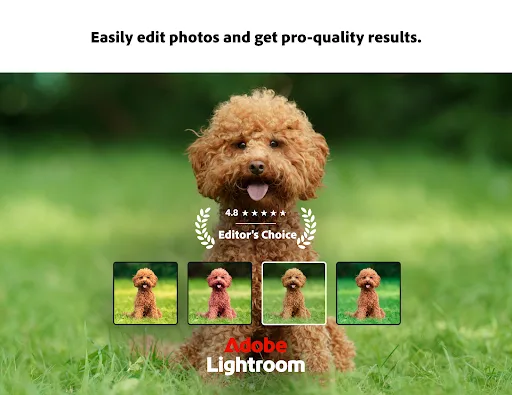
Ever wish your photos could really show what makes a moment special? Adobe Lightroom is a free photo and video editor that helps you do just that. From your dog’s goofy grin to that sunset that took your breath away, Adobe Lightroom makes it simple to bring those moments to lif…
Pros
- Industry-leading color grading tools
- Seamless integration with Adobe Creative Cloud
- Excellent photo editing capabilities
- Clean, intuitive interface
- No watermarks on exported videos
Cons
- Video editing features are basic (no multi-layer timeline)
- Requires Adobe account for full features
- Heavy app size and may lag on older devices
Final Verdict
Our pick: AI Video Editor - VivaCut
For dedicated video editing with advanced tools like multi-layer timelines and effects, VivaCut is the clear winner. It offers a comprehensive suite for creating polished videos, including chroma key and transition templates. However, if your primary focus is color grading and you already use Adobe products, Lightroom is unmatched. Lightroom's video editing is more basic but excels in photo editing and color correction. Ultimately, choose VivaCut for full-featured video editing, and Lightroom for superior color enhancement and photo-video hybrid workflows.
AI Video Editor - VivaCut Screenshots
Official app screenshots from the Google Play Store.


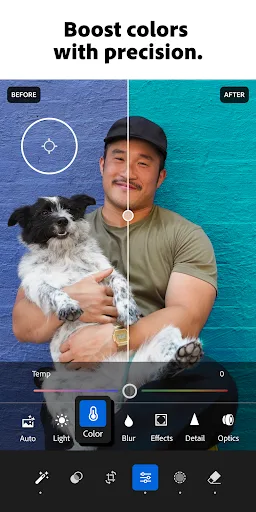
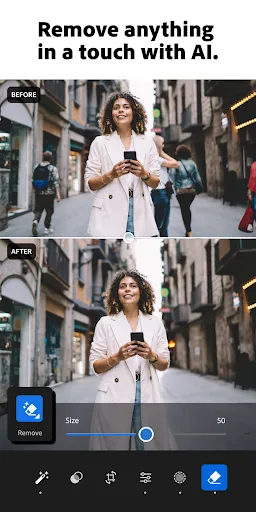
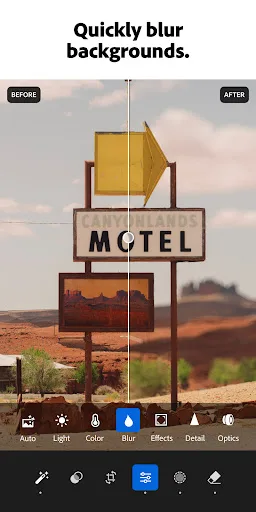
Lightroom Photo & Video Editor Screenshots
Official app screenshots from the Google Play Store.

Frequently Asked Questions
Which app has a higher rating?
Lightroom has a higher rating (4.50) compared to VivaCut (4.29).
Can I use these apps offline?
Both apps offer offline functionality for editing, but some features like templates or cloud sync may require internet.
Do these apps have ads?
VivaCut displays ads in the free version; Lightroom is ad-free but offers in-app purchases for premium features.
What are the device requirements?
Both require Android 5.0+ and at least 2GB RAM for smooth performance. Lightroom may need more storage (around 200MB).
Which app should I choose for video editing?
For advanced video editing, choose VivaCut. For color grading and photo-video editing, choose Lightroom.
Related Comparisons
 VS
VS

PowerDirector vs KineMaster: Best Video Editor for Android in 2026
 VS
VS

VN vs Video Guru: Which Free Video Editor Reigns Supreme?
 VS
VS
CapCut vs PowerDirector: Which Video Editor Reigns Supreme
 VS
VS
Canva vs KineMaster: Best Video Editor for You? ( Comparison)
 VS
VS
Edits vs VivaCut: Best Free Video Editor for Creators
VS