Any.do vs Google Tasks: Which Task Manager App is Best for You?
Any.do is a feature-rich to-do list and calendar app designed for individuals, families, and teams who want an all-in-one planner with reminders and daily organization. Google Tasks, on the other hand, is a minimalist task manager deeply integrated with Google Workspace, ideal for users who prioritize simplicity and seamless sync with Gmail and Google Calendar. Both apps are free and have over 10 million installs, but they cater to different productivity styles.

Any.do - To do list & Calendar
- Rating
- ★ 4.40
- Downloads
- 10,000,000+
- Developer
- Any.do To-do list & Calendar
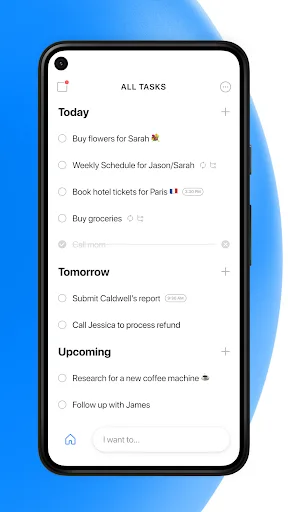
🥇 "#1 To do list app out there” - WSJ 🏆 Editor's Choice by Google Over +40M people, families and teams rely on Any.do to stay organized and get more done. It's a simple and powerful to do list app with built in tasks, reminders, daily planner and calendar - all-in-one. �…
Pros
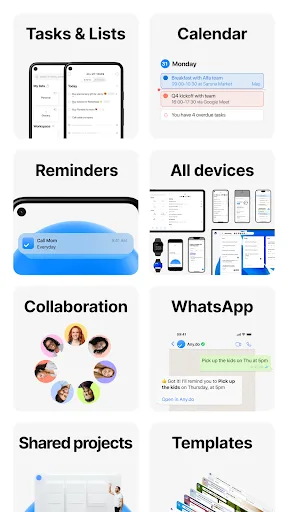
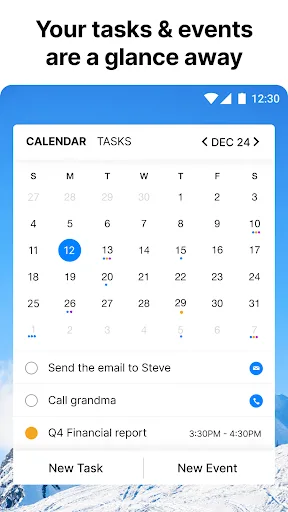
- Integrated calendar and daily planner
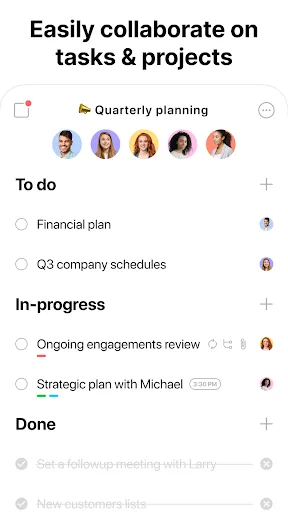
- Collaboration features for teams and families
- Natural language input for quick task creation
- Customizable reminders and recurring tasks
- Attractive, user-friendly interface
Cons
- Free version has limited features; premium subscription required for full access
- Occasional sync delays across devices
- Ads in the free version can be intrusive
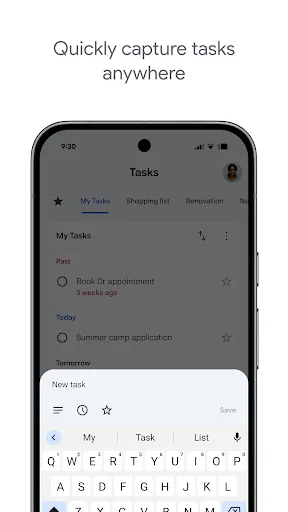
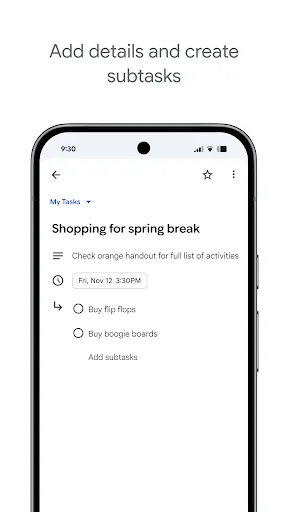
Stay on top of your to-dos with the Google Tasks mobile app. Easily capture, manage and get reminded about your tasks from anywhere, at any time. Your to-dos sync across all your devices, and integrations with Gmail and Google Tasks help you get tasks done— faster. With Google…
Pros
- Seamless integration with Gmail and Google Calendar
- Completely free with no ads or premium tiers
- Simple, clean, and intuitive interface
- Fast and reliable sync across all devices
- Lightweight app with minimal battery usage
Cons
- Lacks calendar view and advanced planning features
- No collaboration or sharing options
- Limited customization and no natural language input
Final Verdict
Our pick: Google Tasks
For most users, Google Tasks is the better choice due to its flawless integration with Google services, cleaner interface, and higher rating (4.58 vs 4.40). It's perfect for those already using Gmail and Google Calendar. However, if you need a more comprehensive planner with calendar views, subtasks, and collaboration features, Any.do offers more functionality. Ultimately, choose Google Tasks for simplicity and integration, or Any.do for a full-featured planning experience.
Any.do - To do list & Calendar Screenshots
Official app screenshots from the Google Play Store.
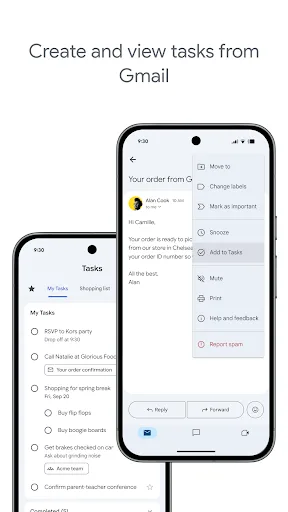
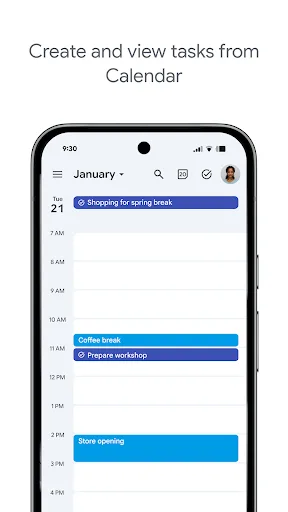
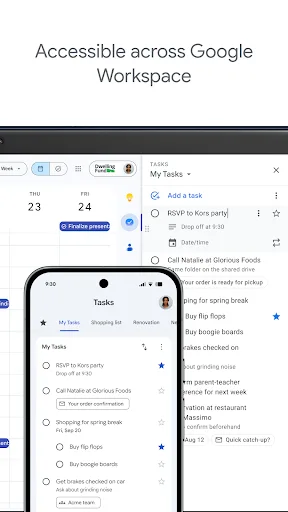
Google Tasks Screenshots
Official app screenshots from the Google Play Store.
Frequently Asked Questions
Which app has higher ratings?
Google Tasks has a higher rating of 4.58 compared to Any.do's 4.40 on the Google Play Store.
Can I use these apps offline?
Both apps offer offline functionality. Google Tasks syncs when online, while Any.do allows offline task creation and editing with sync when reconnected.
Do these apps contain ads?
Any.do has ads in its free version, but you can remove them via subscription. Google Tasks is completely ad-free.
What are the device requirements?
Both apps require Android 5.0 or later. They are optimized for phones and tablets, with Google Tasks being lighter on resources.
Which app should I choose?
Choose Google Tasks if you want a simple, free, and integrated task manager with Gmail. Choose Any.do if you need a full planner with calendar, collaboration, and advanced features.
Related Comparisons
 VS
VS

Google Calendar vs Doable: The Ultimate Task Manager Showdown
 VS
VS

TickTick vs To Do List (SplenDO): Best Task Manager for Android
VS

TickTick vs Habit Me: Task Manager Showdown
VS
To Do List vs Reminder Planner: Best Task Manager
 VS
VS
Tasks vs SplenDO: Which Task Manager App Reigns Supreme?
VS