Google Calendar vs Reminder Planner: Best Task Manager for Android
Google Calendar is a powerhouse for users deeply integrated into Google's ecosystem, offering seamless syncing across devices and Gmail integration. Reminder Planner is a lightweight, independent app for those who prefer a simple, ad-free planning experience without cloud dependency. If you need robust calendar management with millions of users, go with Google Calendar. For a no-fuss reminder app with offline capability, Reminder Planner is a solid choice.

Google Calendar
Recommended- Rating
- ★ 4.64
- Downloads
- 10,000,000,000+
- Developer
- Google LLC
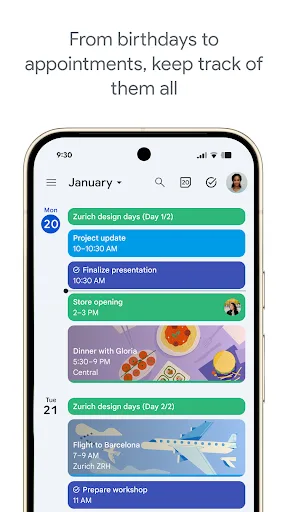
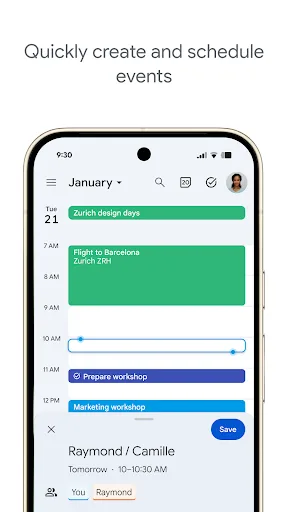
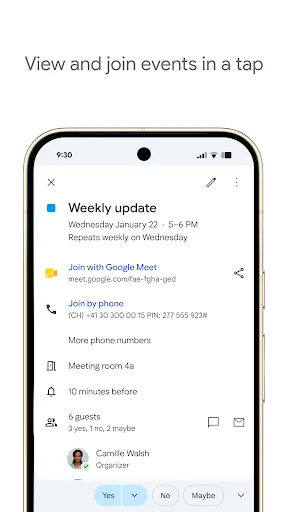
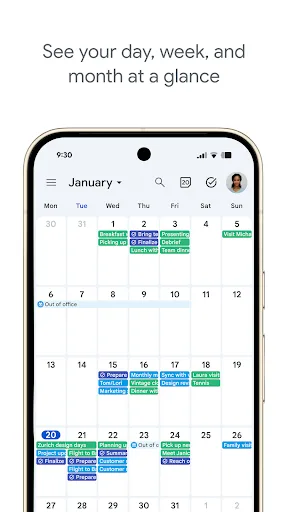
Get the official Google Calendar app, for your Android phone, tablet, or Wear OS device to stay organized and plan your day. Make the most of your day with easy event creation, multiple calendars, customizable views, widgets, tasks, and more With Google Calendar, you can: • Get…
Pros
- Seamless Google account sync across devices
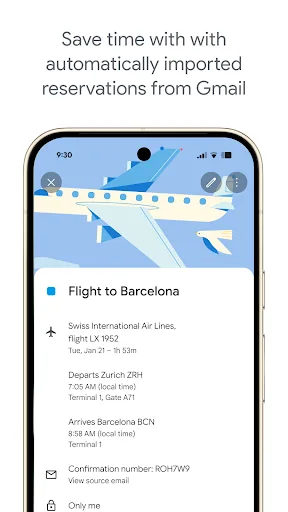
- Automatic event creation from Gmail (flights, hotels, etc.)
- Multiple calendar views (day, week, month, schedule)
- Widgets for quick access on home screen
- Wear OS support for smartwatch integration
Cons
- Requires Google account for full functionality
- No built-in habit tracking or Pomodoro timer
- Can be overwhelming with too many features for simple tasks
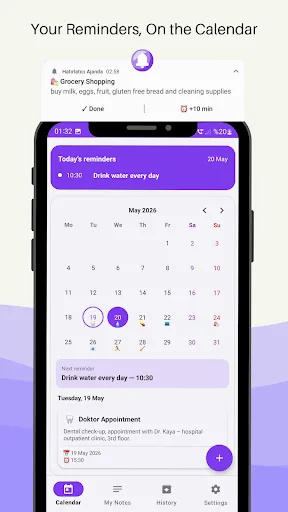
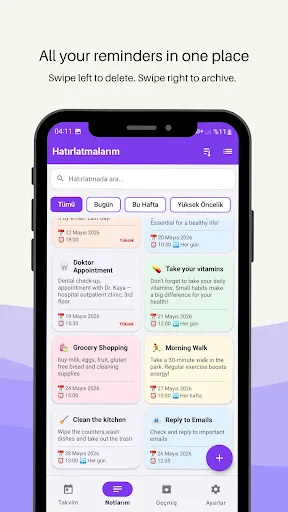
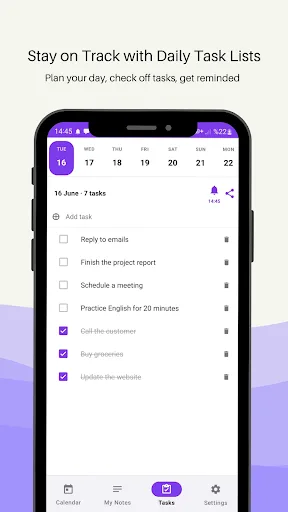
Reminder Agenda: Tasks & Plan Reminder Agenda is a smart planning app that helps you manage your daily schedule, tasks, and reminders all in one place. Create your to-do list, set alarms, and track everything on your calendar. Never forget a thing! 📅 Calendar & Agenda Manage y…
Pros
- No account required; works offline
- Simple and intuitive interface
- Ad-free experience
- Lightweight app with small footprint
- Alarm and notification customization
Cons
- Very limited install base and community support
- No cloud sync or backup options
- Lacks advanced features like shared calendars or Gmail integration
Final Verdict
Our pick: Google Calendar
Google Calendar wins for most users due to its massive install base, high rating, seamless Google integration, and feature-rich interface. It's ideal for professionals, students, and anyone who relies on Google services. Reminder Planner is a decent alternative for privacy-conscious users or those who want a simple, ad-free app, but it lacks the polish, reliability, and community support of Google Calendar. Overall, Google Calendar is the recommended choice.
Google Calendar Screenshots
Official app screenshots from the Google Play Store.

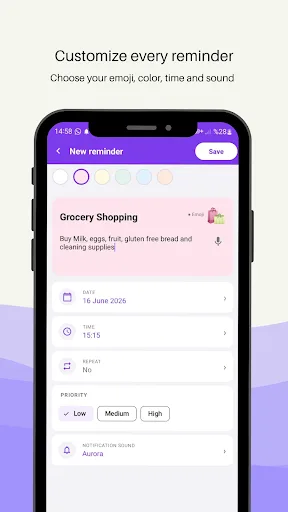
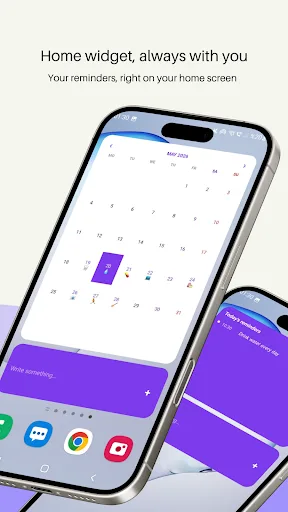
Reminder Planner Screenshots
Official app screenshots from the Google Play Store.
Frequently Asked Questions
Which app has a higher rating?
Google Calendar has a rating of 4.64, while Reminder Planner has no rating (None) due to too few reviews.
Can I use these apps offline?
Google Calendar requires an internet connection for full sync but offers limited offline access. Reminder Planner works fully offline without any account.
Do these apps contain ads?
Google Calendar is ad-free. Reminder Planner is also ad-free based on its description.
What are the device requirements?
Google Calendar runs on Android 5.0+ and Wear OS. Reminder Planner likely runs on Android 4.4+ but exact requirements are not listed.
Which app should I choose for simple task management?
For simple, offline task management without any account, choose Reminder Planner. For integration with Google services and advanced features, choose Google Calendar.
Related Comparisons
VS
Google Calendar vs Doable: The Ultimate Task Manager Showdown
 VS
VS

TickTick vs To Do List (SplenDO): Best Task Manager for Android
VS
TickTick vs Habit Me: Task Manager Showdown
VS
To Do List vs Reminder Planner: Best Task Manager
 VS
VS
Tasks vs SplenDO: Which Task Manager App Reigns Supreme?
 VS
VS