Google Keep vs Google Calendar: Best Task Manager for Android
Google Keep is a lightweight note-taking and to-do list app ideal for quick captures and simple task management. Google Calendar, on the other hand, is a full-featured calendar and task scheduler perfect for time-blocking and event planning. If you prefer sticky-note-style lists, Keep is for you. If you need integrated scheduling with reminders, Calendar is your best bet.

Google Keep - Notes and lists
Recommended- Rating
- ★ 4.69
- Downloads
- 1,000,000,000+
- Developer
- Google LLC
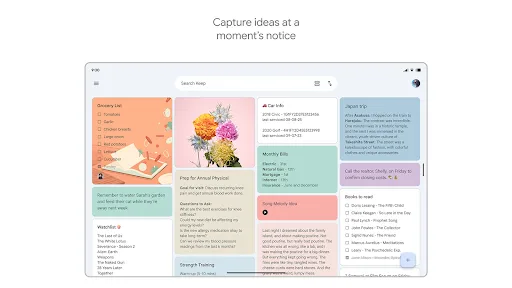
Quickly capture and share your thoughts, manage your to-dos, and stay organized. Google Keep has all of the functionality you need, with advanced security and privacy measures to keep your information safe. Capture what’s on your mind • Inspiration strikes anywhere. Jot down…
Pros
- Simple and intuitive interface for quick note and list creation
- Supports voice memos, images, and drawings for versatile input
- Real-time collaboration with shared notes and lists
- Labels and color-coding for easy organization
- Reminders based on time or location
Cons
- Limited formatting options compared to dedicated note apps
- No calendar view or scheduling integration
- Search can be slow with many notes
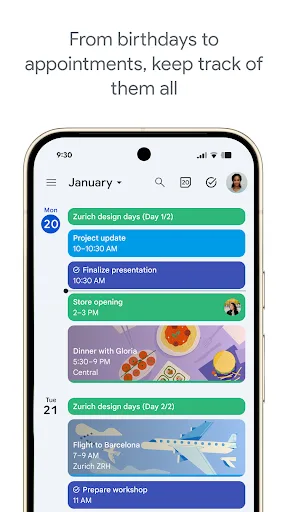
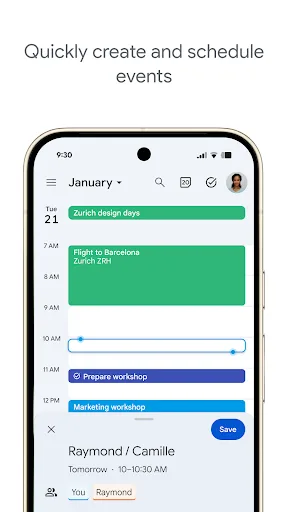
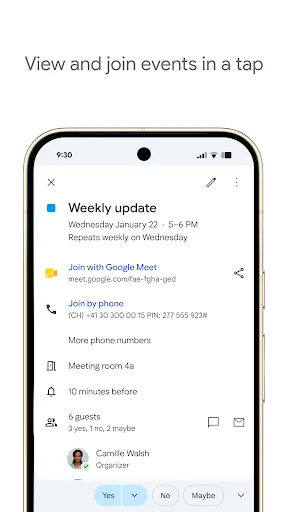
Get the official Google Calendar app, for your Android phone, tablet, or Wear OS device to stay organized and plan your day. Make the most of your day with easy event creation, multiple calendars, customizable views, widgets, tasks, and more With Google Calendar, you can: • Get…
Pros
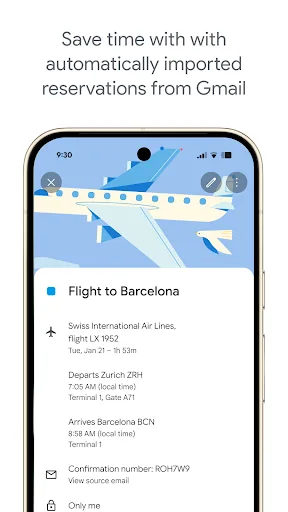
- Seamless integration with Gmail for automatic event creation
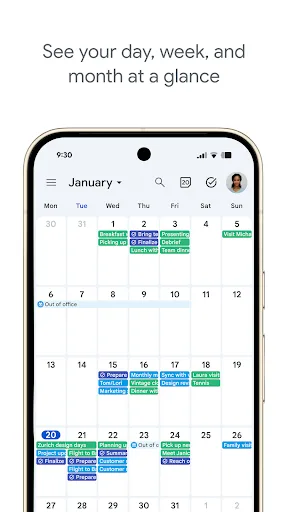
- Multiple calendar views (day, week, month, schedule)
- Supports tasks with due dates and subtasks
- Works offline with sync when online
- Customizable reminders and notifications
Cons
- Task management features are less intuitive than Keep
- No voice or image notes for tasks
- Can be overwhelming with too many calendar events
Final Verdict
Our pick: Google Keep - Notes and lists
For pure task management, Google Keep wins due to its simplicity and ease of use. However, if you need to schedule tasks with time slots and view them alongside events, Google Calendar is more powerful. Keep excels at quick list creation and collaboration, while Calendar offers robust calendar integration. Ultimately, both are free and work together seamlessly, but for dedicated task management, Keep is the winner.
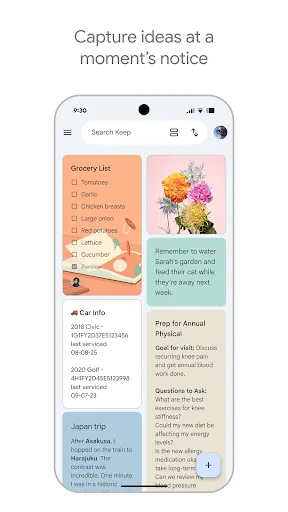
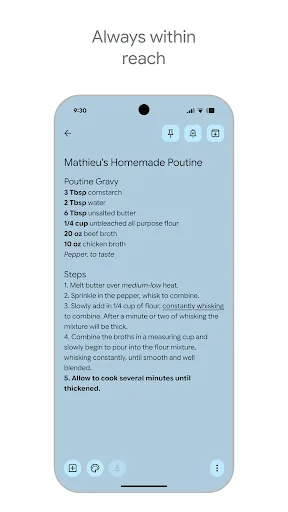
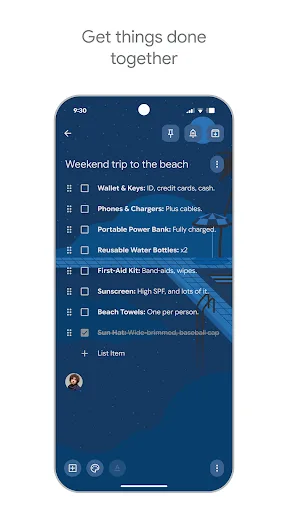
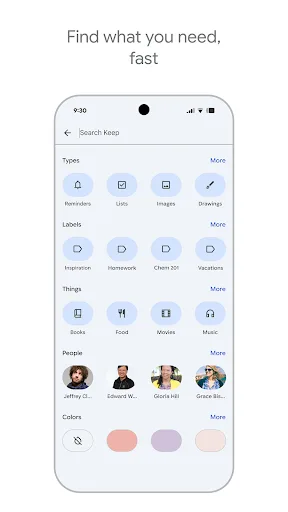
Google Keep - Notes and lists Screenshots
Official app screenshots from the Google Play Store.

Google Calendar Screenshots
Official app screenshots from the Google Play Store.
Frequently Asked Questions
Which app has a higher rating?
Google Keep has a rating of 4.694, slightly higher than Google Calendar's 4.639.
Can both apps work offline?
Yes, both Google Keep and Google Calendar support offline access. Changes sync when you reconnect to the internet.
Do these apps display ads?
No, both Google Keep and Google Calendar are ad-free.
What are the device requirements?
Both apps require Android 5.0 or higher and are optimized for phones, tablets, and Wear OS devices.
Which app should I choose for task management?
If you prefer simple, list-based tasks, choose Google Keep. If you need to schedule tasks with time slots and view them on a calendar, choose Google Calendar.
Related Comparisons
VS

Google Calendar vs Doable: The Ultimate Task Manager Showdown
 VS
VS

TickTick vs To Do List (SplenDO): Best Task Manager for Android
VS
TickTick vs Habit Me: Task Manager Showdown
VS
To Do List vs Reminder Planner: Best Task Manager
 VS
VS
Tasks vs SplenDO: Which Task Manager App Reigns Supreme?
VS