Google Tasks vs To Do List (SplenDO): Which Task Manager is Best for You?
Google Tasks is ideal for users deeply integrated into Google's ecosystem, especially those who use Gmail and Google Calendar daily. It offers seamless syncing across devices and a clean, minimal interface. On the other hand, To Do List (SplenDO) is designed for users who want a more feature-rich experience with smart grouping and a user-friendly interface. It's great for both personal and professional task management. Both apps have high ratings and millions of installs, but they cater to different needs.
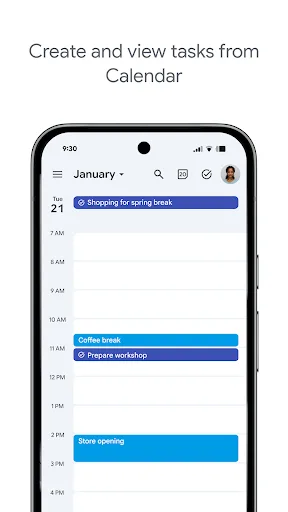
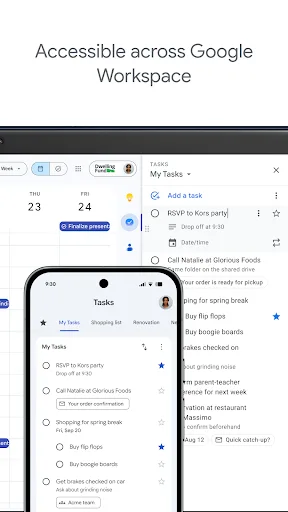
Stay on top of your to-dos with the Google Tasks mobile app. Easily capture, manage and get reminded about your tasks from anywhere, at any time. Your to-dos sync across all your devices, and integrations with Gmail and Google Tasks help you get tasks done— faster. With Google…
Pros
- Seamless integration with Gmail and Google Calendar
- Automatic sync across all devices
- Clean, minimal interface with no clutter
- Free with no ads or in-app purchases
- Simple task creation with due dates and reminders
Cons
- Limited to basic task management features
- No task grouping or subtasks
- No offline mode without prior sync
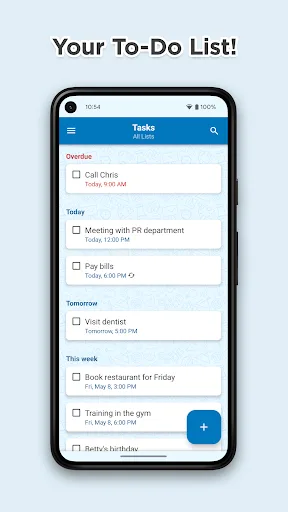
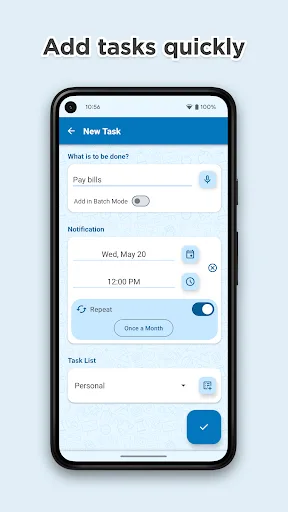
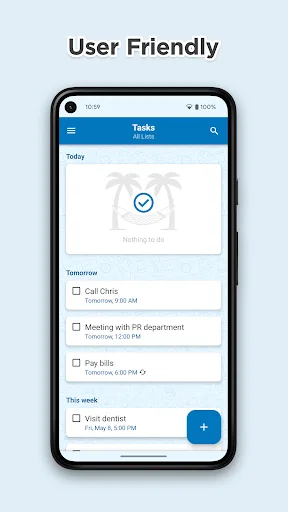
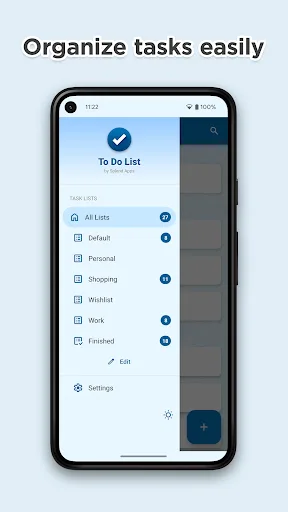
What is SplenDO? SplenDO is smart task list for everyday use. It is truly usable with great user experience. No matter who you are and what you do - you will be better organized! At home, at work and in your free time - you will focus on really important things! SplenDO is powerf…
Pros
- User-friendly interface with smart grouping
- Supports subtasks and recurring tasks
- Available offline with full functionality
- Color-coded categories for organization
- Free with optional in-app purchases for themes
Cons
- Contains ads in the free version
- No direct integration with Google services
- Syncing requires account creation
Final Verdict
Our pick: Google Tasks
For most users, Google Tasks is the better choice due to its flawless integration with Google services, zero ads, and automatic syncing. However, if you need advanced features like task grouping, subtasks, or a more visual interface, SplenDO offers more flexibility. Google Tasks wins for simplicity and ecosystem integration, while SplenDO wins for power users who want more control. Ultimately, if you're already using Gmail and Google Calendar, stick with Google Tasks. If not, try SplenDO for its rich feature set.
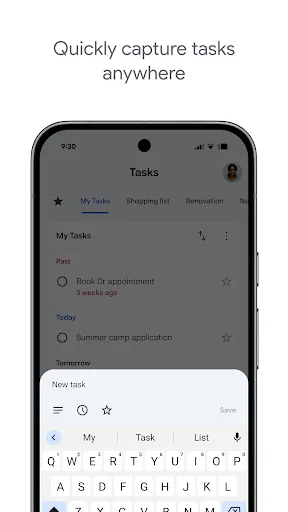
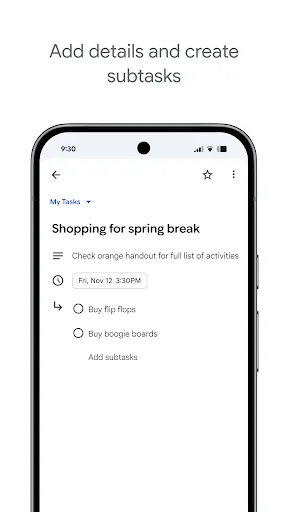
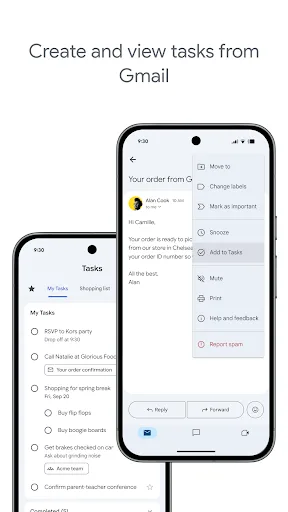
Google Tasks Screenshots
Official app screenshots from the Google Play Store.

To Do List Screenshots
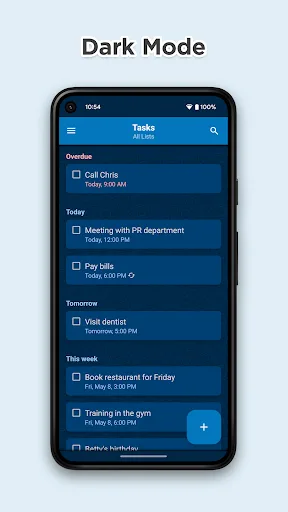
Official app screenshots from the Google Play Store.
Frequently Asked Questions
Which app has a higher rating?
Google Tasks has a rating of 4.579, while To Do List (SplenDO) has a rating of 4.652. SplenDO has a slightly higher rating.
Can I use these apps offline?
Google Tasks requires an internet connection to sync, but tasks can be viewed offline if previously synced. To Do List (SplenDO) offers full offline functionality without needing an internet connection.
Do these apps have ads?
Google Tasks is completely ad-free. To Do List (SplenDO) includes ads in its free version, but you can remove them via an in-app purchase.
What are the device requirements?
Both apps require Android 5.0 or higher. Google Tasks is lightweight at around 10 MB, while To Do List (SplenDO) is about 15 MB.
Which app should I choose?
Choose Google Tasks if you want seamless integration with Google services and a simple, ad-free experience. Choose To Do List (SplenDO) if you need advanced features like subtasks, grouping, and offline access.
Related Comparisons
 VS
VS

Google Calendar vs Doable: The Ultimate Task Manager Showdown
 VS
VS
TickTick vs To Do List (SplenDO): Best Task Manager for Android
VS

TickTick vs Habit Me: Task Manager Showdown
VS

To Do List vs Reminder Planner: Best Task Manager
 VS
VS
Tasks vs SplenDO: Which Task Manager App Reigns Supreme?
VS