Microsoft Word vs Microsoft PowerPoint: Which Office App Reigns Supreme?
Microsoft Word is the go-to choice for anyone who needs to create, edit, and share documents on the go, from students writing essays to professionals drafting reports. Microsoft PowerPoint, on the other hand, is designed for crafting compelling presentations with AI-powered tools like Presenter Coach. Both apps come from Microsoft Corporation and boast over a billion installs, but they serve different primary purposes. If you're torn between the two, this comparison will help you decide which app fits your mobile office needs.

Microsoft Word: Edit Documents
Recommended- Rating
- ★ 4.78
- Downloads
- 1,000,000,000+
- Developer
- Microsoft Corporation

Microsoft PowerPoint
- Rating
- ★ 4.80
- Downloads
- 1,000,000,000+
- Developer
- Microsoft Corporation
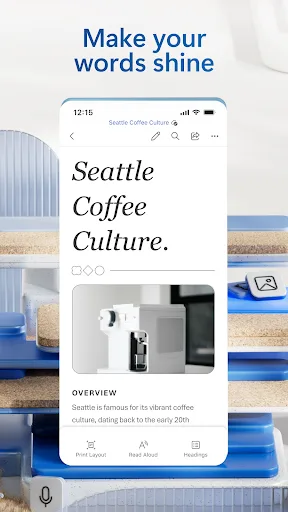
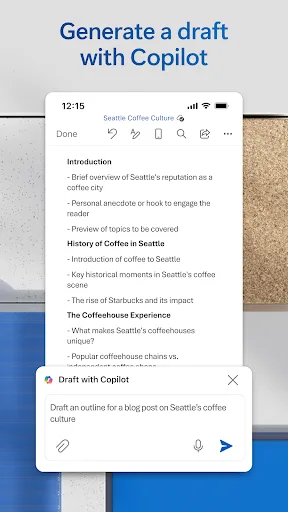
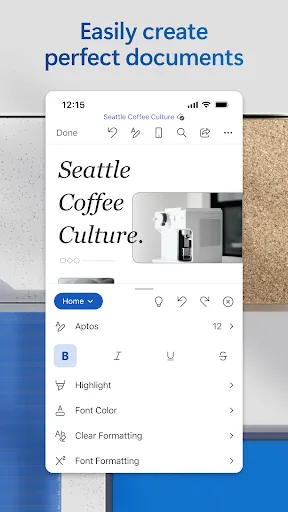
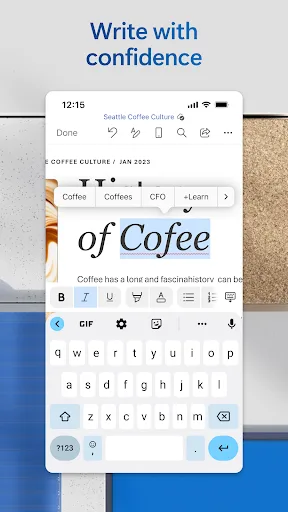
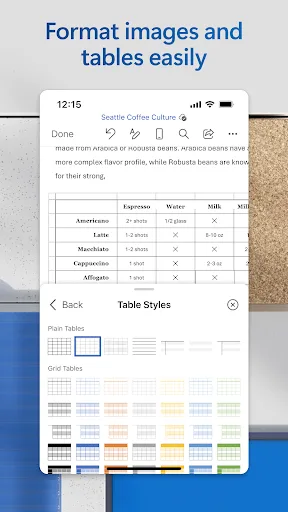
Create, edit, read and share documents on your mobile device with the same power and familiarity you rely on from your PC. Write CVs, letters, assignments, notes or creative work on the go. Convert between Word and PDF, collaborate with others and access your files from anywhere.…
Pros
- Familiar desktop-like editing experience on mobile
- Seamless conversion between Word and PDF formats
- Real-time collaboration with co-authoring and comments
- OneDrive integration for access across devices
- Free to use with basic editing and viewing
Cons
- Advanced features require Microsoft 365 subscription
- Large app size (over 100 MB) may consume storage
- Occasional sync delays with cloud files
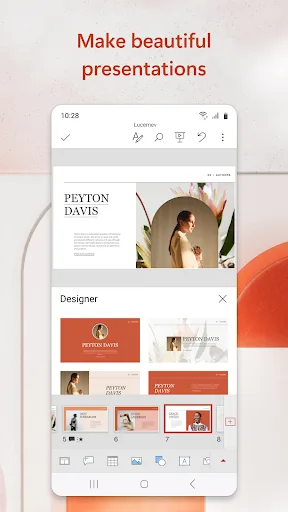
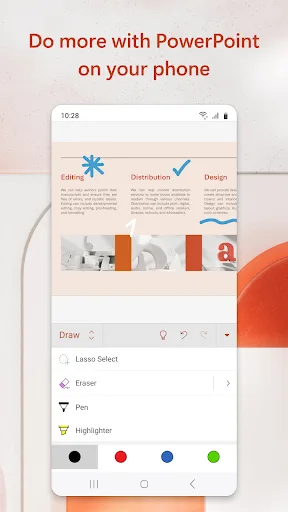
OneDrive syncing keeps your files up to date, so you can start on your PC and continue editing on your phone without worrying about version conflicts. Make an impact with customizable, professional-looking slides. Use templates and design ideas to create polished presentations in…
Pros
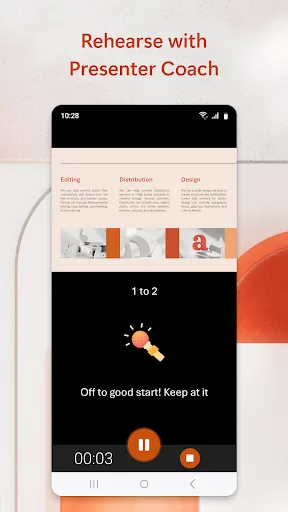
- AI-powered Presenter Coach for pacing and filler words
- Design Ideas to create professional slides quickly
- Smooth transitions and animations for engaging presentations
- OneDrive syncing ensures version consistency
- Free to view and present with basic editing
Cons
- Not ideal for heavy document editing or note-taking
- Full feature set requires Microsoft 365 subscription
- Limited offline capabilities without premium subscription
Final Verdict
Our pick: Microsoft Word: Edit Documents
For most users, Microsoft Word is the more versatile tool because document editing is a daily necessity for many, while presentations are more occasional. Word offers robust editing features, PDF conversion, and collaboration tools that are essential for productivity. However, if your work heavily involves creating and delivering presentations, PowerPoint's design ideas and Presenter Coach are unbeatable. Given the broader utility, Microsoft Word is the recommended choice for the average user. Ultimately, both apps are free to download with optional Microsoft 365 subscriptions for premium features.
Microsoft Word: Edit Documents Screenshots
Official app screenshots from the Google Play Store.
Microsoft PowerPoint Screenshots
Official app screenshots from the Google Play Store.


Frequently Asked Questions
What are the ratings of Microsoft Word and PowerPoint?
Microsoft Word has a rating of 4.78, while PowerPoint has a rating of 4.80. Both are highly rated by users.
Can I use these apps offline?
Yes, both apps offer offline editing and viewing for files stored on your device, but some features like syncing and collaboration require internet access. Premium subscriptions may enhance offline capabilities.
Do these apps contain ads?
No, both Microsoft Word and PowerPoint for Android are ad-free. They are free to download with optional in-app purchases for Microsoft 365.
What are the device requirements for these apps?
Both apps require Android 6.0 or higher and are optimized for phones and tablets. They work best with at least 2GB of RAM and a stable internet connection for cloud features.
Which app should I choose for everyday office work?
If you frequently edit documents, write notes, or handle text-based files, choose Microsoft Word. If you create or present slideshows regularly, choose PowerPoint. For general productivity, Word is more versatile.
Related Comparisons
 VS
VS
WPS Office vs Microsoft Word: Best Android Office App for 2026
VS

Microsoft PowerPoint vs Microsoft Excel: Which Office App Reigns Supreme
 VS
VS

WPS Office Lite vs Microsoft 365 Copilot: Best Office App for Android in 2026
 VS
VS

OfficeSuite Pro + PDF vs Office Reader: Best Android Office App for Productivity?
VS
Microsoft PowerPoint vs Office Reader: Best Office App for Presentations & Documents
VS
