Microsoft PowerPoint vs Office Reader: Best Office App for Presentations & Documents
Microsoft PowerPoint is the gold standard for creating, editing, and presenting professional slideshows, ideal for business users and students who need advanced features like AI coaching and cloud sync. Office Reader is a lightweight all-in-one document viewer that supports dozens of file formats, perfect for users who primarily need to read and manage documents without editing capabilities. Both apps are free, but PowerPoint offers a richer creation experience while Office Reader excels in file format compatibility.

Microsoft PowerPoint
Recommended- Rating
- ★ 4.80
- Downloads
- 1,000,000,000+
- Developer
- Microsoft Corporation
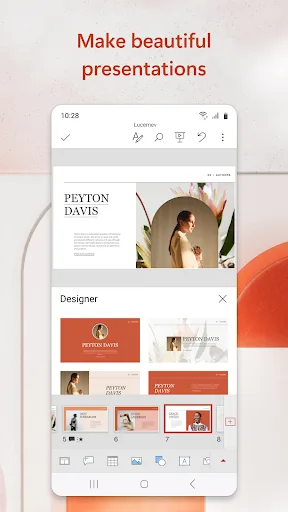
OneDrive syncing keeps your files up to date, so you can start on your PC and continue editing on your phone without worrying about version conflicts. Make an impact with customizable, professional-looking slides. Use templates and design ideas to create polished presentations in…
Pros
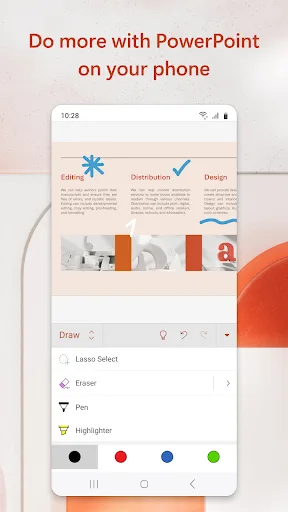
- Full-featured presentation creation and editing with templates and design ideas
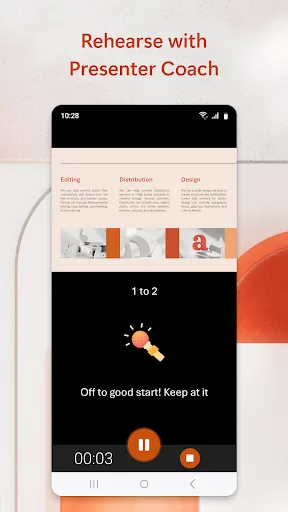
- AI-powered Presenter Coach provides real-time feedback on pacing and filler words
- Seamless OneDrive syncing for cross-device editing without version conflicts
- 1 billion+ installs with high rating of 4.8, indicating reliable performance
- Supports real-time collaboration with others on the same presentation
Cons
- Requires Microsoft account for full functionality and cloud sync
- Some advanced features like Designer require Office 365 subscription
- Large app size (over 100 MB) and may be overkill for simple document viewing
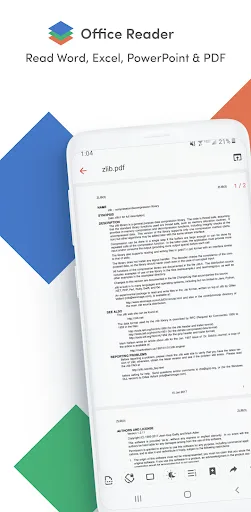
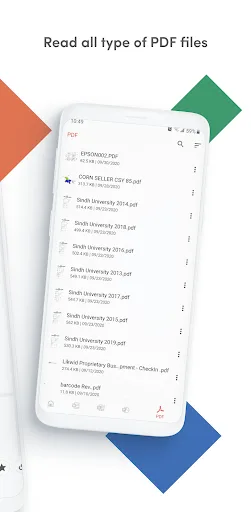
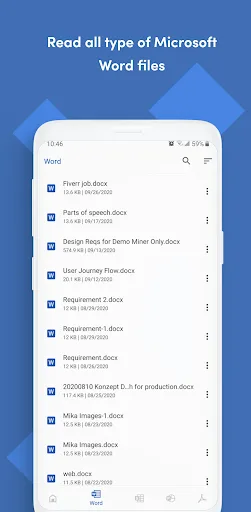
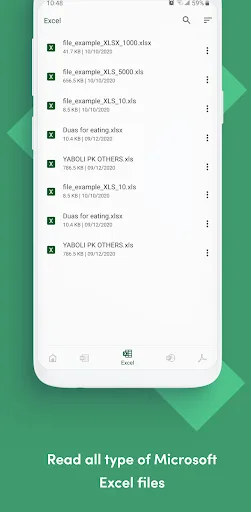
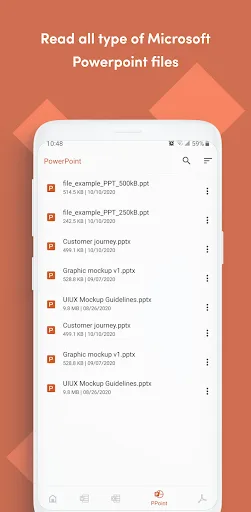
Office Reader – All-in-One Document Viewer Read, view, and manage all your documents in one free app. Open Word, Excel, PowerPoint, PDF, eBooks, and more—anytime, anywhere, even offline. ✨ Key Features • All Document Formats Supported Open DOC, DOCX, XLS, XLSX, PPT, PPTX,…
Pros
- Supports over 20 document formats including PDF, Word, Excel, PPT, eBooks, and more
- Lightweight app with only 1 million+ installs, ideal for low-end devices
- Works offline without internet connection for viewing saved files
- Free with no ads or in-app purchases according to user reports
- Simple and intuitive interface focused on reading and file management
Cons
- No editing capabilities for Office documents (view-only)
- Lower rating of 3.89 compared to PowerPoint, with some users reporting file rendering issues
- Limited features compared to dedicated apps; lacks cloud sync and collaboration
Final Verdict
Our pick: Microsoft PowerPoint
If you need to create and deliver polished presentations with AI assistance, Microsoft PowerPoint is the clear winner with its superior editing tools, OneDrive integration, and Presenter Coach. Office Reader is a great supplementary tool for viewing a wide range of document formats, but it lacks editing capabilities and has a lower rating. For most users who require both creation and viewing, PowerPoint is the better choice due to its comprehensive feature set and massive user base. However, if your primary need is to read various file types without editing, Office Reader is a lightweight and free alternative.
Microsoft PowerPoint Screenshots
Official app screenshots from the Google Play Store.



Office Reader - PDF,Word,Excel Screenshots
Official app screenshots from the Google Play Store.
Frequently Asked Questions
Which app has a higher rating?
Microsoft PowerPoint has a much higher rating of 4.795745 compared to Office Reader's 3.89, reflecting better user satisfaction and reliability.
Can I use these apps offline?
Yes, both apps can work offline. PowerPoint allows offline editing of saved files, and Office Reader lets you view documents without an internet connection.
Are there ads in these apps?
Microsoft PowerPoint is ad-free. Office Reader is also reported to be ad-free, though some users mention occasional prompts.
What are the device requirements?
Both apps run on Android 5.0 and up. PowerPoint requires about 150 MB of storage, while Office Reader is lighter at around 20 MB.
Which app should I choose?
Choose Microsoft PowerPoint if you need to create and edit presentations with advanced features. Choose Office Reader if you only need to view various document formats without editing.
Related Comparisons
 VS
VS

WPS Office vs Microsoft Word: Best Android Office App for 2026
VS

Microsoft PowerPoint vs Microsoft Excel: Which Office App Reigns Supreme
 VS
VS

WPS Office Lite vs Microsoft 365 Copilot: Best Office App for Android in 2026
VS
Microsoft Word vs Microsoft PowerPoint: Which Office App Reigns Supreme?
 VS
VS
OfficeSuite Pro + PDF vs Office Reader: Best Android Office App for Productivity?
VS
