
Office Reader - PDF,Word,Excel
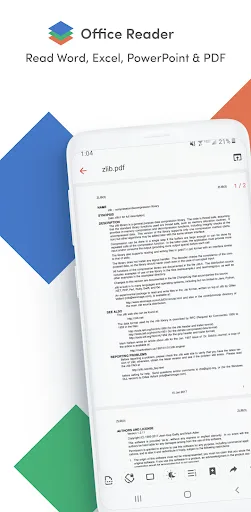
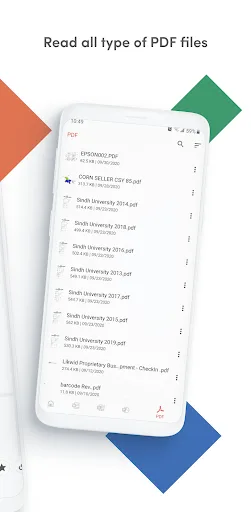
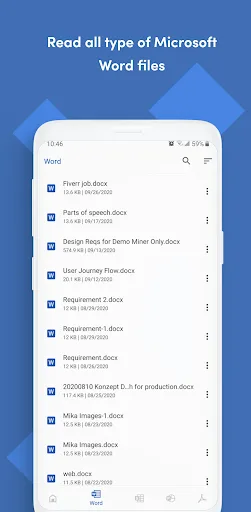
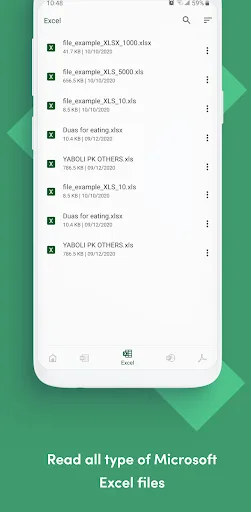
Office Reader – All-in-One Document Viewer Read, view, and manage all your documents in one free app. Open Word, Excel, PowerPoint, PDF, eBooks, and more—anytime, anywhere, even offline. ✨ Key Features • All Document Formats Supported Open DOC, DOCX, XLS, XLSX, PPT, PPTX, ODT, ODP, HWP, HWPX, PDF, RTF, TXT, CSV, HTML, MD, EPUB, MOBI, FB2, DJVU, AZW, EML, MSG, IPYNB, PGN, MML, CBZ, CBR and source codes (Java,…
Office Reader - PDF,Word,Excel Screenshots
Official app screenshots from the Google Play Store.
About Office Reader - PDF,Word,Excel
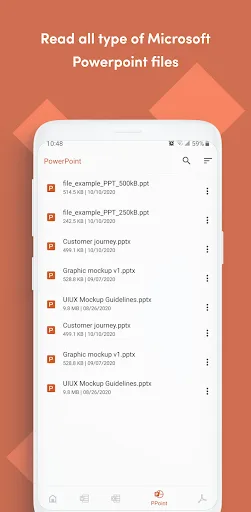
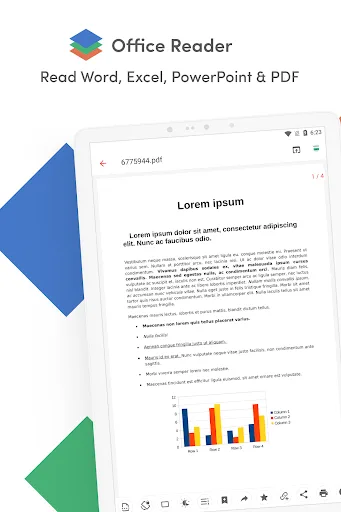
Office Reader – All-in-One Document Viewer Read, view, and manage all your documents in one free app. Open Word, Excel, PowerPoint, PDF, eBooks, and more—anytime, anywhere, even offline. ✨ Key Features • All Document Formats Supported Open DOC, DOCX, XLS, XLSX, PPT, PPTX, ODT, ODP, HWP, HWPX, PDF, RTF, TXT, CSV, HTML, MD, EPUB, MOBI, FB2, DJVU, AZW, EML, MSG, IPYNB, PGN, MML, CBZ, CBR and source codes (Java, Python, C++, etc.). • Password-Protected Files Securely view locked DOCX, XLS/XLSX, PPT/PPTX, and PDF files. • File Conversion Convert Word, Excel, PowerPoint, PDF, RTF, HTML, Markdown, Emails, and even source codes into PDF or text. • Productivity Tools 📷 Doc Scan – scan documents into PDF. 📂 Folder Navigation – easily manage files. ⏱️ Quick Access – long press app icon to see recent files. 🚀 Why Choose Office Reader? • Fast & lightweight • 100% free, no hidden cost • Works offline – perfect for travel or study • Clean & simple design for easy navigation Whether it’s business documents, study notes, eBooks, or source codes, Office Reader makes file viewing simple, fast, and secure.
Comparisons Featuring Office Reader - PDF,Word,Excel
 VS
VS
OfficeSuite Pro + PDF vs Office Reader: Best Android Office App for Productivity?
 VS
VS
Microsoft PowerPoint vs Office Reader: Best Office App for Presentations & Documents
 VS
VS
Microsoft 365 Copilot vs Office Reader: Best Office App for Productivity & Document Viewing
VS

Office Reader vs WPS Office: Best Android Document Viewer Comparison
 VS
VS