Polaris Office vs Office Reader: Which Android Office Suite Reigns Supreme?
Polaris Office is a full-featured office suite with AI tools, designed for users who need to create and edit documents on the go. It boasts over 50 million installs and Google Play Editor's Choice awards. Office Reader, on the other hand, is a lightweight document viewer focused on reading and managing various file formats, ideal for users who primarily consume content rather than edit. Both apps support offline use, but cater to different needs: Polaris for productivity, Office Reader for quick viewing.
Polaris Office: Edit&View, PDF
Recommended- Rating
- ★ 3.56
- Downloads
- 50,000,000+
- Developer
- Polaris Office Corp.
Edit documents easily and quickly with document-based generation AI tools! Already 100 Million Users Across The World, Get the Latest Android Office App For Free. Experience New All-in-One Complete Office Suite compatible with MS Word, Excel, PowerPoint and Adobe PDF. "Editors' C…
Pros
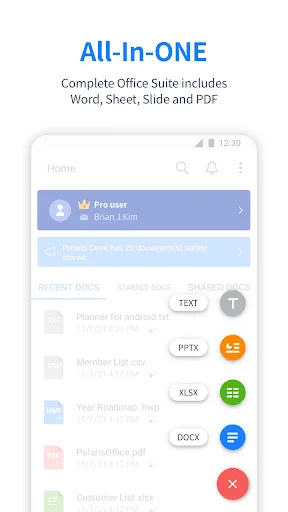
- Full editing capabilities for Word, Excel, PowerPoint, and PDF.
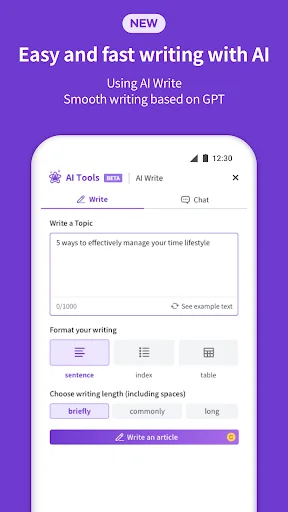
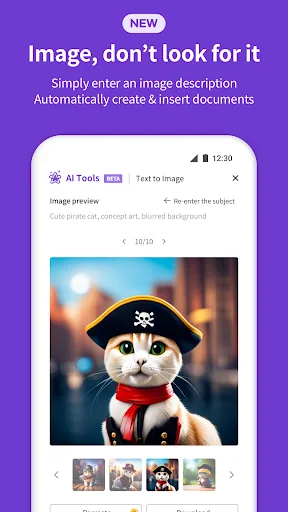
- AI-powered document generation tools.
- Over 50 million installs and Google Play Editor's Choice.
- Syncs with cloud storage services like Google Drive and Dropbox.
- Supports over 100 file formats including HWP and PDF.
Cons
- Heavier app size and may be slower on older devices.
- Some advanced features require in-app purchases.
- Ads in the free version can be intrusive.
Office Reader – All-in-One Document Viewer Read, view, and manage all your documents in one free app. Open Word, Excel, PowerPoint, PDF, eBooks, and more—anytime, anywhere, even offline. ✨ Key Features • All Document Formats Supported Open DOC, DOCX, XLS, XLSX, PPT, PPTX,…
Pros
- Lightweight and fast, perfect for quick document viewing.
- Supports a wide range of eBook formats (EPUB, MOBI, FB2, etc.).
- Open source code files (Java, Python, etc.) with syntax highlighting.
- Completely free with no ads.
- Works offline without internet connection.
Cons
- No editing capabilities: view-only for most file types.
- Limited cloud integration and sharing options.
- User interface is basic and lacks modern design elements.
Final Verdict
Our pick: Polaris Office: Edit&View, PDF
For users who need to edit and create documents, Polaris Office is the clear winner with its comprehensive editing tools, AI generation, and broad format support. However, Office Reader offers a faster, simpler viewing experience for occasional document reading, especially for eBooks and source code. If you are a heavy document user who edits frequently, choose Polaris Office. If you mainly view documents and prefer a lightweight app, Office Reader is sufficient. Polaris Office's higher rating and feature set make it the recommended choice for most.
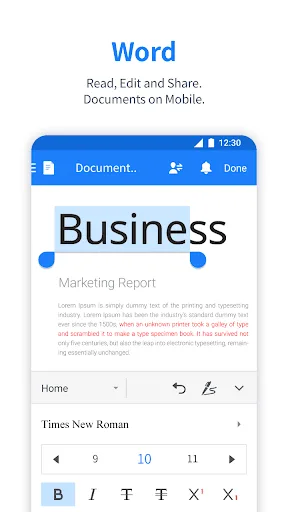
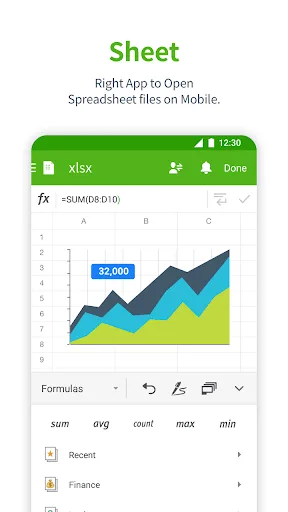
Polaris Office: Edit&View, PDF Screenshots
Official app screenshots from the Google Play Store.

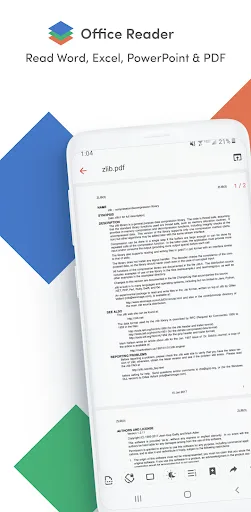
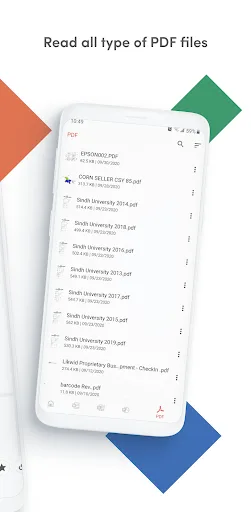
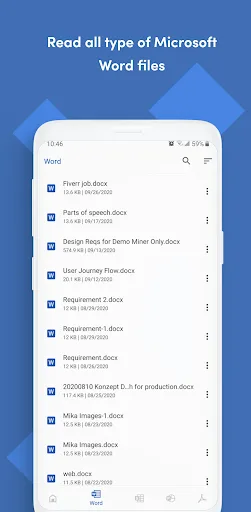
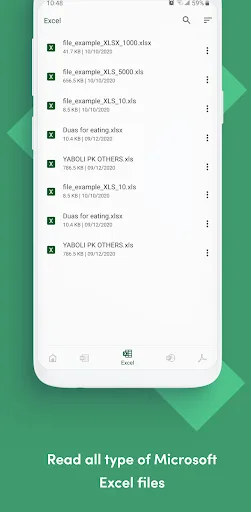
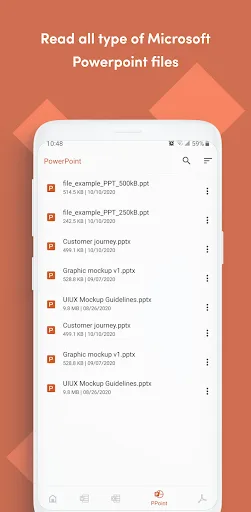
Office Reader - PDF,Word,Excel Screenshots
Official app screenshots from the Google Play Store.
Frequently Asked Questions
Which app has a higher rating?
Office Reader has a rating of 3.89 out of 5, while Polaris Office has a rating of 3.56. However, Polaris Office has significantly more reviews and installs, indicating a larger user base.
Can I use these apps offline?
Both apps support offline use. Polaris Office allows you to edit and view documents offline, while Office Reader is designed for offline viewing of saved files.
Do these apps contain ads?
Polaris Office has ads in the free version, which can be removed via in-app purchase. Office Reader is completely ad-free.
What are the device requirements?
Both apps require Android 5.0 or later. Polaris Office may need more RAM and storage due to its larger size, while Office Reader runs smoothly on older devices with limited resources.
Which app should I choose for document editing?
If you need to edit Word, Excel, PowerPoint, or PDF files, choose Polaris Office. Office Reader is only a viewer and does not support editing.
Related Comparisons
 VS
VS

WPS Office vs Microsoft Word: Best Android Office App for 2026
 VS
VS

Microsoft PowerPoint vs Microsoft Excel: Which Office App Reigns Supreme
 VS
VS

WPS Office Lite vs Microsoft 365 Copilot: Best Office App for Android in 2026
VS
Microsoft Word vs Microsoft PowerPoint: Which Office App Reigns Supreme?
 VS
VS
OfficeSuite Pro + PDF vs Office Reader: Best Android Office App for Productivity?
VS