Microsoft 365 Copilot vs Office Reader: Best Office App for Productivity & Document Viewing
Microsoft 365 Copilot is designed for professionals and power users who need an AI assistant integrated with Word, Excel, and PowerPoint for creating, summarizing, and managing content on the go. Office Reader, on the other hand, is ideal for users who primarily need a fast, free, and offline-capable document viewer supporting a wide range of formats including PDF, Word, Excel, and ebooks. While Copilot leverages AI to boost productivity, Office Reader focuses on simplicity and broad file support without requiring a subscription.

Microsoft 365 Copilot
Recommended- Rating
- ★ 4.51
- Downloads
- 1,000,000,000+
- Developer
- Microsoft Corporation
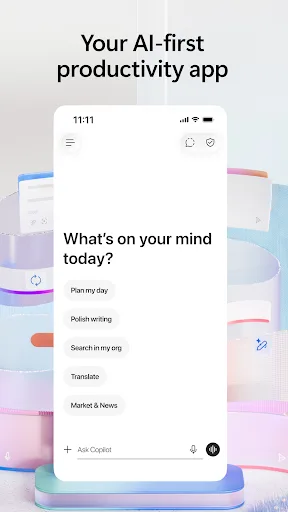
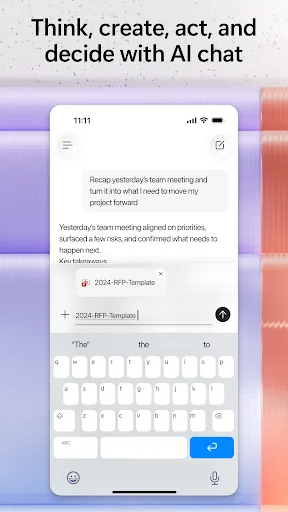
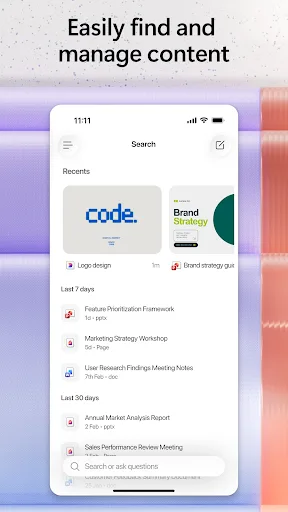
The Microsoft 365 Copilot app is your AI-first productivity app for work. It provides one place for you to chat with your AI assistant, create content, manage projects and quickly find files on the go – helping you get more done, without doing more. With the Microsoft 365 Copil…
Pros
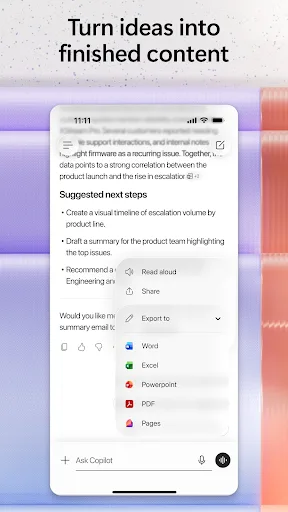
- AI assistant can create, summarize, and draft documents and emails
- Seamless integration with Microsoft 365 suite (Word, Excel, PowerPoint)
- Cloud sync across devices via OneDrive
- Advanced editing and formatting capabilities
- Enterprise-grade security and compliance features
Cons
- Requires a Microsoft 365 subscription (costly)
- Large app size and may be slow on older devices
- Limited offline functionality without downloaded files
Office Reader – All-in-One Document Viewer Read, view, and manage all your documents in one free app. Open Word, Excel, PowerPoint, PDF, eBooks, and more—anytime, anywhere, even offline. ✨ Key Features • All Document Formats Supported Open DOC, DOCX, XLS, XLSX, PPT, PPTX,…
Pros
- Free to use with no subscription required
- Supports a vast range of document formats including PDF, Word, Excel, PowerPoint, ebooks, and source code
- Works fully offline without internet connection
- Lightweight and fast, ideal for low-end devices
- Simple, intuitive interface for quick viewing
Cons
- No editing capabilities (view-only)
- No AI or smart productivity features
- Ads may appear in the free version
Final Verdict
Our pick: Microsoft 365 Copilot
For users deeply embedded in the Microsoft ecosystem who need AI-powered assistance, content creation, and real-time collaboration, Microsoft 365 Copilot is the clear winner despite its subscription cost. However, for those who only need to view or read documents—especially offline—without editing or AI features, Office Reader is a fantastic free alternative with broader format support. If you require AI features, go with Copilot; if you just need a reliable viewer, choose Office Reader.
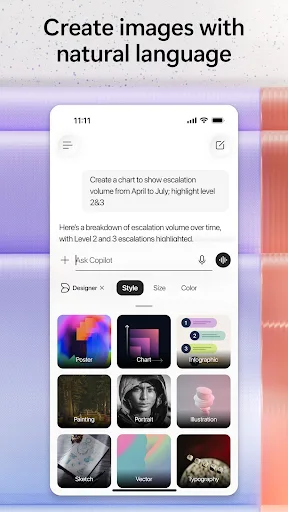
Microsoft 365 Copilot Screenshots
Official app screenshots from the Google Play Store.

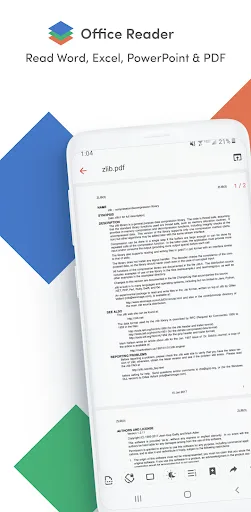
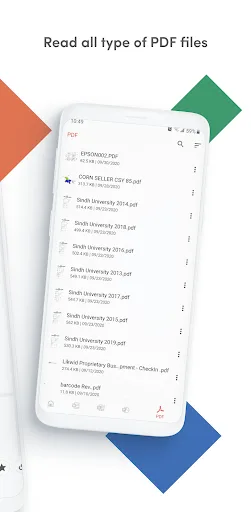
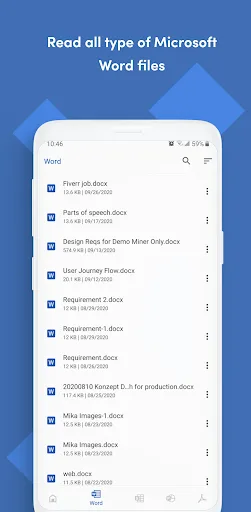
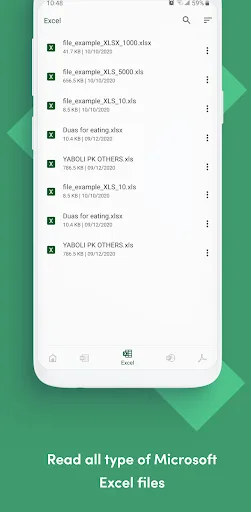
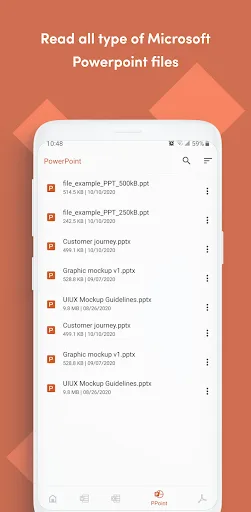
Office Reader - PDF,Word,Excel Screenshots
Official app screenshots from the Google Play Store.
Frequently Asked Questions
Which app has higher ratings?
Microsoft 365 Copilot has a rating of 4.515111, while Office Reader has a rating of 3.89. Copilot is significantly higher rated.
Can I use Office Reader offline?
Yes, Office Reader works fully offline. You can open documents stored on your device without an internet connection.
Does Office Reader have ads?
Yes, Office Reader may display ads in its free version. The ads are generally non-intrusive but present.
What are the device requirements for Microsoft 365 Copilot?
Microsoft 365 Copilot requires Android 6.0 or higher and at least 2GB of RAM. It also needs a stable internet connection for most AI features.
Which app should I choose for quick document viewing?
If you only need to view documents (PDF, Word, Excel, etc.) without editing, Office Reader is the better choice due to its free cost, offline support, and broad format compatibility.
Related Comparisons
 VS
VS

WPS Office vs Microsoft Word: Best Android Office App for 2026
 VS
VS

Microsoft PowerPoint vs Microsoft Excel: Which Office App Reigns Supreme
 VS
VS
WPS Office Lite vs Microsoft 365 Copilot: Best Office App for Android in 2026
VS
Microsoft Word vs Microsoft PowerPoint: Which Office App Reigns Supreme?
 VS
VS
OfficeSuite Pro + PDF vs Office Reader: Best Android Office App for Productivity?
VS