Picsart vs Photoroom: Which AI Photo Editor Wins for Collages?
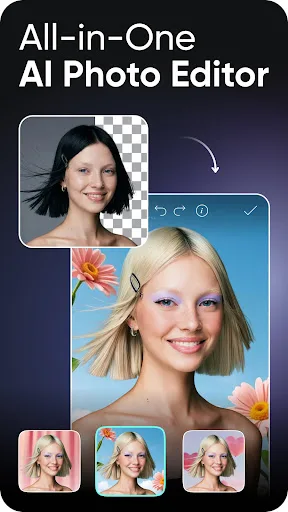
Picsart is a versatile all-in-one creative suite ideal for users who want to edit photos, make collages, create AI art, and edit videos—all in one app. Photoroom specializes in product photography and background removal, making it perfect for e-commerce sellers and marketers who need professional-looking images quickly. Both apps are free with premium subscriptions, but they serve different primary audiences.

Picsart AI Photo Editor, Video
Recommended- Rating
- ★ 4.00
- Downloads
- 1,000,000,000+
- Developer
- PicsArt, Inc.

Photoroom: AI Photo Editor
- Rating
- ★ 4.67
- Downloads
- 100,000,000+
- Developer
- Photoroom AI Photo Editor
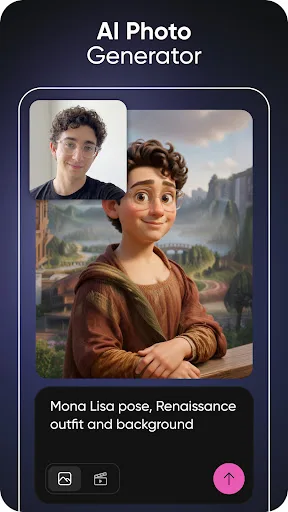
Ignite your creative potential with Picsart — the all-in-one AI photo editor, AI video editor, and design studio that’s free and easy to use. From business designs to AI art, go from inspiration to creation fast. Create with an AI photo generator and AI video generator, edit…
Pros
- Dedicated collage maker with hundreds of grid layouts and templates
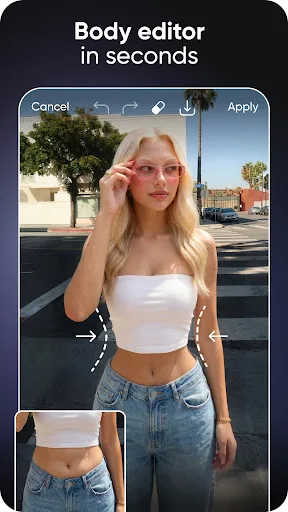
- All-in-one: photo editing, video editing, AI art, and collage
- Large community with millions of stickers, fonts, and effects
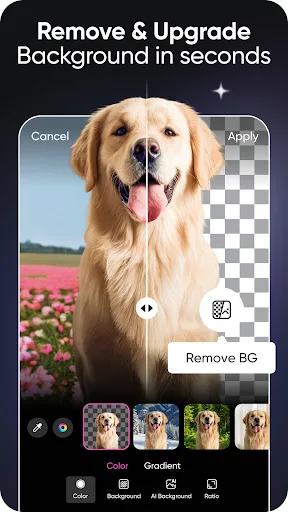
- Powerful AI tools like object removal and background eraser
- Free version offers extensive features without watermarks
Cons
- App can be slow on older devices due to feature bloat
- Free version includes ads that interrupt workflow
- Some premium features require a subscription
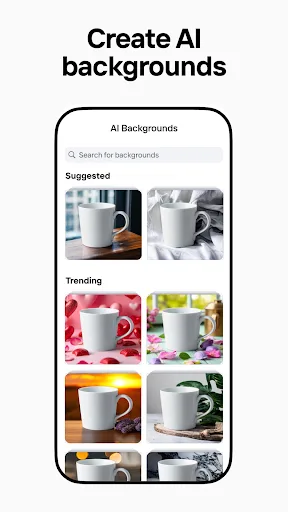
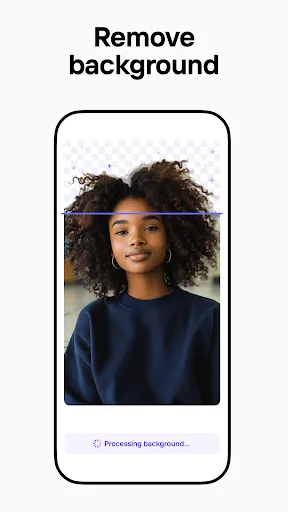
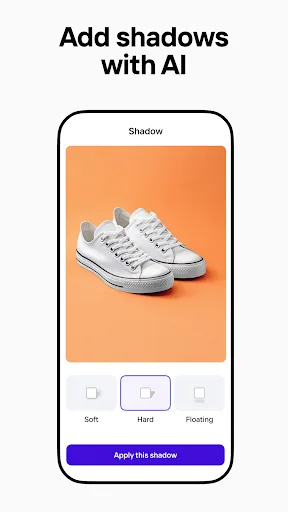
Create pro images that sell with Photoroom AI. Photoroom’s AI technology makes it easy to design, edit, and erase any background from your photos. Create professional-quality images that elevate your brand, boost engagement, and drive sales—all with the help of an intuitive e…
Pros
- Best-in-class AI background removal with automatic cutout
- Designed for e-commerce: create product photos with white background
- Intuitive interface optimized for quick edits
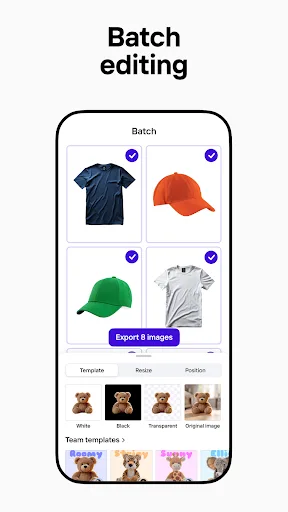
- Batch editing for multiple photos at once
- Clean, ad-free experience in free version
Cons
- Limited collage features; no dedicated collage maker
- No video editing or AI art generation
- Requires subscription for advanced features like resizing
Final Verdict
Our pick: Picsart AI Photo Editor, Video
For collage making specifically, Picsart is the clear winner due to its dedicated collage maker, extensive template library, and layered editing tools. Photoroom excels in background removal and product photo enhancement, but its collage features are limited. If you need a robust collage creator with AI photo editing, choose Picsart. If your focus is on product photography with occasional collages, Photoroom is a strong alternative. Overall, Picsart’s versatility and 1B+ installs speak to its widespread appeal.
Picsart AI Photo Editor, Video Screenshots
Official app screenshots from the Google Play Store.

Photoroom: AI Photo Editor Screenshots
Official app screenshots from the Google Play Store.

Frequently Asked Questions
Which app has a higher rating?
Photoroom has a higher rating (4.67) compared to Picsart (4.00), based on user reviews. However, Picsart has significantly more installs (1B+ vs 100M+).
Can I use these apps offline?
Both apps require an internet connection for AI features and downloading assets. Basic editing and collage creation may work offline in Picsart, but full functionality needs connectivity.
Do the free versions have ads?
Picsart's free version includes ads that appear between edits. Photoroom's free version is ad-free but limits some features like HD export.
What are the device requirements?
Both apps require Android 6.0+ and at least 2GB RAM for smooth performance. Picsart may need more storage due to its larger asset library.
Which app should I choose for making collages?
Choose Picsart for its dedicated collage maker, templates, and layered editing. Photoroom is better for removing backgrounds and product photography, but not for collages.
Related Comparisons
 VS
VS

Lightroom vs Polish: Which Photo Editor & Collage Maker Wins in 2026
VS

Lightroom vs Photo Editor Collage Maker: Best Collage App for Android in 2026
VS
Picsart vs Adobe Express: The Ultimate Collage App Showdown
VS

Collage Maker Showdown: Photo Editor - Collage Maker vs Collage Maker & Photo Editor
VS
Lightroom vs Photoroom: Best Collage & Photo Editor for Android
 VS
VS