TickTick vs Any.do: Which Task Manager App is Best for You?
TickTick is a feature-rich productivity powerhouse ideal for power users who want advanced organization like tags, habits, and Pomodoro timer. Any.do offers a simpler, more intuitive interface perfect for individuals and families seeking a clean, easy-to-use to-do list with calendar integration. Both are top-rated with over 10 million installs, but they cater to different needs.

TickTick:To Do List & Calendar
Recommended- Rating
- ★ 4.59
- Downloads
- 10,000,000+
- Developer
- TickTick Limited

Any.do - To do list & Calendar
- Rating
- ★ 4.40
- Downloads
- 10,000,000+
- Developer
- Any.do To-do list & Calendar
🥇 Great to-do list app for new Android device - The Verge 🥇 The best to-do app for Android - MakeUseOf 🥇 The best to-do list app for 2020 - Wirecutter (A New York Times Company) 🙌 MKBHD's favorite productivity tool TickTick is your personal productivity powerhouse, ex…
Pros
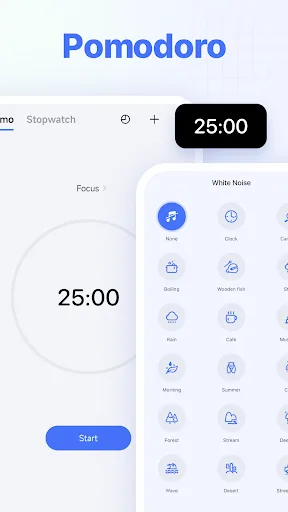
- Comprehensive feature set including habit tracking, Pomodoro timer, and calendar views.
- Highly customizable with tags, filters, and smart lists.
- Excellent collaboration features for teams and shared projects.
- Generous free tier with unlimited tasks and reminders.
- Smooth cross-platform sync with web, iOS, and Android.
Cons
- Steep learning curve due to many features and options.
- Premium subscription required for advanced features like calendar integration and habit tracking.
- Occasional sync delays reported by some users.
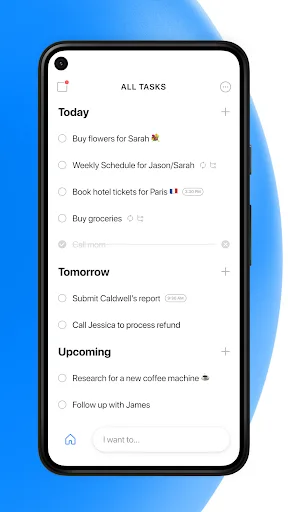
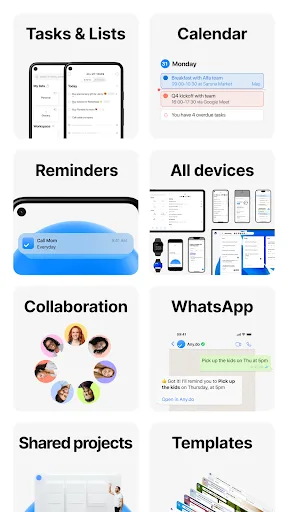
🥇 "#1 To do list app out there” - WSJ 🏆 Editor's Choice by Google Over +40M people, families and teams rely on Any.do to stay organized and get more done. It's a simple and powerful to do list app with built in tasks, reminders, daily planner and calendar - all-in-one. �…
Pros
- Clean, intuitive interface that is easy to navigate.
- Built-in daily planner and calendar for seamless scheduling.
- Voice input and location-based reminders for convenience.
- Lightweight app with fast performance.
- Good integration with third-party apps like Google Calendar and WhatsApp.
Cons
- Limited advanced features compared to TickTick (no habit tracking, Pomodoro).
- Free version shows ads and limits some features like themes.
- Collaboration features are less robust for team use.
Final Verdict
Our pick: TickTick:To Do List & Calendar
TickTick wins for users who need robust features like habit tracking, calendar views, and team collaboration. Its higher rating (4.59 vs 4.40) and endorsements from tech experts like MKBHD and The Verge underscore its depth. Any.do is better for those who prioritize simplicity and a minimalistic design, especially for personal use. However, TickTick's free tier is more generous, and its customization options outshine Any.do. For most users, TickTick is the superior choice.
TickTick:To Do List & Calendar Screenshots
Official app screenshots from the Google Play Store.
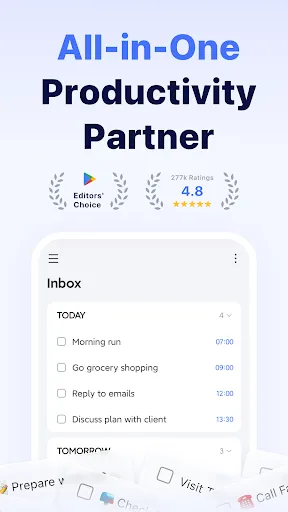
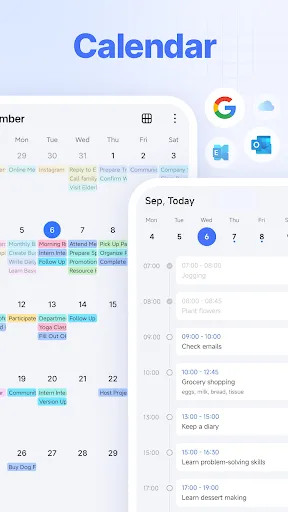
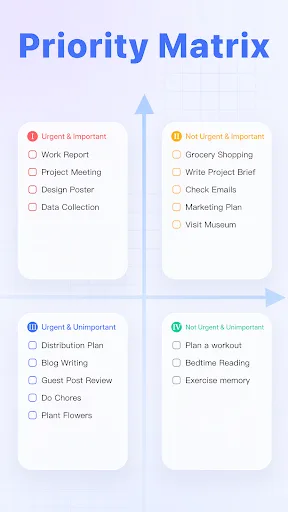
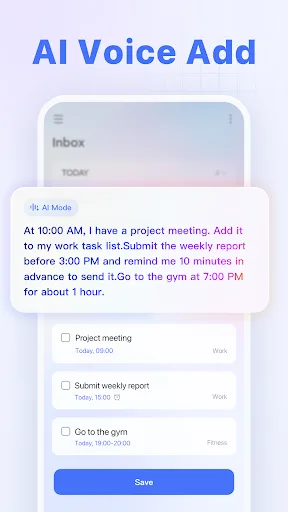
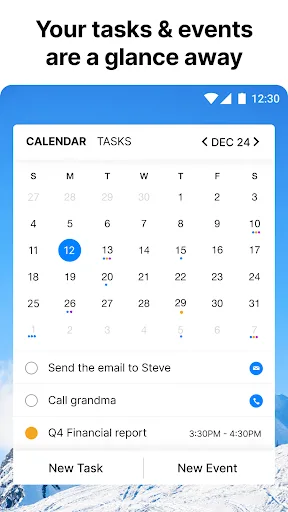
Any.do - To do list & Calendar Screenshots
Official app screenshots from the Google Play Store.

Frequently Asked Questions
Which app has a better rating on Google Play?
TickTick has a higher rating of 4.59 compared to Any.do's 4.40, based on millions of reviews.
Can I use these apps offline?
Both apps offer offline functionality. TickTick allows offline task creation and editing, syncing when online. Any.do also supports offline mode with basic features.
Do these apps have ads?
Any.do's free version displays ads, while TickTick's free version is ad-free. Both offer premium subscriptions to remove ads and unlock extras.
What are the device requirements for these apps?
Both require Android 5.0 or higher. TickTick needs about 50 MB of storage, while Any.do is slightly smaller at 40 MB. Both run smoothly on most modern devices.
Which app should I choose for personal task management?
If you want a simple, no-fuss app, choose Any.do. If you need advanced features like habit tracking, Pomodoro, and calendar views, TickTick is the better choice.
Related Comparisons
 VS
VS

Google Calendar vs Doable: The Ultimate Task Manager Showdown
VS

TickTick vs To Do List (SplenDO): Best Task Manager for Android
VS

TickTick vs Habit Me: Task Manager Showdown
VS

To Do List vs Reminder Planner: Best Task Manager
 VS
VS
Tasks vs SplenDO: Which Task Manager App Reigns Supreme?
VS