Todoist vs Any.do: Which Task Manager App Wins
Todoist is ideal for productivity enthusiasts who want a powerful, cross-platform task manager with natural language input and deep integrations. Any.do targets users seeking a simple, all-in-one planner with a sleek interface and built-in calendar. Both are top-rated apps with over 10 million installs each.

Todoist: To Do List & Calendar
Recommended- Rating
- ★ 4.58
- Downloads
- 10,000,000+
- Developer
- Doist Inc.

Any.do - To do list & Calendar
- Rating
- ★ 4.40
- Downloads
- 10,000,000+
- Developer
- Any.do To-do list & Calendar
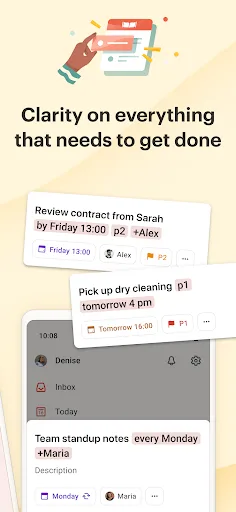
You have enough on your plate without fighting your productivity tools. Todoist is the planner and habit tracker that bridges personal and professional productivity, without the complexity tax. Join 50+ million people and teams who trust Todoist as their second brain to organize…
Pros
- Natural language input for quick task entry
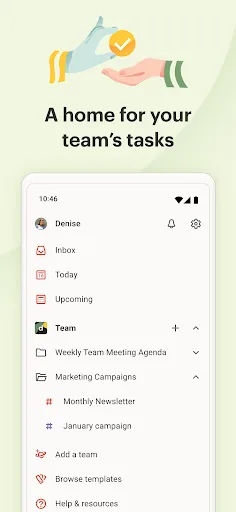
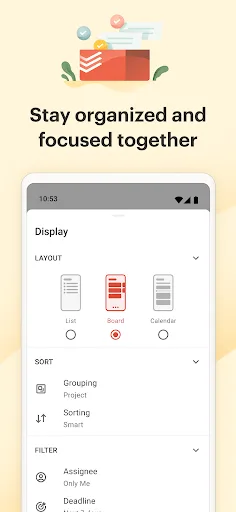
- Powerful project management with labels, filters, and boards
- Cross-platform sync across 15+ platforms
- Deep integrations with Slack, Gmail, Zapier, and more
- Excellent collaboration and team features
Cons
- Free version limits active projects and collaborators
- Steeper learning curve for advanced features
- No built-in calendar view in free tier
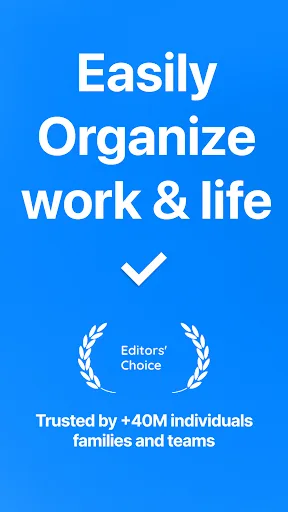
🥇 "#1 To do list app out there” - WSJ 🏆 Editor's Choice by Google Over +40M people, families and teams rely on Any.do to stay organized and get more done. It's a simple and powerful to do list app with built in tasks, reminders, daily planner and calendar - all-in-one. �…
Pros
- Clean, intuitive interface with a modern design
- Built-in calendar and daily planner
- Voice entry and location-based reminders
- Works well for simple personal task management
- Free version includes most core features
Cons
- Limited project organization (no nested projects)
- Fewer integrations compared to Todoist
- Collaboration features are less robust
Final Verdict
Our pick: Todoist: To Do List & Calendar
For most users, Todoist is the better choice due to its superior natural language processing, robust project management features, and extensive integration ecosystem. Any.do excels in simplicity and visual appeal, but lacks Todoist's depth for complex workflows. If you need a lightweight, calendar-centric app, Any.do is great, but for serious task management, go with Todoist.
Todoist: To Do List & Calendar Screenshots
Official app screenshots from the Google Play Store.


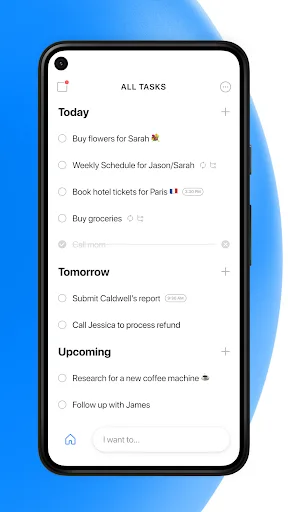
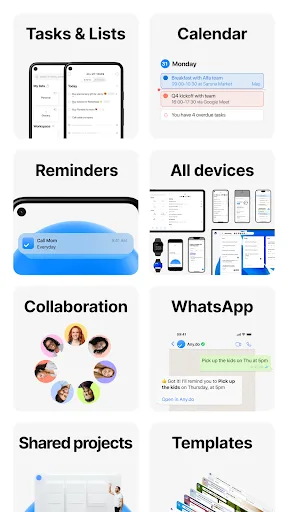
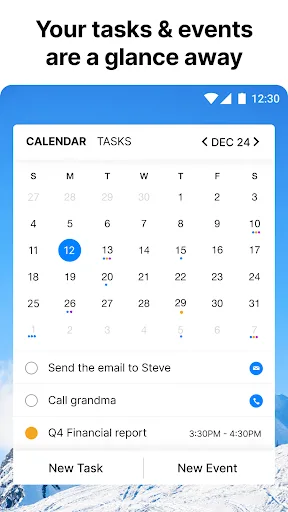
Any.do - To do list & Calendar Screenshots
Official app screenshots from the Google Play Store.

Frequently Asked Questions
Which app has better ratings?
Todoist has a slightly higher rating (4.58 vs 4.40) on the Google Play Store, based on over 10 million installs each.
Do these apps work offline?
Both Todoist and Any.do support offline mode, allowing you to view and add tasks without an internet connection. Changes sync when you reconnect.
Are there ads in the free versions?
Neither app displays ads in the free version. Both offer premium subscriptions for additional features.
What are the device requirements?
Both apps require Android 5.0 or later. They are optimized for phones and tablets, and also have Wear OS support.
Which app should I choose for team collaboration?
Todoist offers more robust collaboration features, including shared projects, task assignments, and team templates. Any.do's collaboration is more basic.
Related Comparisons
 VS
VS

Google Calendar vs Doable: The Ultimate Task Manager Showdown
 VS
VS

TickTick vs To Do List (SplenDO): Best Task Manager for Android
VS

TickTick vs Habit Me: Task Manager Showdown
VS

To Do List vs Reminder Planner: Best Task Manager
 VS
VS
Tasks vs SplenDO: Which Task Manager App Reigns Supreme?
VS