Solid Explorer File Manager
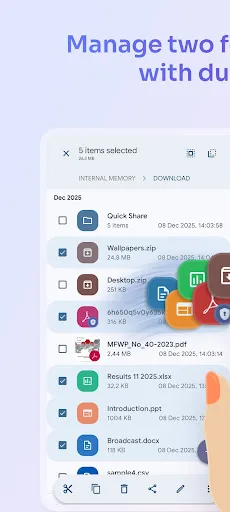
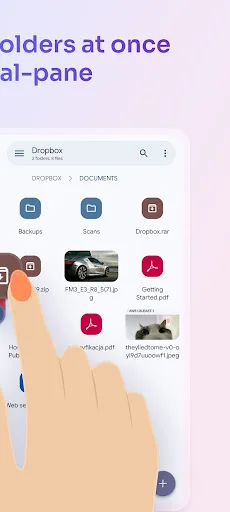
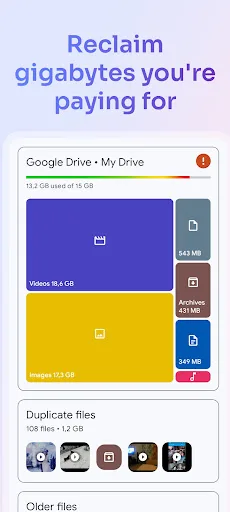
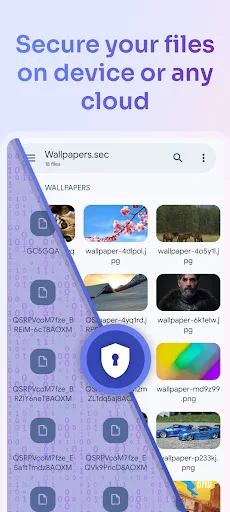
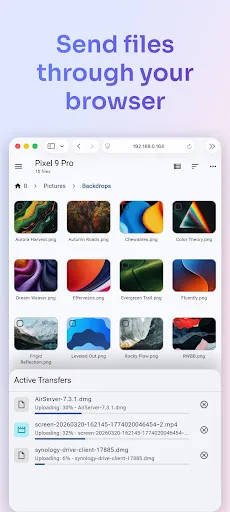
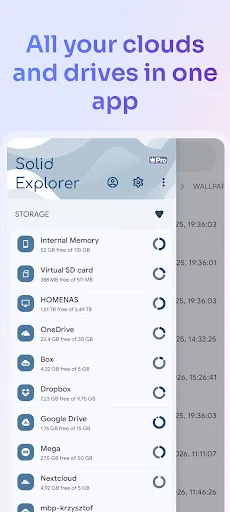
Solid Explorer is a powerful file manager that gives you full control over files on your device, in the cloud, and across your network. 🗄️ Dual-pane layout — drag and drop files between two panels 🔐 AES-256 encryption — lock files with password or fingerprint 🖥️ Cloud & network access — Google Drive, OneDrive, Dropbox, SMB, SFTP, FTP & more 🌐 Web file sharing — send files to any device with a…
Solid Explorer File Manager Screenshots
Official app screenshots from the Google Play Store.
About Solid Explorer File Manager
Solid Explorer is a powerful file manager that gives you full control over files on your device, in the cloud, and across your network. 🗄️ Dual-pane layout — drag and drop files between two panels 🔐 AES-256 encryption — lock files with password or fingerprint 🖥️ Cloud & network access — Google Drive, OneDrive, Dropbox, SMB, SFTP, FTP & more 🌐 Web file sharing — send files to any device with a web browser Manage files your way Navigate two folders side by side and drag files between panels — the fastest way to organize storage. Use indexed search to find anything instantly, batch rename files with patterns, and browse collections that automatically sort your Downloads, Photos, Videos, Music, Documents, and Apps. Access all your storage in one app Connect to Google Drive, OneDrive, Dropbox, Box, Mega*, MediaFire, Yandex, Owncloud and SugarSync. Access NAS drives and servers over SMB/CIFS (Samba), SFTP, FTP, and WebDAV. Transfer files between any two locations — cloud to cloud, server to phone, or SD card to NAS — just drag between panels. Share files with any device Start the built-in web server and share files with any phone, tablet, or computer on your…