Mi File Manager vs Solid Explorer: Which File Manager Reigns Supreme?
Mi File Manager by Xiaomi is a pre-installed, lightweight solution for basic file management tasks like searching, moving, and sharing files offline. It's ideal for casual users who need a simple, free tool without extra complexities. Solid Explorer File Manager by NeatBytes targets power users with advanced features like dual-pane layout, cloud storage integration, and AES-256 encryption. It suits those who manage files across multiple sources and require robust security. Both apps are highly rated, but they cater to different audiences.
Solid Explorer File Manager
Recommended- Rating
- ★ 4.44
- Downloads
- 10,000,000+
- Developer
- NeatBytes
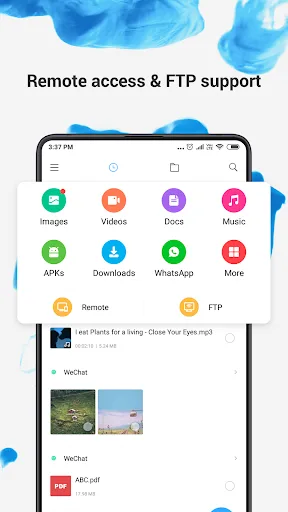
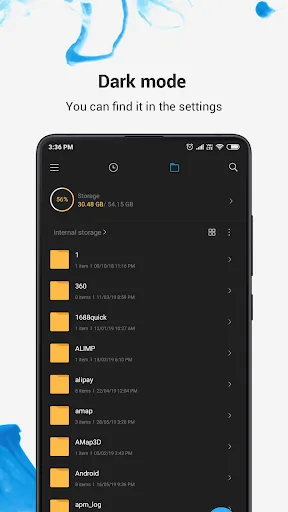
Mi File Manager is a free, secure tool that helps you find file faster, manage files easily, and share them offline with others. It supports tons of cool features: quick search, moving, deleting, opening, and sharing files, as well as renaming, unzipping, and copy-paste. Mi File…
Pros
- Completely free with no ads or in-app purchases
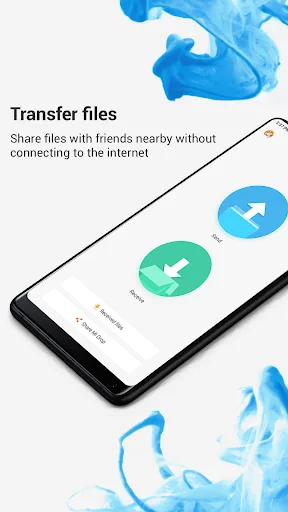
- Fast search and offline sharing with nearby devices
- Supports a wide range of file formats including APK and ZIP
- Lightweight and pre-installed on Xiaomi devices
- Simple interface suitable for beginners
Cons
- Lacks cloud storage integration
- No advanced features like dual-pane or encryption
- Limited customization options
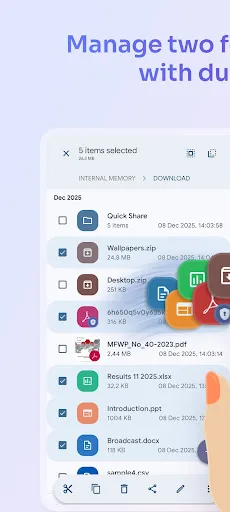
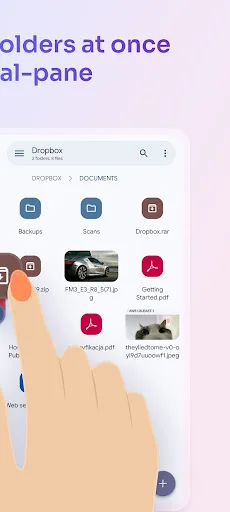
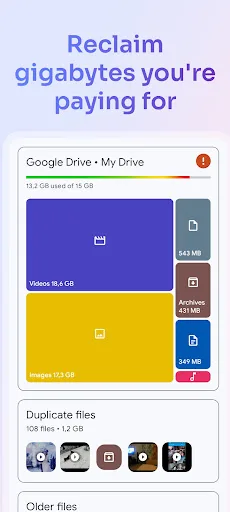
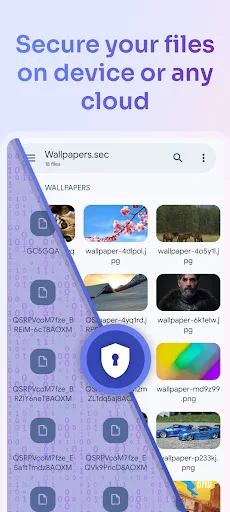
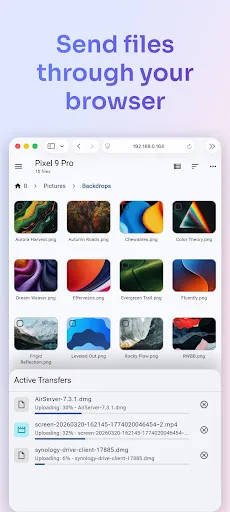
Solid Explorer is a powerful file manager that gives you full control over files on your device, in the cloud, and across your network. 🗄️ Dual-pane layout — drag and drop files between two panels 🔐 AES-256 encryption — lock files with password or fingerprint 🖥️…
Pros
- Dual-pane layout for efficient drag-and-drop file management
- AES-256 encryption with password or fingerprint lock
- Supports cloud services (Google Drive, OneDrive, Dropbox) and network protocols (SMB, FTP, SFTP)
- Web-based file sharing without installing additional apps
- Highly customizable with themes and plugins
Cons
- Requires purchase after 14-day trial for full features
- Steeper learning curve for new users
- Occasional performance lag on low-end devices
Final Verdict
Our pick: Solid Explorer File Manager
For most users, Solid Explorer File Manager is the better choice due to its superior feature set and customization options. Its dual-pane layout, cloud support, and encryption make it a powerhouse for file management. Mi File Manager is excellent for Xiaomi users or those who prioritize simplicity and zero cost. However, Solid Explorer's trial version limits some features, while Mi File Manager is completely free. If you need advanced tools and don't mind a small investment, Solid Explorer wins. For basic, ad-free file management, Mi File Manager suffices.
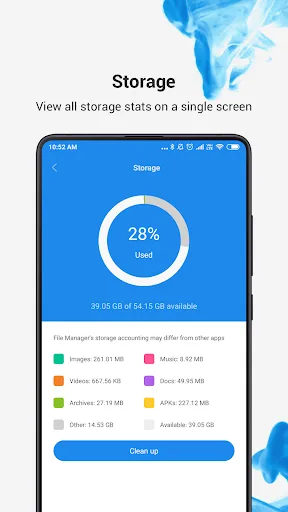
File Manager Screenshots
Official app screenshots from the Google Play Store.
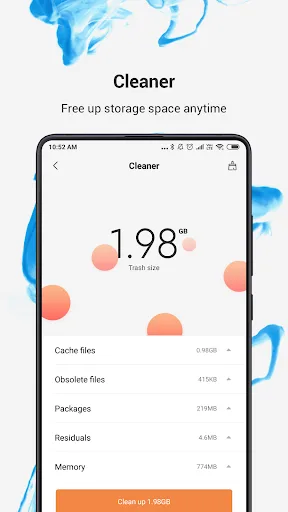
Solid Explorer File Manager Screenshots
Official app screenshots from the Google Play Store.
Frequently Asked Questions
Which app has a higher rating, Mi File Manager or Solid Explorer?
Mi File Manager has a rating of 4.56, while Solid Explorer has 4.44. Both are highly rated, but Mi File Manager scores slightly higher.
Do these file managers work offline?
Yes, both apps work offline for local file management. Solid Explorer also offers offline access to files stored on cloud services if previously synced.
Are there any ads in Mi File Manager or Solid Explorer?
Mi File Manager is ad-free. Solid Explorer's trial version may show occasional prompts to purchase, but the full version is ad-free.
What are the device requirements for each app?
Mi File Manager requires Android 4.1+ and is optimized for Xiaomi devices. Solid Explorer requires Android 4.0+ and works on most devices with at least 1GB RAM.
Which file manager should I choose?
Choose Mi File Manager if you want a simple, free, and pre-installed solution. Choose Solid Explorer if you need advanced features like cloud support, encryption, and dual-pane navigation.
Related Comparisons
 VS
VS

Xender vs Files by Google: Which File Manager & Transfer App Wins in 2026
 VS
VS

Google Drive vs Dropbox: The Ultimate File Manager Showdown
VS
Solid Explorer vs Google Drive: Best File Manager for Android
 VS
VS
Cx File Explorer vs Solid Explorer: Which File Manager Reigns Supreme?
VS
Cx File Explorer vs Samsung My Files: Which File Manager Reigns Supreme?
VS