Cx File Explorer vs Samsung My Files: Which File Manager Reigns Supreme?
Cx File Explorer is a feature-packed file manager designed for power users who need advanced tools like root browsing, cloud storage integration, and a storage cleaner. Samsung My Files is a pre-installed file manager optimized for Samsung devices, offering seamless integration with One UI and basic file management for everyday users. Both are free but cater to different audiences.
Cx File Explorer
Recommended- Rating
- ★ 4.75
- Downloads
- 10,000,000+
- Developer
- Cx File Explorer
Samsung My Files
- Rating
- ★ 4.05
- Downloads
- 5,000,000,000+
- Developer
- Samsung Electronics Co., Ltd.
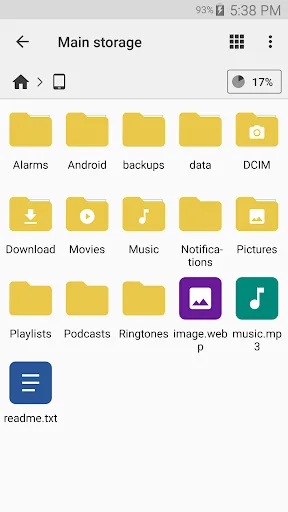
Cx File Explorer is a powerful file manager & storage cleaner app with a clean and intuitive interface. With this file manager app, you can quickly browse and manage the files on your mobile device, PC, and cloud storage, just like you use Windows Explorer or Finder on your PC or…
Pros
- Supports root browsing for advanced users
- Integrated storage cleaner to free up space
- Connects to cloud services like Google Drive, Dropbox, OneDrive
- FTP and WebDAV support for network file transfer
- Clean, intuitive interface with customizable themes
Cons
- Contains ads (can be removed via in-app purchase)
- No built-in trash/recycle bin for deleted files
- Some advanced features may overwhelm casual users
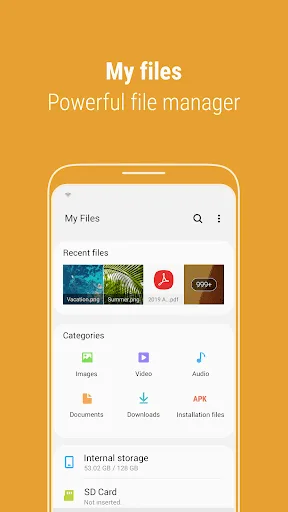
[Introducing My Files] "My Files" manages all the files on your smartphone, just like a file explorer on your computer. You can also manage files stored on SD cards, USB drives and files in the cloud storage connected with your smartphone at the same time. Download and experience…
Pros
- Pre-installed on Samsung devices, no download needed
- Seamless integration with One UI and Samsung ecosystem
- Includes a trash/recycle bin for accidental deletions
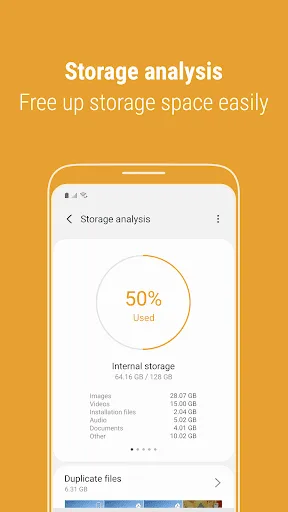
- Analyzes storage usage and suggests cleanup
- Supports external USB drives and SD cards
Cons
- Limited to Samsung devices only
- No root access or advanced file permissions
- Lacks FTP and cloud storage support beyond Samsung Cloud
Final Verdict
Our pick: Cx File Explorer
For most users, especially those with Samsung devices, Samsung My Files provides a smooth, integrated experience with essential features like trash management and cloud connectivity. However, Cx File Explorer is the clear winner for advanced users who need root access, FTP support, and a built-in storage cleaner. If you want a lightweight, no-frills file manager that works out of the box, choose Samsung My Files. For maximum control and extra utilities, Cx File Explorer is the better choice.
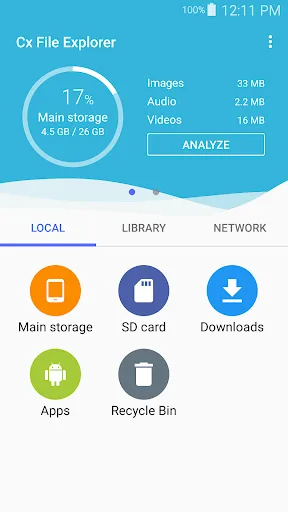
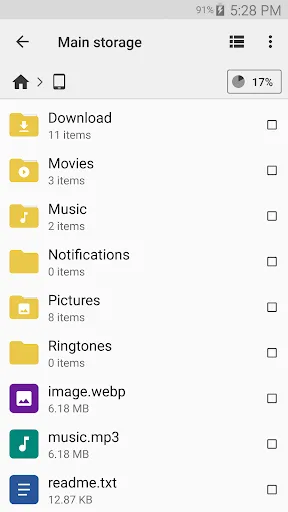
Cx File Explorer Screenshots
Official app screenshots from the Google Play Store.


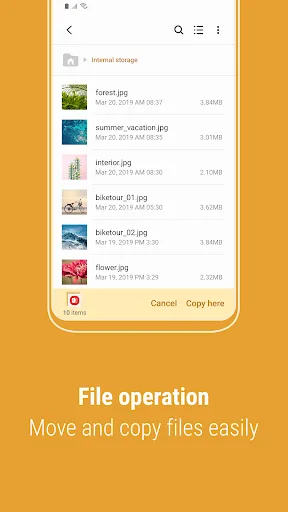
Samsung My Files Screenshots
Official app screenshots from the Google Play Store.
Frequently Asked Questions
Which app has a higher rating?
Cx File Explorer has a higher rating of 4.75 compared to Samsung My Files at 4.05.
Can I use these apps offline?
Yes, both apps work offline for local file management. However, cloud storage features require an internet connection.
Do these apps contain ads?
Cx File Explorer contains ads, but they can be removed via an in-app purchase. Samsung My Files is ad-free.
What are the device requirements?
Both apps require Android 5.0 or higher. Samsung My Files is only available on Samsung devices, while Cx File Explorer works on any Android device.
Which app should I choose?
If you have a Samsung device and need basic file management, choose Samsung My Files. For advanced features like root access, cloud storage, and storage cleaning, choose Cx File Explorer.
Related Comparisons
 VS
VS

Xender vs Files by Google: Which File Manager & Transfer App Wins in 2026
 VS
VS

Google Drive vs Dropbox: The Ultimate File Manager Showdown
 VS
VS
Solid Explorer vs Google Drive: Best File Manager for Android
VS
Cx File Explorer vs Solid Explorer: Which File Manager Reigns Supreme?
VS
Files by Google vs Mi File Manager: Which File Manager App Reigns Supreme?
 VS
VS