Files by Google vs Mi File Manager: Which File Manager App Reigns Supreme?
Files by Google is ideal for users who want a clean, Google-integrated experience with smart storage cleaning and cloud backup. Mi File Manager suits Xiaomi device owners or those who prefer a feature-packed, traditional file explorer with extensive format support. Both are free and highly rated, but cater to different needs.
Files by Google
Recommended- Rating
- ★ 4.50
- Downloads
- 5,000,000,000+
- Developer
- Google LLC
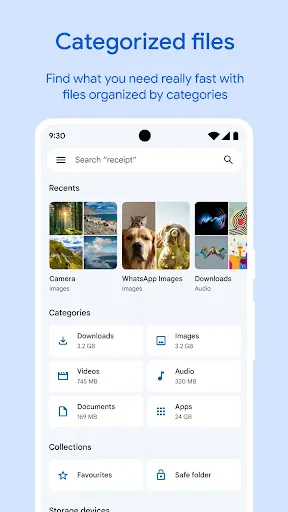
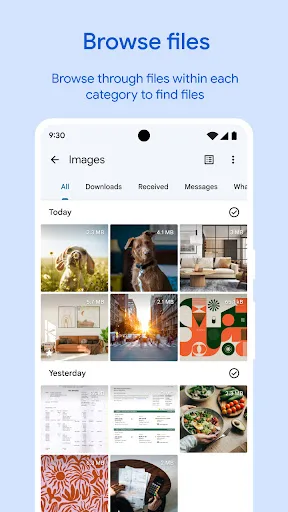
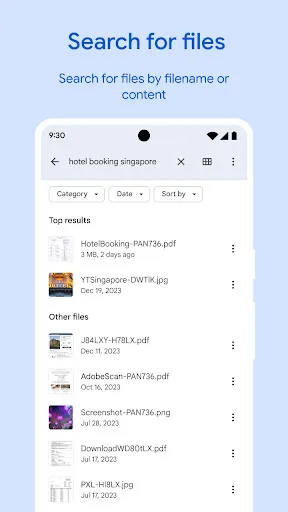
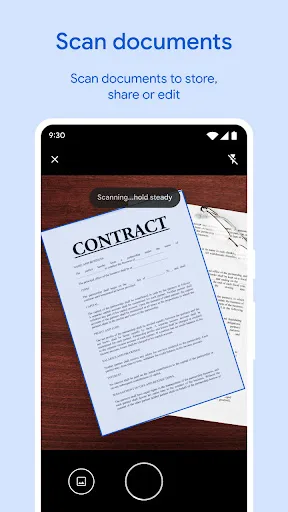
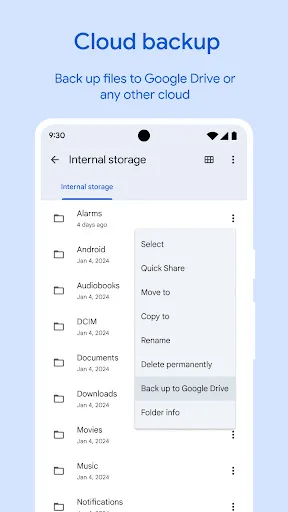
✨ Free up space on your device with cleaning recommendations 🔍 Find files faster with search and simple browsing ↔️ Quickly share files offline with Quick Share ☁️ Back up files to the cloud to save space on your device 🔒 Secure your files with a non-device lock F…
Pros
- Smart storage cleaning recommendations to free up space
- Offline file sharing via Quick Share
- Cloud backup integration with Google Drive
- Secure file lock with non-device lock option
- Simple, intuitive interface with fast search
Cons
- Limited advanced file operations like bulk rename or zip
- Requires Google account for full functionality
- May not support all file formats natively
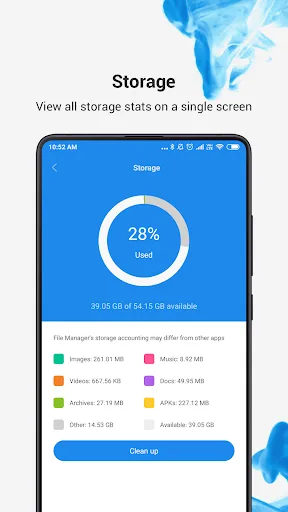
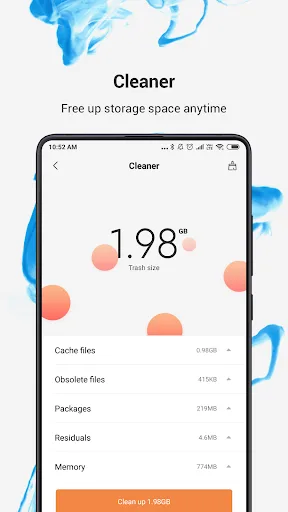
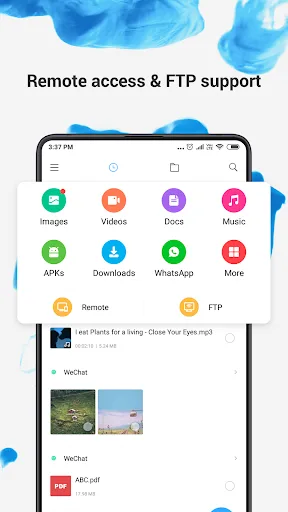
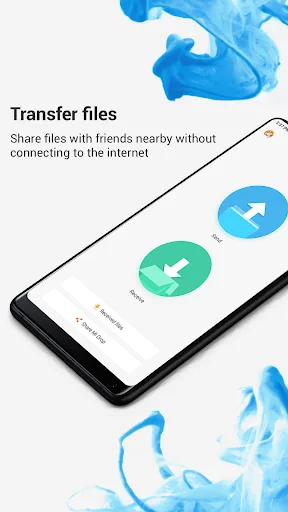
Mi File Manager is a free, secure tool that helps you find file faster, manage files easily, and share them offline with others. It supports tons of cool features: quick search, moving, deleting, opening, and sharing files, as well as renaming, unzipping, and copy-paste. Mi File…
Pros
- Comprehensive file operations: rename, unzip, copy-paste
- Recognizes multiple file formats (music, video, docs, APKs)
- Fast search and easy file management
- Lightweight and pre-installed on Xiaomi devices
- Free with no ads
Cons
- Lacks cloud backup integration
- No built-in file encryption or secure lock
- Interface may feel cluttered compared to Files by Google
Final Verdict
Our pick: Files by Google
For most users, Files by Google is the winner due to its superior storage management, offline sharing via Quick Share, and seamless Google ecosystem integration. It offers a more intuitive interface and better security features. However, if you own a Xiaomi device or need advanced file operations like zip extraction and format recognition, Mi File Manager is a solid choice. Overall, go with Files by Google for simplicity and efficiency.
Files by Google Screenshots
Official app screenshots from the Google Play Store.
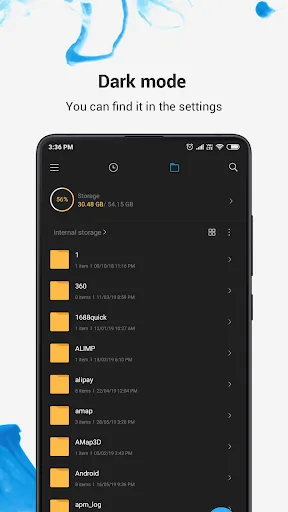
File Manager Screenshots
Official app screenshots from the Google Play Store.
Frequently Asked Questions
Which app has a higher rating?
Mi File Manager has a slightly higher rating of 4.5558 compared to Files by Google's 4.5069, but both are excellent.
Can I use these apps offline?
Yes, both apps work offline for local file management. Files by Google also offers offline sharing via Quick Share.
Do these apps contain ads?
Both apps are ad-free. Files by Google and Mi File Manager are completely free with no advertisements.
What are the device requirements?
Both apps require Android 5.0 or higher. Files by Google needs Google Play Services, while Mi File Manager is optimized for Xiaomi but works on any Android device.
Which app should I choose?
Choose Files by Google for smarter storage management and cloud backup. Choose Mi File Manager if you need advanced file operations or use a Xiaomi device.
Related Comparisons
 VS
VS
Xender vs Files by Google: Which File Manager & Transfer App Wins in 2026
 VS
VS

Google Drive vs Dropbox: The Ultimate File Manager Showdown
 VS
VS
Solid Explorer vs Google Drive: Best File Manager for Android
 VS
VS
Cx File Explorer vs Solid Explorer: Which File Manager Reigns Supreme?
VS
Cx File Explorer vs Samsung My Files: Which File Manager Reigns Supreme?
 VS
VS