Xender vs Files by Google: Which File Manager & Transfer App Wins in 2026
Xender is a dedicated file transfer tool that excels at high-speed, cross-platform sharing between any devices, making it ideal for users who frequently move large files. Files by Google is a comprehensive file manager that combines storage cleanup, offline sharing via Quick Share, and cloud backup, perfect for users who want to declutter their device and manage files efficiently.

Xender - Quick Share, Transfer
- Rating
- ★ 4.57
- Downloads
- 500,000,000+
- Developer
- Xender File Sharing Team
Files by Google
Recommended- Rating
- ★ 4.50
- Downloads
- 5,000,000,000+
- Developer
- Google LLC
Xender - best sharing app fulfilling all your transfer needs ☆ Share Music, Share Video, Share Photo, Share MV, Share It, Share Me, Share File ☆ Transfer any files (app, music, video, pdf, Word, Excel, zip, folder..) anywhere, anytime - Transfer files from Android to Android…
Pros
- Blazing-fast transfer speeds (up to 40 Mbps) via Wi-Fi Direct
- Supports cross-platform transfers: Android, iOS, Windows, Mac, and Web
- No file size limit, allowing large videos and folders
- Simple and intuitive interface with a clean design
- No internet required for transfers, works offline
Cons
- App is ad-supported, with occasional full-screen ads
- File management features are basic compared to dedicated managers
- Requires both devices to have Xender installed for sharing
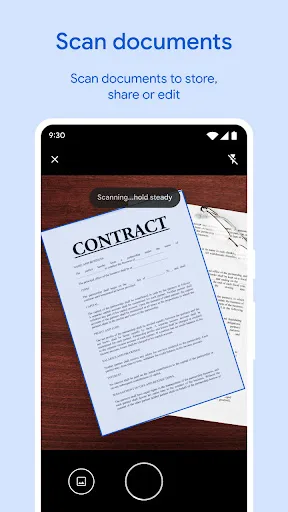
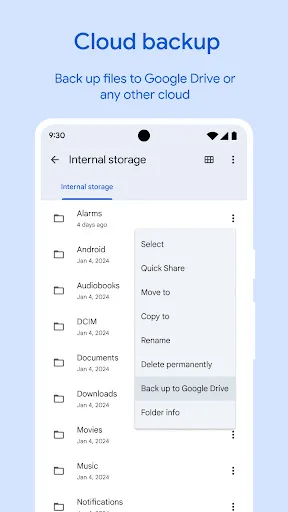
✨ Free up space on your device with cleaning recommendations 🔍 Find files faster with search and simple browsing ↔️ Quickly share files offline with Quick Share ☁️ Back up files to the cloud to save space on your device 🔒 Secure your files with a non-device lock F…
Pros
- Smart storage cleanup suggestions to free up space
- Quick Share for fast offline sharing with nearby devices
- Cloud backup for photos, videos, and documents
- Secure folder with PIN or pattern lock
- Built-in file manager with search and easy browsing
Cons
- Transfer speeds may be slower than Xender for large files
- No iOS app for cross-platform transfers
- Some advanced features require internet connection
Final Verdict
Our pick: Files by Google
If your primary need is fast, reliable file transfer between different platforms and devices, Xender is the winner due to its superior transfer speeds and broad compatibility. However, for everyday file management, storage optimization, and secure sharing, Files by Google offers a more holistic solution. Given its versatility, offline sharing capabilities, and integrated cleanup tools, Files by Google is the recommended app for most users in 2026.
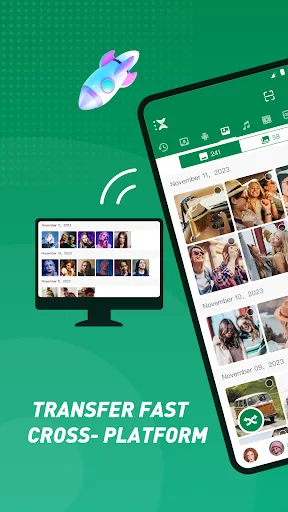
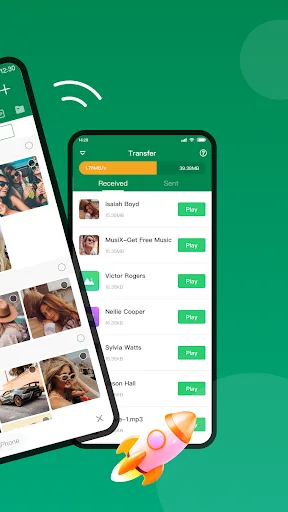
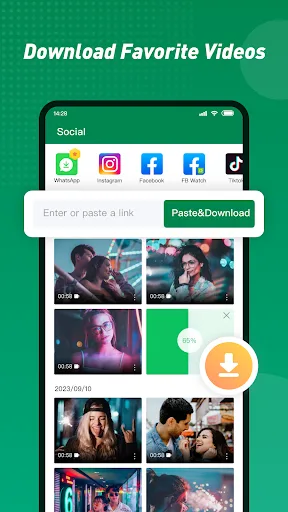
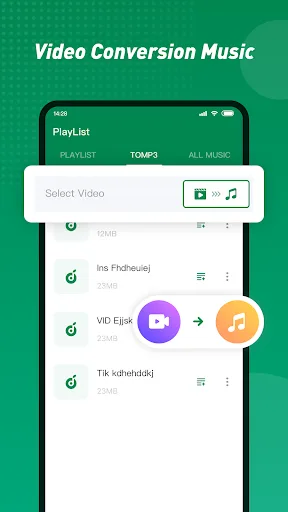
Xender - Quick Share, Transfer Screenshots
Official app screenshots from the Google Play Store.

Files by Google Screenshots
Official app screenshots from the Google Play Store.
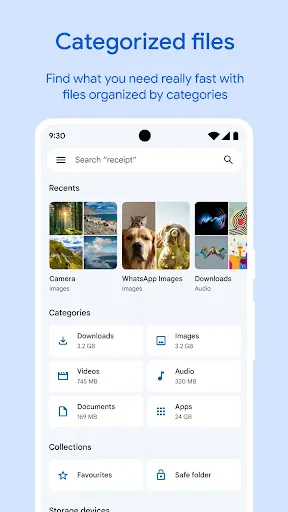
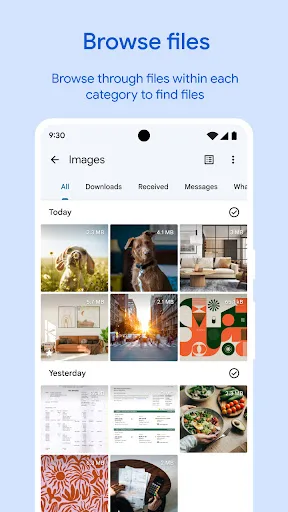
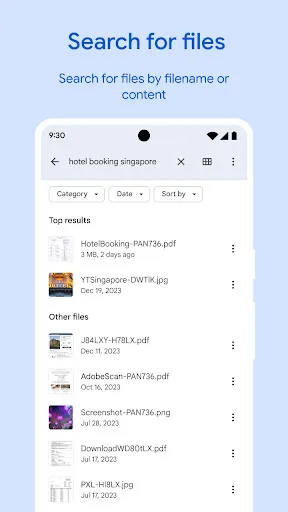
Frequently Asked Questions
Which app has a higher rating?
Xender has a rating of 4.568, while Files by Google has a slightly lower rating of 4.502. Both are highly rated, but Xender edges out in user satisfaction.
Can I use these apps offline?
Yes, both apps work offline for file sharing. Xender uses Wi-Fi Direct, and Files by Google uses Quick Share (similar to Nearby Share). Both do not require an internet connection for transfers.
Are these apps free with ads?
Both apps are free to download and use. Xender contains ads, which can be intrusive. Files by Google is ad-free, providing a cleaner experience.
What are the device requirements?
Both apps require Android 5.0 or higher. Xender also has versions for iOS, Windows, and Mac. Files by Google is Android-only and works on phones and tablets.
Which app should I choose?
If you frequently transfer large files across different platforms, choose Xender. If you need a comprehensive file manager with cleanup and cloud backup, choose Files by Google. For most users, Files by Google is the better all-rounder.
Related Comparisons
 VS
VS

Google Drive vs Dropbox: The Ultimate File Manager Showdown
 VS
VS
Solid Explorer vs Google Drive: Best File Manager for Android
 VS
VS
Cx File Explorer vs Solid Explorer: Which File Manager Reigns Supreme?
VS
Cx File Explorer vs Samsung My Files: Which File Manager Reigns Supreme?
VS
Files by Google vs Mi File Manager: Which File Manager App Reigns Supreme?
 VS
VS