Google Drive vs Dropbox: The Ultimate File Manager Showdown
Google Drive is ideal for users deeply integrated with Google Workspace, offering seamless collaboration and generous free storage. Dropbox excels in cross-platform syncing and third-party app integrations, making it perfect for professionals and teams. Both are top-tier cloud storage solutions, but they cater to different priorities. This comparison helps you decide which one fits your workflow best.
Google Drive
Recommended- Rating
- ★ 4.27
- Downloads
- 10,000,000,000+
- Developer
- Google LLC

Dropbox: Secure Cloud Storage
- Rating
- ★ 4.38
- Downloads
- 1,000,000,000+
- Developer
- Dropbox, Inc.
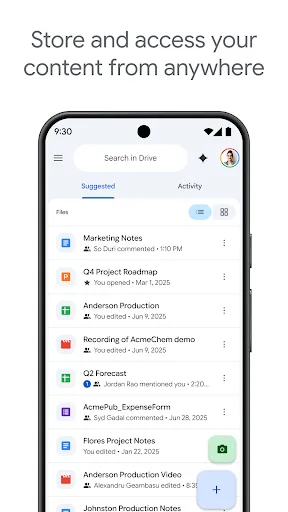
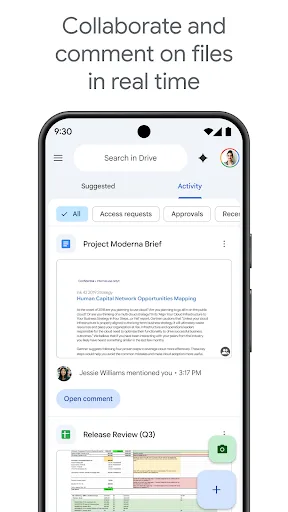
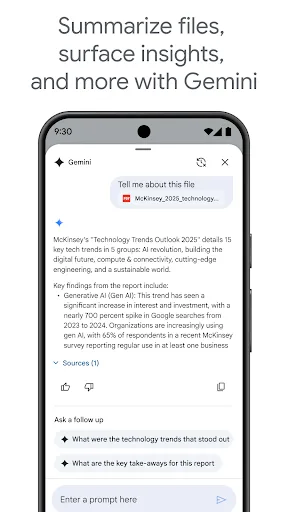
Google Drive lets you securely store, intelligently organize and collaborate on files and folders from anywhere, on any device. With Drive, you can: • Safely store and access your files anywhere • Edit and store 100+ file types, including PDFs, Office files, videos and more �…
Pros
- 15GB free storage included with every Google account
- Seamless integration with Google Docs, Sheets, and Slides for real-time collaboration
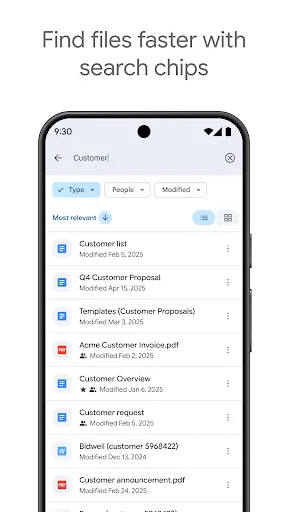
- Powerful search with OCR and object recognition to find images and scanned documents
- Automatic photo backup with unlimited original quality for Google One subscribers
- Offline access to files and folders with easy one-tap sync
Cons
- User interface can feel cluttered with multiple sections (Home, Starred, Shared)
- Limited file management features compared to dedicated file managers
- Sharing permissions can be confusing for non-Google users
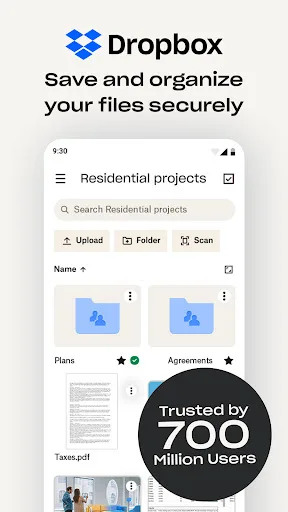
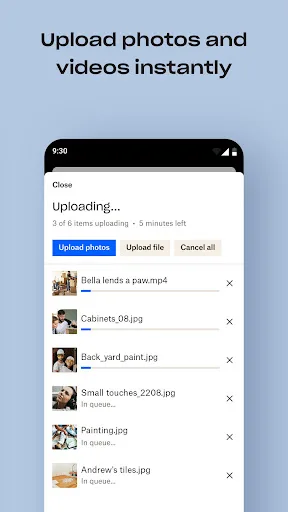
Dropbox allows you to backup your most essential files to the cloud, where you may access them at any time and from any location! Over 700 million registered users and 600,000 teams rely on it. Simple to use, trustworthy, private, and secure! Features: • Automatically upload ph…
Pros
- Excellent cross-platform sync with fast and reliable performance
- Smart Sync allows you to see all files without using device storage
- Extensive third-party app integrations (e.g., Slack, Zoom, Adobe)
- File requests feature for collecting files from others without a Dropbox account
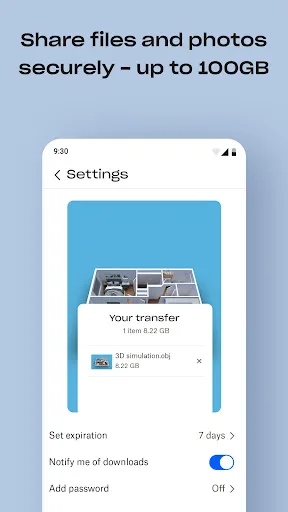
- Advanced sharing controls with password protection and expiry dates
Cons
- Only 2GB free storage, which is quite limited
- Higher pricing for paid plans compared to Google Drive
- Desktop app can be resource-intensive on some systems
Final Verdict
Our pick: Google Drive
For most Android users, Google Drive is the winner due to its superior free tier, tight integration with Android and Google services, and robust collaboration tools. Dropbox remains a strong contender for those who need advanced file syncing across many devices and rely on its extensive ecosystem of third-party apps. However, Google Drive's 15GB free storage, seamless Google Docs integration, and powerful search make it the more versatile choice for everyday use. If you're already invested in Google's ecosystem, Drive is a no-brainer. Otherwise, evaluate your specific needs for offline access and cross-platform compatibility.
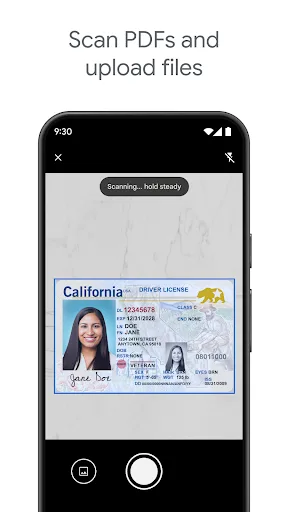
Google Drive Screenshots
Official app screenshots from the Google Play Store.
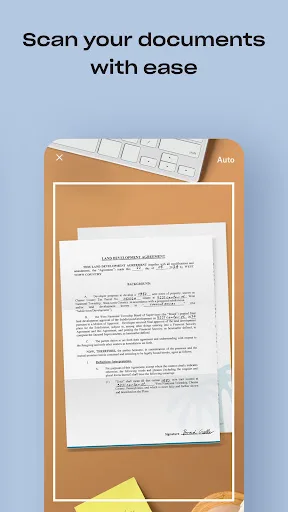
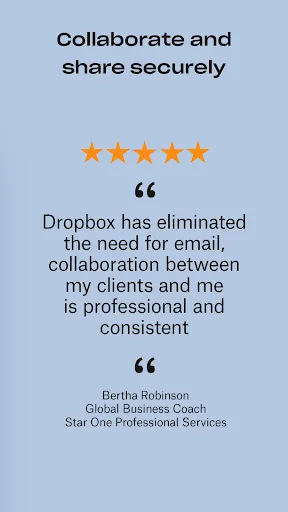
Dropbox: Secure Cloud Storage Screenshots
Official app screenshots from the Google Play Store.
Frequently Asked Questions
Which app has better ratings?
Dropbox has a slightly higher rating (4.38) compared to Google Drive (4.27). However, both are highly rated and trusted by billions of users.
Can I use these apps offline?
Yes, both apps allow you to make files available offline. Google Drive lets you star files for offline access, while Dropbox offers Smart Sync to access files on-demand without downloading them.
Are these apps free to use?
Both apps are free to download and use, but they offer limited free storage. Google Drive gives 15GB, Dropbox gives 2GB. Paid plans are available for more storage and features.
What are the device requirements?
Both apps require Android 8.0 or higher and work on a wide range of devices. They are optimized for both phones and tablets.
Which one should I choose?
If you use Google services heavily, choose Google Drive. If you need seamless cross-platform sync and third-party integrations, choose Dropbox. For most users, Google Drive offers better value with its free storage and collaboration tools.
Related Comparisons
 VS
VS
Xender vs Files by Google: Which File Manager & Transfer App Wins in 2026
 VS
VS
Solid Explorer vs Google Drive: Best File Manager for Android
 VS
VS
Cx File Explorer vs Solid Explorer: Which File Manager Reigns Supreme?
VS
Cx File Explorer vs Samsung My Files: Which File Manager Reigns Supreme?
VS
Files by Google vs Mi File Manager: Which File Manager App Reigns Supreme?
 VS
VS