AndrOpen Office vs MobiOffice: Which Office Suite is Best for Android?
AndrOpen Office is a free, open-source office suite that brings the full power of OpenOffice to Android, ideal for users who need advanced formatting and compatibility with OpenDocument formats. MobiOffice (formerly OfficeSuite) is a premium, feature-rich app with over 100 million installs, perfect for those who want seamless Microsoft Office compatibility and a polished user experience. Both apps handle Word, Excel, and PowerPoint files, but they cater to different user priorities: AndrOpen Office for PC-like features at no cost, and MobiOffice for reliability and cloud integration. This comparison will help you decide based on your specific office needs.

MobiOffice: Word, Sheets, PDF
Recommended- Rating
- ★ 4.35
- Downloads
- 100,000,000+
- Developer
- MobiSystems
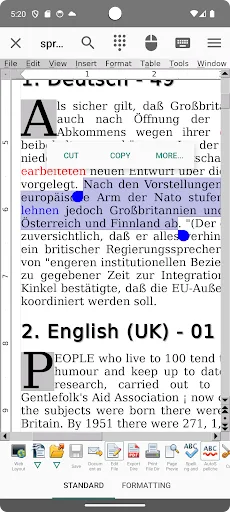
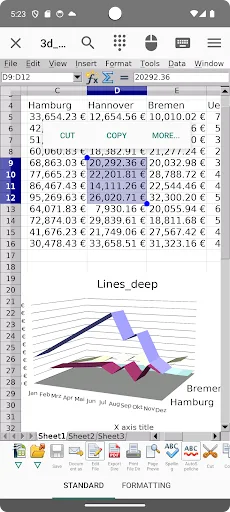
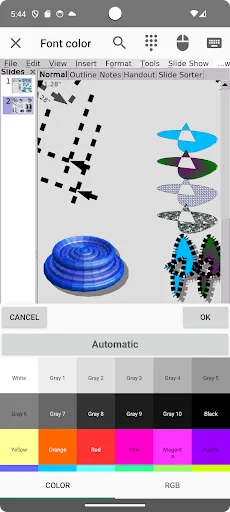
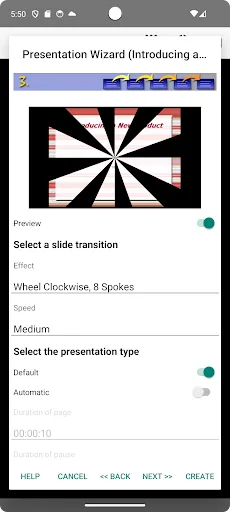
Celebrating 7 Million Downloads!!! AndrOpen Office is the world's first porting of OpenOffice for Android and it's a powerful and complete office suite for OpenOffice / LibreOffice documents. You can view, edit, import, and export PDF, Word, Excel & PowerPoint documents using ful…
Pros
- Free and open-source with no ads or in-app purchases
- Full OpenOffice feature set including mail merge and macros
- Supports multiple document formats including ODF, DOC, XLS, PPT
- Ability to export documents as PDF
- Lightweight app with low storage requirements
Cons
- Outdated user interface compared to modern office apps
- Inconsistent compatibility with complex Microsoft Office files
- No cloud storage integration or real-time collaboration
MobiOffice is the smart choice for office productivity. With this powerful office pack, you can create, edit, comment, format, convert, and protect documents, spreadsheets and presentations - as well as the ability to view and sign PDF files. Compatible with Microsoft Office (Wor…
Pros
- Seamless compatibility with Microsoft Office formats (DOCX, XLSX, PPTX)
- Built-in PDF viewer with annotation and signature support
- Integration with cloud services like Google Drive, Dropbox, and OneDrive
- Regular updates with new features and security patches
- High user rating (4.3) and over 100 million installs
Cons
- Free version includes ads and limited features; full unlock requires subscription
- Heavier app with larger storage footprint
- Some advanced formatting may not render perfectly in complex documents
Final Verdict
Our pick: MobiOffice: Word, Sheets, PDF
MobiOffice is the clear winner for most users due to its higher rating, larger install base, and superior compatibility with Microsoft Office formats. It offers a more polished interface, cloud storage support, and PDF editing capabilities that AndrOpen Office lacks. However, if you need a completely free solution with advanced OpenOffice features and don't mind a dated interface, AndrOpen Office is a solid choice. For everyday office tasks and collaboration, MobiOffice's reliability and feature set make it the recommended app. Ultimately, choose MobiOffice for a seamless office experience on Android.

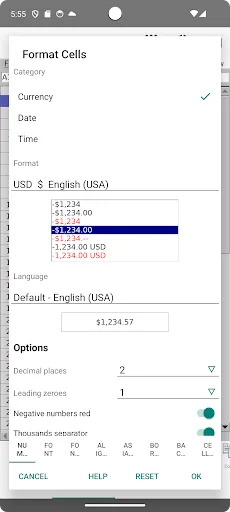
AndrOpen Office Screenshots
Official app screenshots from the Google Play Store.
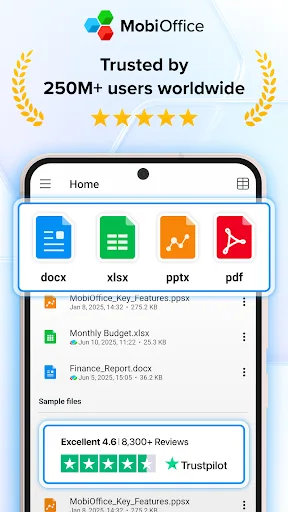
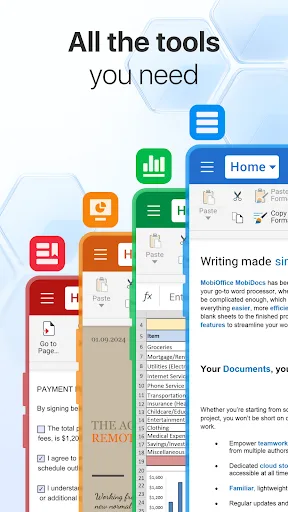
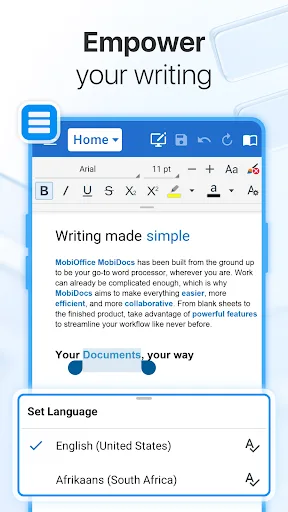
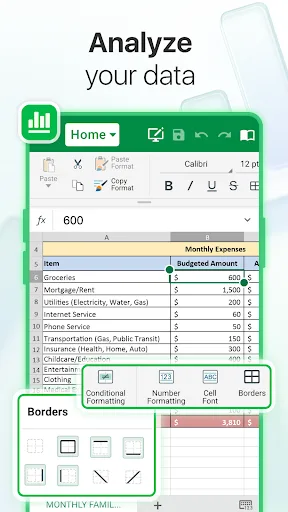
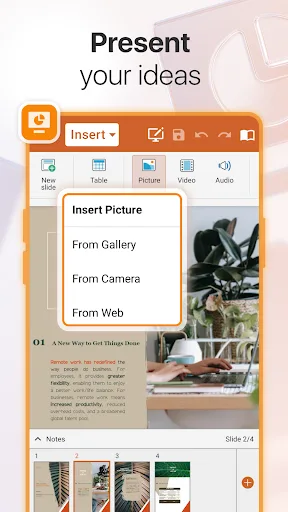
MobiOffice: Word, Sheets, PDF Screenshots
Official app screenshots from the Google Play Store.
Frequently Asked Questions
Which app has a higher rating?
MobiOffice has a higher rating of 4.32 compared to AndrOpen Office's 3.88, based on over 100 million installs.
Can I use these apps offline?
Both apps can be used offline for viewing and editing documents. However, MobiOffice's cloud sync features require an internet connection.
Do these apps have ads?
AndrOpen Office is completely ad-free. MobiOffice's free version displays ads, but they can be removed with a subscription.
What are the device requirements?
Both apps require Android 4.4 or higher. AndrOpen Office is lighter (around 30 MB), while MobiOffice is larger (around 100 MB) and may need more RAM for smooth performance.
Which app should I choose for everyday use?
For everyday use, MobiOffice is recommended due to its better compatibility with Microsoft Office, cloud support, and polished interface. Choose AndrOpen Office if you need a free, open-source solution with advanced OpenOffice features.
Related Comparisons
 VS
VS

WPS Office vs Microsoft Word: Best Android Office App for 2026
 VS
VS

Microsoft PowerPoint vs Microsoft Excel: Which Office App Reigns Supreme
 VS
VS

WPS Office Lite vs Microsoft 365 Copilot: Best Office App for Android in 2026
VS
Microsoft Word vs Microsoft PowerPoint: Which Office App Reigns Supreme?
 VS
VS

OfficeSuite Pro + PDF vs Office Reader: Best Android Office App for Productivity?
VS