Canva vs InShot: Best Collage Maker & Video Editor Comparison
Canva is a comprehensive design platform ideal for users who need to create collages, graphics, and videos with powerful AI tools. InShot is a dedicated video editor and collage maker tailored for social media content creators. Canva suits those seeking an all-in-one design suite, while InShot excels in quick, mobile-first video editing and collages.

Canva: AI Photo & Video Editor
Recommended- Rating
- ★ 4.77
- Downloads
- 500,000,000+
- Developer
- Canva

Video Editor & Maker - InShot
- Rating
- ★ 4.84
- Downloads
- 500,000,000+
- Developer
- InShot Video Editor
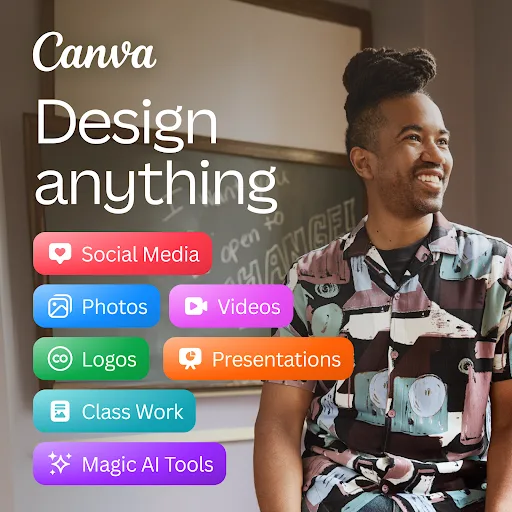
Canva is your free photo editor, logo maker, collage maker, and video editor in one editing app! Design digital art faster with powerful magic AI tools built-in, like the AI image generator that allows you to transform text to image in just a few minutes Make stunning social medi…
Pros
- Extensive library of collage templates and layouts
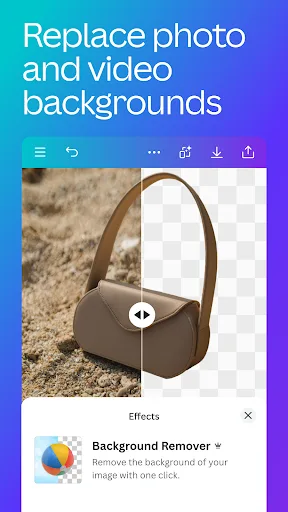
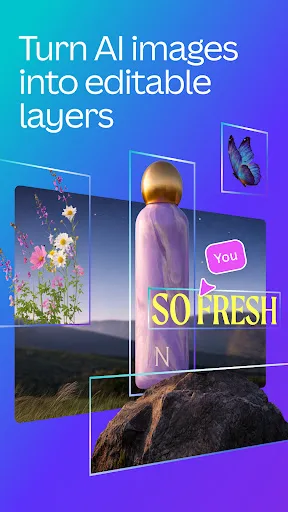
- Powerful AI tools like text-to-image and background removal
- Integrated photo and video editing in one app
- Cross-platform sync with desktop version
- Free with generous features and no watermarks
Cons
- Some advanced features require a subscription
- App can be slow on older devices
- Video editing capabilities are less robust than dedicated editors
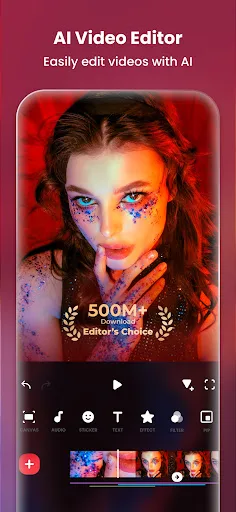
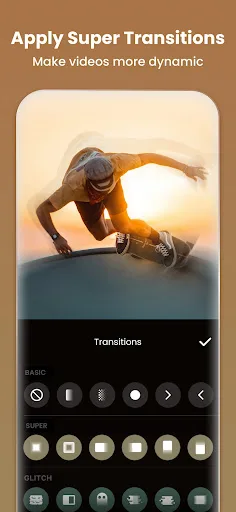
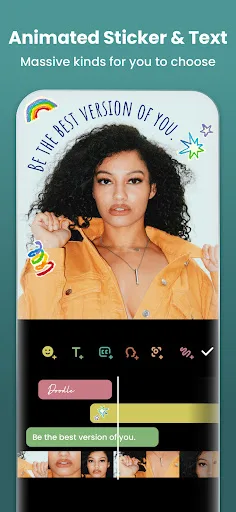
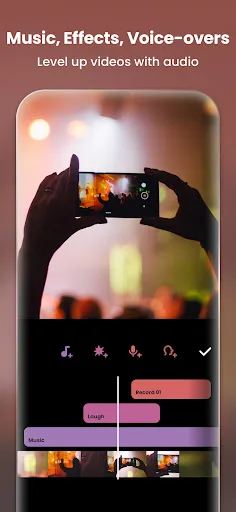
InShot - Powerful all-in-one Video Editor and Video Maker with professional features. Add music, text, transition effects for videos, make smooth slow motion, make video collage, blur background and etc! As an easy-to-use editing app, InShot makes creating vlogs a breeze and help…
Pros
- Fast and intuitive video editing with timeline
- Excellent video collage maker with multiple layouts
- No watermarks on free exports
- Lightweight app with smooth performance
- Direct sharing to social media platforms
Cons
- Limited photo editing and design templates
- No AI-powered features like text-to-image
- Fewer customization options for static collages
Final Verdict
Our pick: Canva: AI Photo & Video Editor
For pure collage making and graphic design, Canva offers more templates, AI features, and customization. However, InShot provides a smoother experience for video collages and quick edits. If your primary need is photo collages and design, choose Canva. For video collages and social media content, InShot is better. Overall, Canva wins for versatility, but InShot is best for video-focused users.
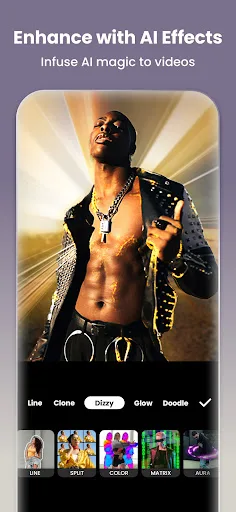
Canva: AI Photo & Video Editor Screenshots
Official app screenshots from the Google Play Store.

Video Editor & Maker - InShot Screenshots
Official app screenshots from the Google Play Store.
Frequently Asked Questions
Which app has a higher rating?
InShot has a slightly higher rating of 4.84 compared to Canva's 4.77.
Can I use these apps offline?
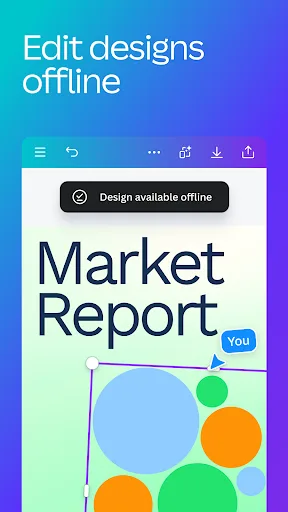
Both apps require an internet connection for initial download and some features, but basic editing can be done offline once templates are cached.
Do these apps show ads?
Canva shows occasional ads for premium features; InShot displays ads but offers an ad-free version via in-app purchase.
What are the device requirements?
Both apps require Android 5.0 or later. Canva may need more RAM for AI features; InShot runs smoothly on most devices.
Which app should I choose for creating social media collages?
For static image collages, Canva offers more templates. For video collages, InShot is more efficient and easier to use.
Related Comparisons
 VS
VS

Lightroom vs Polish: Which Photo Editor & Collage Maker Wins in 2026
VS

Lightroom vs Photo Editor Collage Maker: Best Collage App for Android in 2026
 VS
VS
Picsart vs Adobe Express: The Ultimate Collage App Showdown
VS

Picsart vs Photoroom: Which AI Photo Editor Wins for Collages?
VS

Collage Maker Showdown: Photo Editor - Collage Maker vs Collage Maker & Photo Editor
VS