Collage Maker Showdown: GridArt vs PicCollage – Which Photo Editor Reigns Supreme?
Collage Maker | Photo Editor (GridArt) by Photo Editor & Collage Maker is a feature-rich app with a high rating of 4.864, focusing on grid collages, 3D Popout effects, and pro filters. PicCollage by Cardinal Blue Software offers a versatile platform for photo and video collages, greeting cards, and scrapbooking, with a rating of 4.725. Both apps have over 100 million installs, catering to users who want to create visually appealing photo arrangements. GridArt is ideal for users who love artistic effects and precise grids, while PicCollage excels in creative layouts and multimedia storytelling.

Collage Maker | Photo Editor
- Rating
- ★ 4.86
- Downloads
- 100,000,000+
- Developer
- Photo Editor & Collage Maker
PicCollage: Photo Video Editor
Recommended- Rating
- ★ 4.72
- Downloads
- 100,000,000+
- Developer
- Cardinal Blue Software, Inc.
GridArt Collage Maker is your go-to photo collage maker and photo frame app in pics art trip. Just select several photos in your photo lab, Collage Maker instantly remix them into cool photo collage. Beyond standard grids, we now feature 3D Popout effect that allow your images to…
Pros
- High rating of 4.864 from over 100M installs.
- Unique 3D Popout effect for creative frames.
- Pro-grade filters and editing tools.
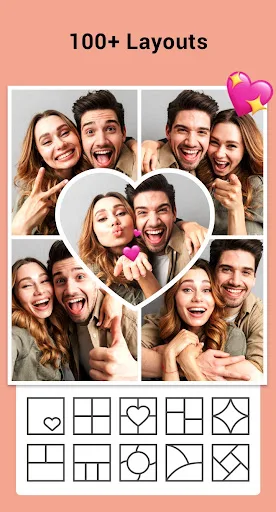
- Extensive grid layout options.
- Lightweight and fast performance.
Cons
- Limited video collage support.
- Fewer sticker and template options.
- Some features locked behind in-app purchases.
PicCollage - Your Photo Editor and Collage Maker for Celebrating Life's Moments! Create photo collages, picture collages, and design scrapbook layouts with PicCollage. Our grid templates and layout tools help you combine photos, pics, and videos into collages, cards, and visual s…
Pros
- Versatile: photo collages, video collages, cards, scrapbooks.
- Large library of templates, stickers, and backgrounds.
- Easy-to-use editing tools with text and doodles.
- Supports video clips in collages.
- Regular updates with new features.
Cons
- Rating slightly lower at 4.725.
- Can be resource-heavy on older devices.
- Ads can be intrusive in free version.
Final Verdict
Our pick: PicCollage: Photo Video Editor
For most users, PicCollage is the better choice due to its versatility, video collage support, and extensive template library. It offers more creative freedom for social media stories, cards, and scrapbooks. However, if you prioritize high-quality grid layouts and unique 3D effects, GridArt is a strong contender. Both apps are free with ads and in-app purchases, but PicCollage's broader feature set and slightly lower rating (still excellent) make it more suitable for diverse projects. We recommend PicCollage for its balance of functionality and ease of use.
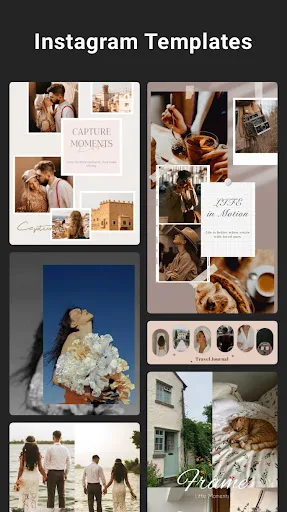
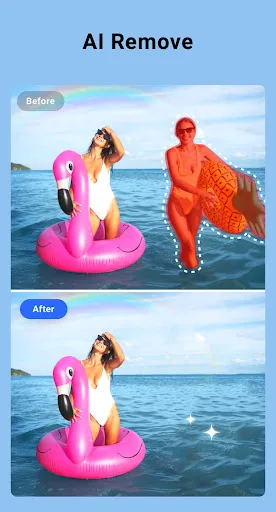
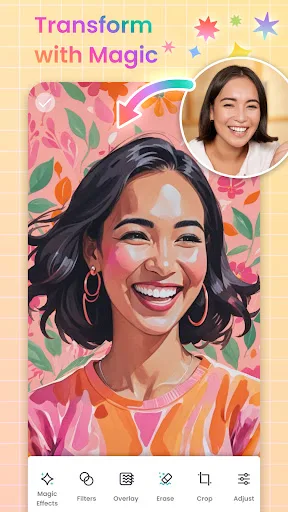
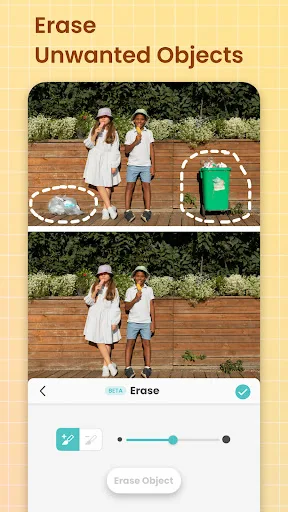
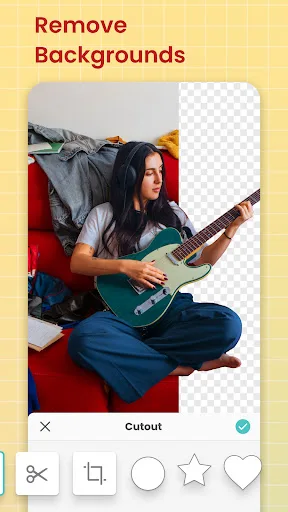
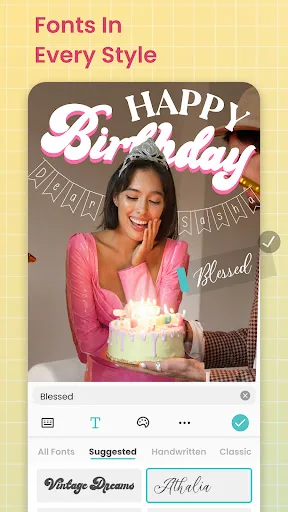
Collage Maker | Photo Editor Screenshots
Official app screenshots from the Google Play Store.


PicCollage: Photo Video Editor Screenshots
Official app screenshots from the Google Play Store.

Frequently Asked Questions
Which app has a higher rating?
Collage Maker | Photo Editor (GridArt) has a rating of 4.864, while PicCollage has 4.725. Both are highly rated.
Can I use these apps offline?
Both apps allow basic collage creation offline, but some features like templates or stickers may require internet access.
Do these apps have ads?
Yes, both apps are free with ads. You can remove ads via in-app purchases.
What are the device requirements?
Both apps require Android 5.0 or later. PicCollage may need more RAM for video features.
Which app should I choose for video collages?
PicCollage supports video collages, while GridArt focuses on photo collages. Choose PicCollage for videos.
Related Comparisons
 VS
VS
Lightroom vs Polish: Which Photo Editor & Collage Maker Wins in 2026
VS

Lightroom vs Photo Editor Collage Maker: Best Collage App for Android in 2026
 VS
VS
Picsart vs Adobe Express: The Ultimate Collage App Showdown
VS

Picsart vs Photoroom: Which AI Photo Editor Wins for Collages?
VS

Collage Maker Showdown: Photo Editor - Collage Maker vs Collage Maker & Photo Editor
VS