Daily Planner vs TickTick: Best Calendar & To-Do App for 2026
Daily Planner, To Do List (Planwiz) is perfect for users who want a visually appealing all-in-one planner with aesthetic templates and habit tracking. TickTick is ideal for power users who need a robust task manager with advanced features like natural language input and cross-platform sync. Both apps integrate calendar and to-do list functionality but cater to different preferences.
Daily Planner, To Do List
- Rating
- ★ 4.66
- Downloads
- 1,000,000+
- Developer
- Simple Productivity Apps

TickTick:To Do List & Calendar
Recommended- Rating
- ★ 4.59
- Downloads
- 10,000,000+
- Developer
- TickTick Limited
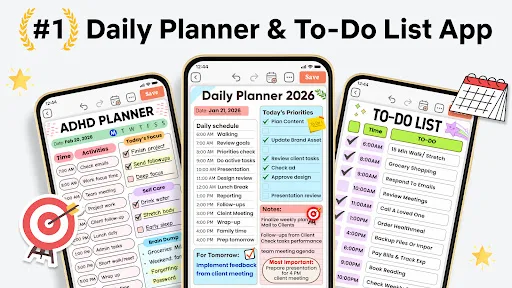
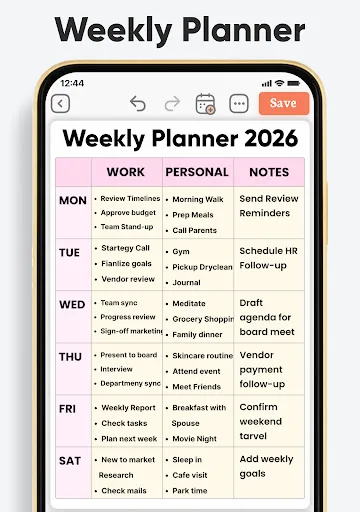
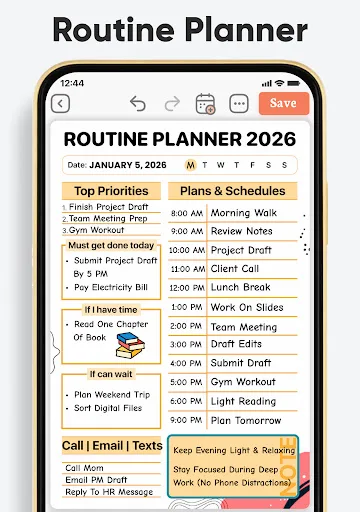
Planwiz is your all-in-one daily planner, to do list, journal & schedule planner — beautifully designed to help you organize your life effortlessly. With 1,000+ aesthetic templates, manage your routine planner, diary, notes, ADHD planner, habit tracker & more in one powerful di…
Pros
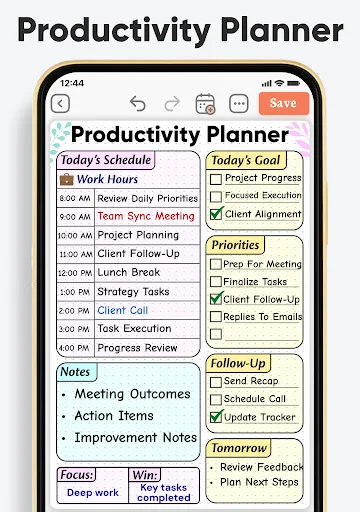
- Beautiful aesthetic templates and themes
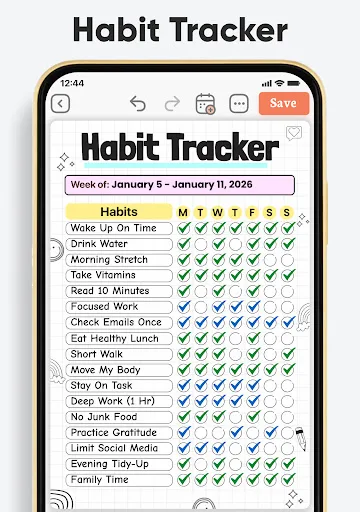
- Integrated daily planner, journal, and habit tracker
- Easy to use with intuitive navigation
- ADHD-friendly design with minimal distractions
- Lifetime free version with no subscription required
Cons
- Limited advanced task management features
- No natural language input for quick tasks
- Fewer integration options compared to competitors
🥇 Great to-do list app for new Android device - The Verge 🥇 The best to-do app for Android - MakeUseOf 🥇 The best to-do list app for 2020 - Wirecutter (A New York Times Company) 🙌 MKBHD's favorite productivity tool TickTick is your personal productivity powerhouse, ex…
Pros
- Powerful natural language input for quick task creation
- Cross-platform sync across all devices
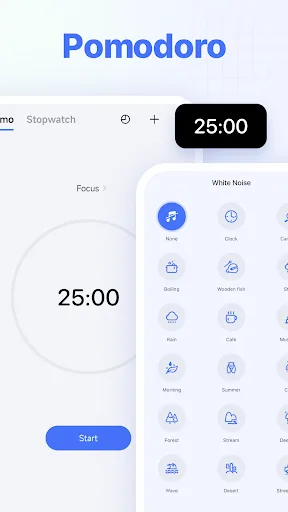
- Built-in Pomodoro timer and habit tracker
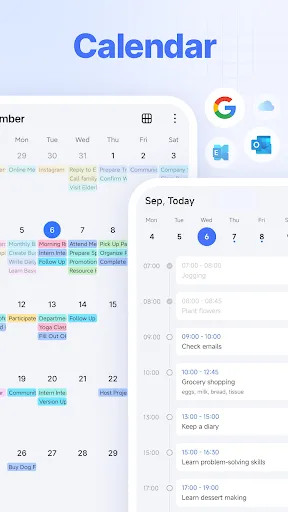
- Extensive calendar integration and reminders
- Highly customizable with tags, lists, and filters
Cons
- Premium subscription required for full features
- Can feel overwhelming for new users due to many options
- Occasional sync delays reported on some devices
Final Verdict
Our pick: TickTick:To Do List & Calendar
For most users, TickTick is the better choice due to its superior feature set, reliability, and extensive integrations. It offers a more mature productivity ecosystem with strong cross-platform support. However, if you prioritize beautiful design and a simpler, all-in-one journaling experience, Daily Planner (Planwiz) is a great alternative. TickTick edges ahead for serious task management.
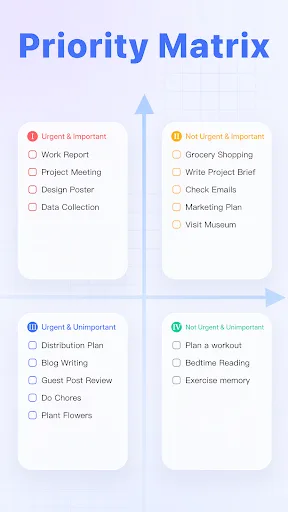
Daily Planner, To Do List Screenshots
Official app screenshots from the Google Play Store.
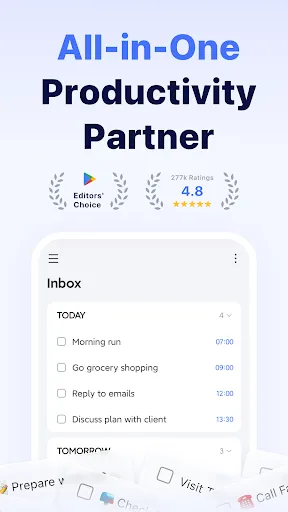
TickTick:To Do List & Calendar Screenshots
Official app screenshots from the Google Play Store.

Frequently Asked Questions
Which app has a higher rating?
Daily Planner (Planwiz) has a rating of 4.66, while TickTick has a rating of 4.59. Both are highly rated, but Planwiz leads slightly.
Can I use these apps offline?
Both apps offer offline functionality. TickTick allows task creation and editing offline with sync when online. Planwiz also works offline for journaling and planning.
Do these apps contain ads?
Daily Planner (Planwiz) is ad-free in its free version. TickTick is also ad-free but requires a subscription for premium features.
What are the device requirements?
Both apps require Android 5.0 or higher and work on phones and tablets. TickTick also has a Wear OS app for smartwatches.
Which app should I choose?
Choose TickTick for advanced task management, cross-platform sync, and natural language input. Choose Daily Planner (Planwiz) if you prefer a beautifully designed, simple all-in-one planner with journaling and habit tracking.
Related Comparisons
 VS
VS
TimeTree vs Samsung Calendar: Which Shared Calendar App Wins for Families?
VS
TickTick vs TimeTree: Which Calendar & To-Do App Wins
 VS
VS
Any.do vs Todolize: Which To-Do List & Calendar App Reigns Supreme?
 VS
VS

Google Calendar vs Business Calendar 2: Which Android Calendar App Wins?
VS
Daily Planner vs Todoist: Which Calendar & Task App Wins?
VS