TickTick vs TimeTree: Which Calendar & To-Do App Wins
TickTick is a powerful task manager with integrated calendar, ideal for individuals who need robust to-do lists, habit tracking, and Pomodoro focus. TimeTree is a shared calendar app built for families and groups to coordinate schedules, events, and appointments. If you prioritize personal productivity and task management, TickTick is for you. If you need a collaborative calendar for your family or team, TimeTree is the better fit.

TickTick:To Do List & Calendar
Recommended- Rating
- ★ 4.59
- Downloads
- 10,000,000+
- Developer
- TickTick Limited

TimeTree - Shared Calendar
- Rating
- ★ 4.69
- Downloads
- 10,000,000+
- Developer
- TimeTree, Inc.
🥇 Great to-do list app for new Android device - The Verge 🥇 The best to-do app for Android - MakeUseOf 🥇 The best to-do list app for 2020 - Wirecutter (A New York Times Company) 🙌 MKBHD's favorite productivity tool TickTick is your personal productivity powerhouse, ex…
Pros
- Comprehensive task management with due dates, priorities, and subtasks
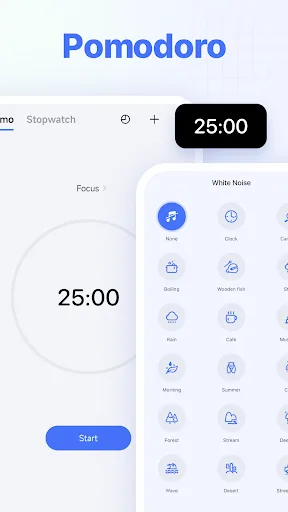
- Integrated Pomodoro timer and habit tracker
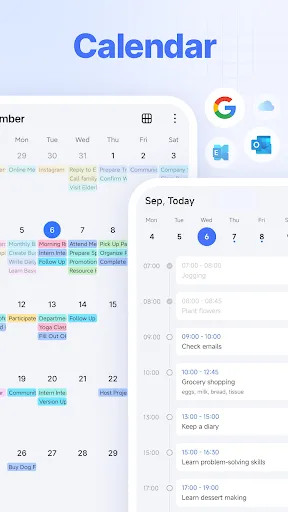
- Multiple calendar views (day, week, month, agenda)
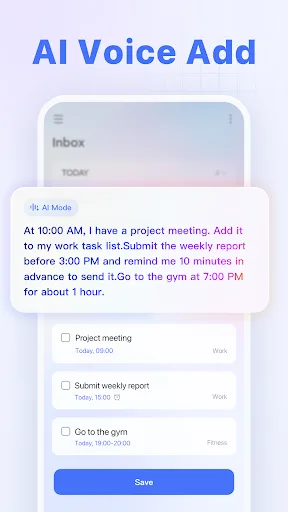
- Natural language input for quick task creation
- Cross-platform sync with widgets and smart lists
Cons
- Free tier limits collaboration features
- Complex feature set can overwhelm new users
- Calendar sharing is less intuitive than dedicated sharing apps
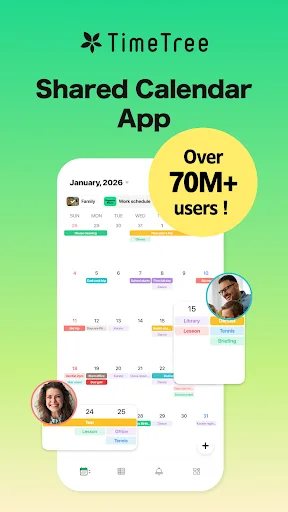
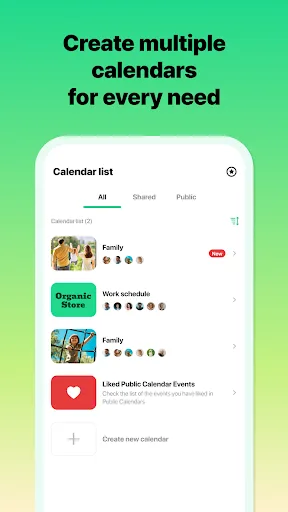
App loved by 75 million users worldwide Winner of the "App Store Best of 2015" award! "Connect over time. Grow bonds together." Sharing with TimeTree - Family use Solve time management issues of double-booking with family members. Ideal also for planning to pick up the kids and o…
Pros
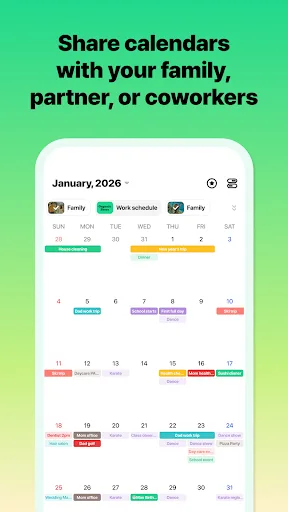
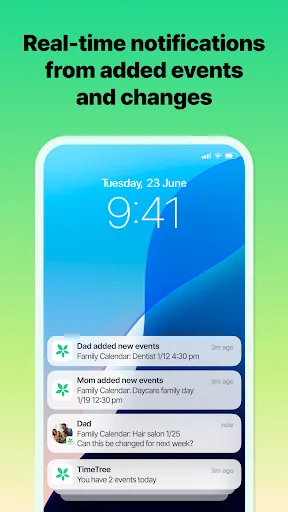
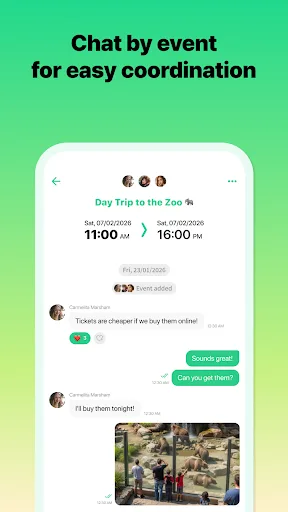
- Excellent shared calendar with real-time sync for families and groups
- Color-coded events and custom labels for easy organization
- In-app chat and comments on events for coordination
- Simple, intuitive interface focused on calendar sharing
- Free version includes unlimited shared calendars
Cons
- Limited task management features (no subtasks, priorities)
- No built-in Pomodoro or habit tracking
- Customization options for individual views are less robust
Final Verdict
Our pick: TickTick:To Do List & Calendar
For most users who need a comprehensive personal productivity tool that includes a calendar, TickTick is the winner. It offers deep task management features, habit tracking, and a flexible calendar view. However, if your primary need is a shared family or group calendar with easy coordination, TimeTree excels with its collaborative features, color-coded events, and chat functionality. Both apps are excellent, but TickTick's versatility gives it the edge for individual productivity. Ultimately, choose TickTick for task-driven planning and TimeTree for shared scheduling.
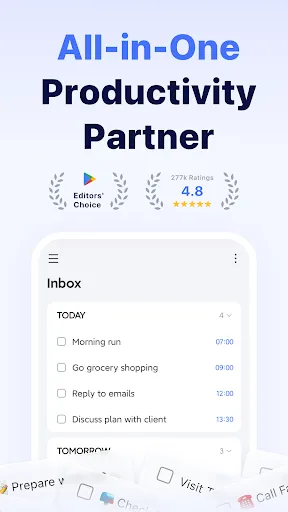
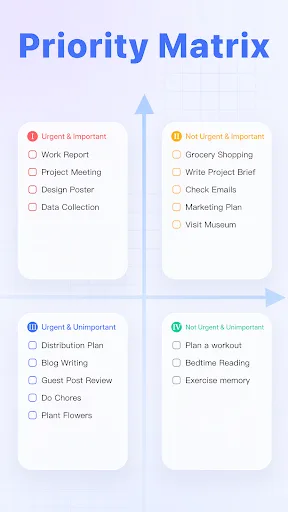
TickTick:To Do List & Calendar Screenshots
Official app screenshots from the Google Play Store.
TimeTree - Shared Calendar Screenshots
Official app screenshots from the Google Play Store.
Frequently Asked Questions
Which app has a higher rating?
TimeTree has a slightly higher rating (4.689) compared to TickTick (4.595), but both are excellent and the difference is minimal.
Can I use these apps offline?
Both apps offer offline access. TickTick allows you to view and edit tasks offline, syncing when connected. TimeTree also lets you view and edit events offline, with changes synced later.
Do these apps contain ads?
TickTick's free version has no ads; premium removes limits. TimeTree's free version is ad-supported, but you can remove ads via a paid subscription.
What are the device requirements?
Both apps require Android 5.0 or higher and work on phones and tablets. They are optimized for various screen sizes and support Wear OS for TickTick.
Which app should I choose for personal productivity?
For personal productivity with task management, choose TickTick. For shared family or group calendar coordination, choose TimeTree.
Related Comparisons
 VS
VS
Daily Planner vs TickTick: Best Calendar & To-Do App for 2026
VS

TimeTree vs Samsung Calendar: Which Shared Calendar App Wins for Families?
 VS
VS

Any.do vs Todolize: Which To-Do List & Calendar App Reigns Supreme?
 VS
VS

Google Calendar vs Business Calendar 2: Which Android Calendar App Wins?
VS

Daily Planner vs Todoist: Which Calendar & Task App Wins?
VS