TimeTree vs Samsung Calendar: Which Shared Calendar App Wins for Families?
TimeTree is a dedicated shared calendar app designed for families and groups to coordinate schedules seamlessly. Samsung Calendar is a pre-installed, feature-rich calendar for Samsung devices that integrates deeply with the ecosystem. TimeTree excels at collaborative planning with shared notes and comments, while Samsung Calendar offers robust personal scheduling with Google Calendar sync.

TimeTree - Shared Calendar
Recommended- Rating
- ★ 4.69
- Downloads
- 10,000,000+
- Developer
- TimeTree, Inc.

Samsung Calendar
- Rating
- ★ 4.09
- Downloads
- 1,000,000,000+
- Developer
- Samsung Electronics Co., Ltd.
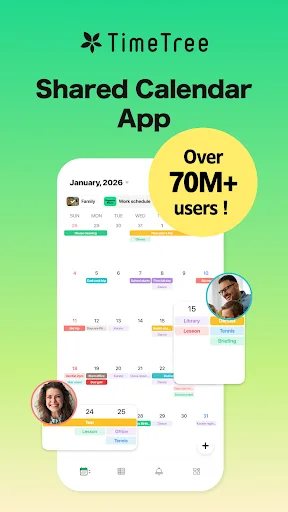
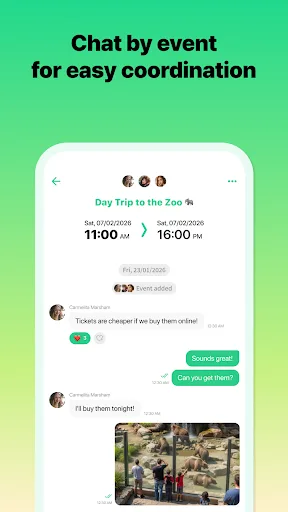
App loved by 75 million users worldwide Winner of the "App Store Best of 2015" award! "Connect over time. Grow bonds together." Sharing with TimeTree - Family use Solve time management issues of double-booking with family members. Ideal also for planning to pick up the kids and o…
Pros
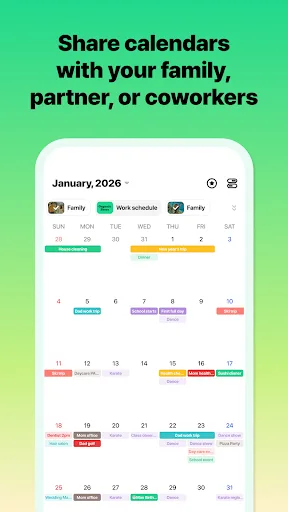
- Excellent shared calendar with comments and notes per event
- Cross-platform support (iOS, Android, web)
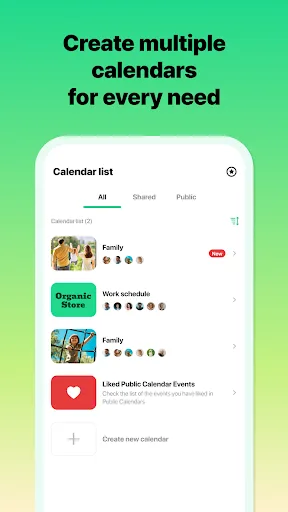
- Color-coded calendars for different groups or family members
- Winner of App Store Best of 2015 award
- Loved by 75 million users worldwide
Cons
- Requires account creation to use
- Free version has limited storage for attachments
- Some users report occasional sync delays
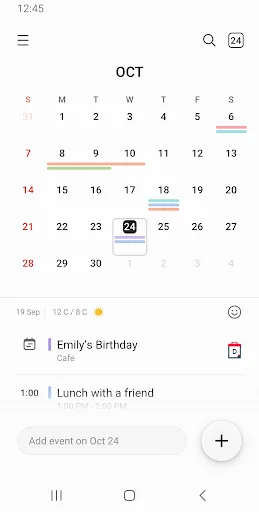
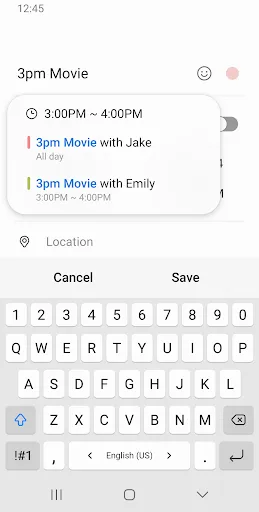
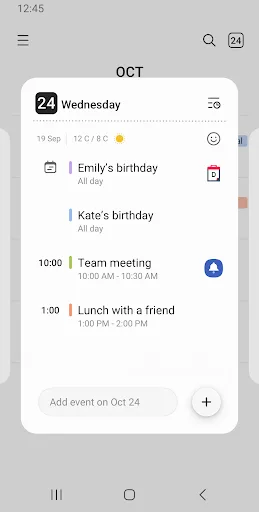
A new event begins the moment you tap a date. It helps you create events and tasks quickly and easily, and ensures that you remember them. Decorate your home screen beautifully with the neat looking transparent widget. [Key Features] *Manage all your schedules at a glance by addi…
Pros
- Pre-installed on Samsung devices, no setup needed
- Seamless sync with Google Calendar
- Clean, transparent widget for home screen
- Easy event creation by tapping a date
- Color coding for different calendars
Cons
- Only available on Samsung devices
- Limited sharing capabilities compared to TimeTree
- No built-in chat or notes for events
Final Verdict
Our pick: TimeTree - Shared Calendar
For most users, especially families and groups needing collaborative scheduling, TimeTree is the clear winner with its superior sharing features and higher user rating. Samsung Calendar is a solid choice for Samsung device owners who want a simple, integrated calendar without extra apps. However, TimeTree's cross-platform support and dedicated focus on shared calendars make it more versatile. If you prioritize seamless sharing and group coordination, choose TimeTree. If you prefer a lightweight, pre-installed option and own a Samsung device, Samsung Calendar suffices.
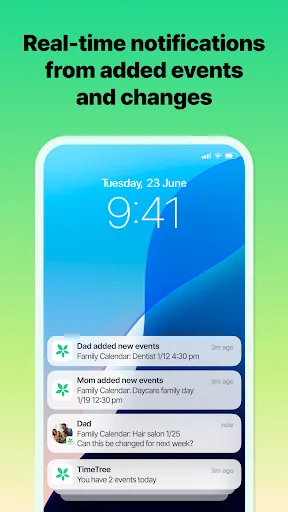
TimeTree - Shared Calendar Screenshots
Official app screenshots from the Google Play Store.
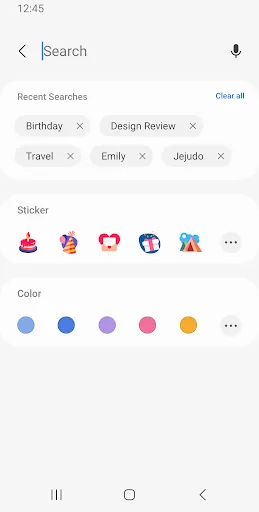
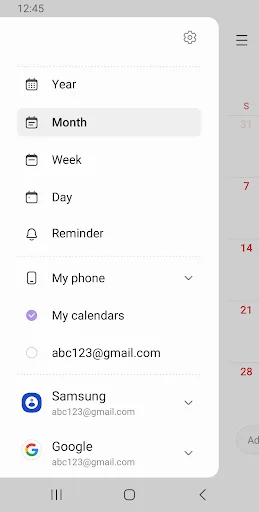
Samsung Calendar Screenshots
Official app screenshots from the Google Play Store.
Frequently Asked Questions
Which app has a higher rating?
TimeTree has a higher rating of 4.689 compared to Samsung Calendar's 4.086.
Can I use these apps offline?
Both apps allow viewing of previously synced events offline, but creating or editing events requires an internet connection.
Do these apps contain ads?
TimeTree is ad-free. Samsung Calendar is also ad-free as it is a system app.
What are the device requirements?
TimeTree works on Android 5.0+ and iOS. Samsung Calendar requires a Samsung device with Android 9.0+.
Which app should I choose for family scheduling?
For family scheduling, TimeTree is recommended due to its dedicated sharing features, higher rating, and cross-platform support.
Related Comparisons
 VS
VS

Daily Planner vs TickTick: Best Calendar & To-Do App for 2026
VS
TickTick vs TimeTree: Which Calendar & To-Do App Wins
 VS
VS

Any.do vs Todolize: Which To-Do List & Calendar App Reigns Supreme?
 VS
VS

Google Calendar vs Business Calendar 2: Which Android Calendar App Wins?
VS

Daily Planner vs Todoist: Which Calendar & Task App Wins?
VS