Edits vs Canva: Which Video Editor Reigns Supreme?
Edits by Instagram is a free, no-frills video editor aimed at creators who want quick, high-quality exports without watermarks. Canva is a comprehensive design platform that includes video editing, AI tools, and templates for social media, presentations, and more. Edits suits mobile-first creators focused on video, while Canva appeals to users needing an all-in-one design suite.

Canva: AI Photo & Video Editor
Recommended- Rating
- ★ 4.77
- Downloads
- 500,000,000+
- Developer
- Canva
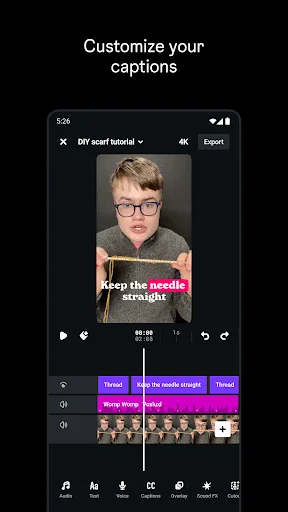
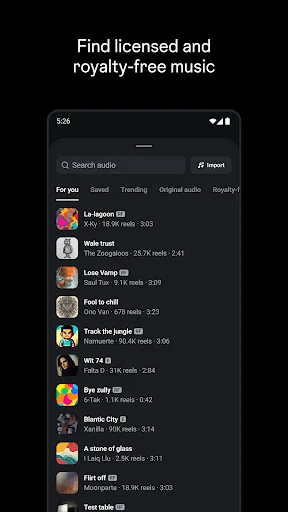
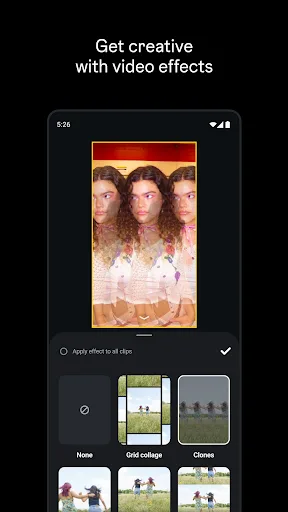
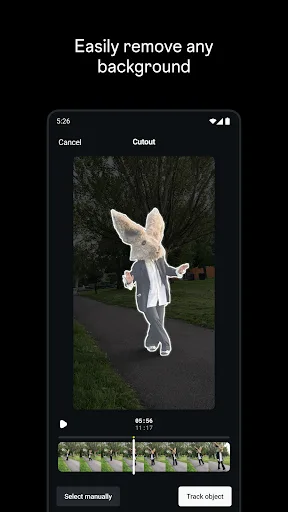
Edits is a free video editor that makes it easy for creators to turn their ideas into videos, right on their phone. It has all the tools you need to support your creation process, all in one place. Simplify your creative process - Export your videos in 4K with no watermark and sh…
Pros
- 4K export with no watermark
- All drafts and videos in one place
- Capture high-quality clips up to 4K
- Free to use with no subscription
- Integrated with Instagram ecosystem
Cons
- Limited to video editing only
- No AI-powered editing tools
- Fewer templates and design assets
Canva is your free photo editor, logo maker, collage maker, and video editor in one editing app! Design digital art faster with powerful magic AI tools built-in, like the AI image generator that allows you to transform text to image in just a few minutes Make stunning social medi…
Pros
- Massive library of templates and assets
- AI image generator and magic tools
- Photo editor, logo maker, collage maker in one
- Cross-platform (mobile, web, desktop)
- 500M+ installs with high rating
Cons
- Some advanced features require subscription
- Video editing not as specialized as Edits
- Can be overwhelming with too many options
Final Verdict
Our pick: Canva: AI Photo & Video Editor
For dedicated video editing on mobile with 4K export and no watermark, Edits is excellent. However, Canva offers far more versatility with AI image generation, templates, and cross-platform design. If you primarily edit videos and want a streamlined tool, choose Edits. If you need a complete design solution for photos, videos, and graphics, Canva is the winner. Overall, Canva's broader feature set and higher rating make it the better choice for most users.

Edits: Video Editor Screenshots
Official app screenshots from the Google Play Store.

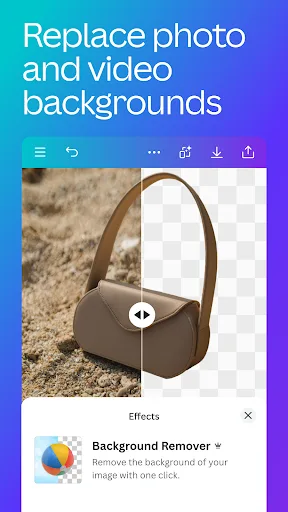
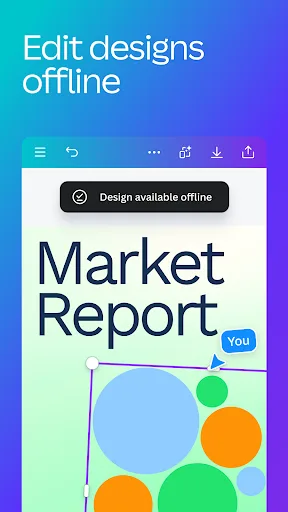
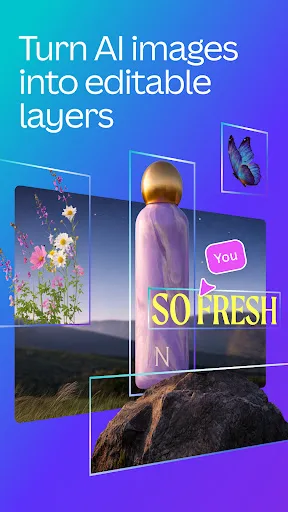
Canva: AI Photo & Video Editor Screenshots
Official app screenshots from the Google Play Store.


Frequently Asked Questions
Which app has better ratings?
Canva has a higher rating (4.77) compared to Edits (4.64), based on millions of reviews.
Do these apps work offline?
Edits requires internet for initial download and some features, but basic editing may work offline. Canva also needs internet for templates and AI tools, but offline editing is limited.
Are there ads in these apps?
Edits is ad-free. Canva has a free tier with occasional prompts to upgrade, but no disruptive ads.
What are the device requirements?
Both apps require Android 5.0 or later. Edits is optimized for Instagram integration; Canva works on a wide range of devices including tablets.
Which app should I choose for video editing?
If you need a simple, dedicated video editor with 4K export and no watermark, choose Edits. If you want an all-in-one design tool with AI features and templates, choose Canva.
Related Comparisons
 VS
VS
PowerDirector vs KineMaster: Best Video Editor for Android in 2026
 VS
VS
VN vs Video Guru: Which Free Video Editor Reigns Supreme?
 VS
VS
CapCut vs PowerDirector: Which Video Editor Reigns Supreme
 VS
VS

VivaCut vs Lightroom: Best Video Editor for Android
VS
Canva vs KineMaster: Best Video Editor for You? ( Comparison)
VS