Microsoft 365 Copilot vs Collabora Office: AI-Powered Productivity vs Open-Source Flexibility
Microsoft 365 Copilot is an AI-first productivity app aimed at professionals and enterprises who rely on Microsoft 365 ecosystem and want AI assistance for tasks like drafting emails or summarizing documents. Collabora Office is an open-source office suite based on LibreOffice, ideal for users who need full offline compatibility with ODF formats and prefer a free, community-driven solution without subscription fees. Both apps target mobile productivity but serve different audiences.

Microsoft 365 Copilot
Recommended- Rating
- ★ 4.51
- Downloads
- 1,000,000,000+
- Developer
- Microsoft Corporation

Collabora Office
- Rating
- ★ 3.85
- Downloads
- 1,000,000+
- Developer
- Collabora Productivity Limited
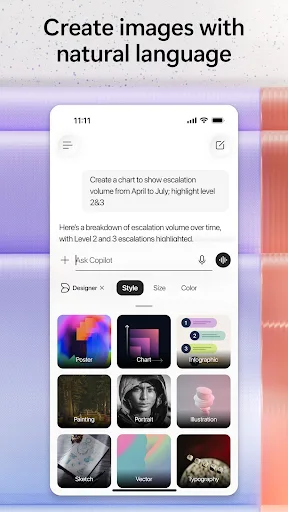
The Microsoft 365 Copilot app is your AI-first productivity app for work. It provides one place for you to chat with your AI assistant, create content, manage projects and quickly find files on the go – helping you get more done, without doing more. With the Microsoft 365 Copil…
Pros
- AI assistant can draft, summarize, and create content from scratch
- Deep integration with Microsoft 365 ecosystem (Word, Excel, PowerPoint, Teams)
- Real-time collaboration and cloud storage via OneDrive
- Supports a wide range of file formats including DOCX, XLSX, PPTX
- Regular updates with new AI features and security patches
Cons
- Requires Microsoft 365 subscription for full functionality
- Heavy app size and may consume significant battery
- Some advanced features are desktop-only or require internet
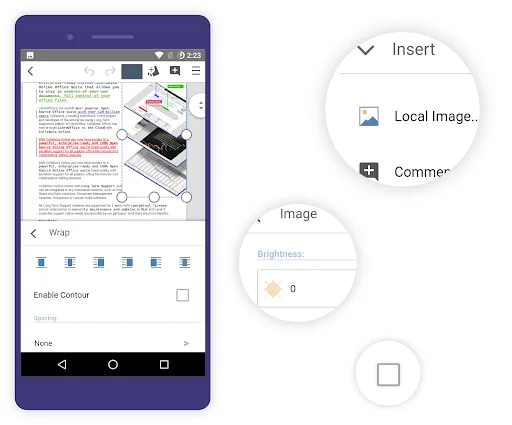
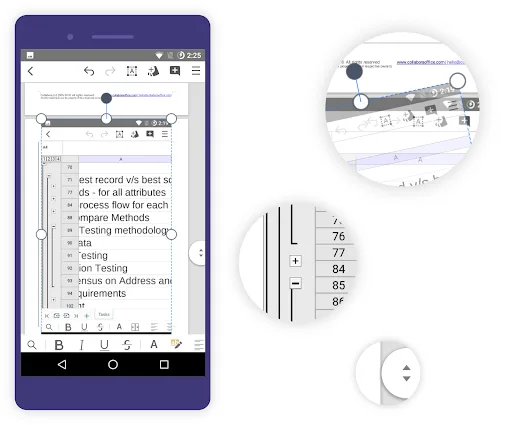
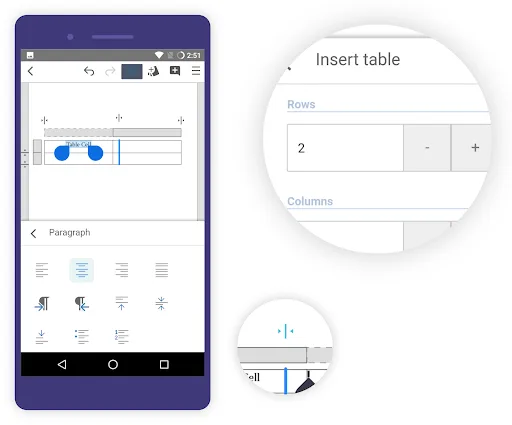
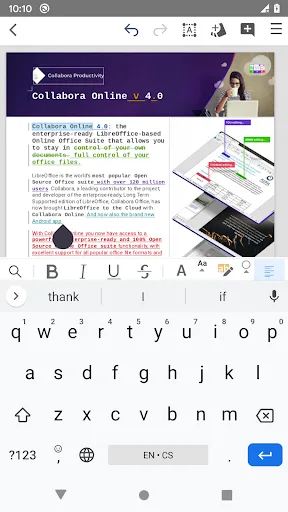
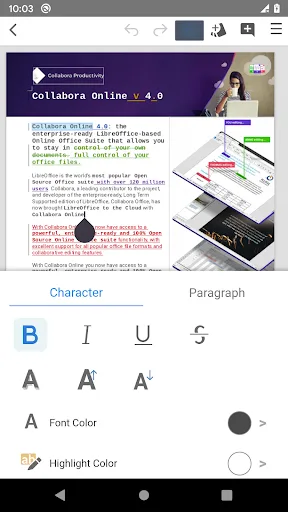
Collabora Office is a text editor, spreadsheet and presentation program based on LibreOffice, the world's most popular Open Source office suite - and now it's on Android, enhancing your possibilities to work on mobile and for collaboration. This app is in active development, feed…
Pros
- Completely free and open-source with no ads or in-app purchases
- Excellent support for Open Document Format (ODF) standards
- Works fully offline without internet connection
- Lightweight and optimized for mobile devices
- Active development community with regular bug fixes
Cons
- No AI features or smart assistance
- User interface is less polished and intuitive than Microsoft 365
- Limited cloud integration and collaboration features
Final Verdict
Our pick: Microsoft 365 Copilot
For most users, Microsoft 365 Copilot is the better choice due to its seamless integration with Microsoft 365, powerful AI features, and massive user base ensuring stability and support. However, if you need a completely free, offline-capable office suite with no subscription and support for open standards, Collabora Office is a solid alternative. The winner is Microsoft 365 Copilot for its superior AI capabilities, cross-platform consistency, and enterprise-grade features.
Microsoft 365 Copilot Screenshots
Official app screenshots from the Google Play Store.
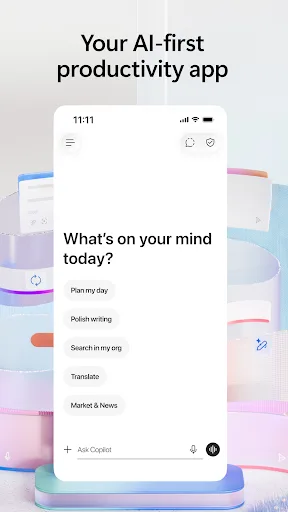
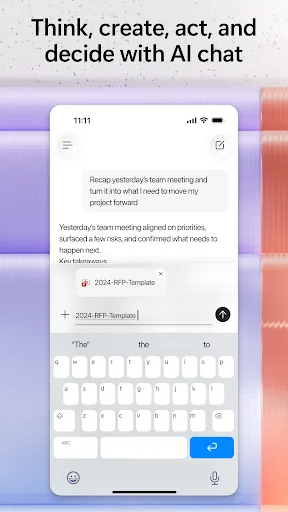
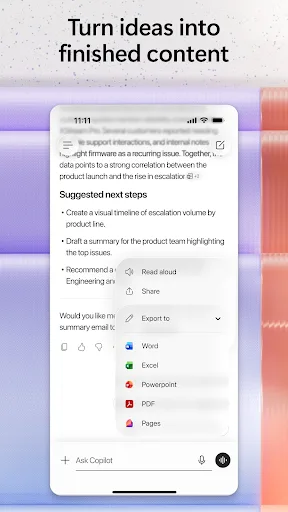
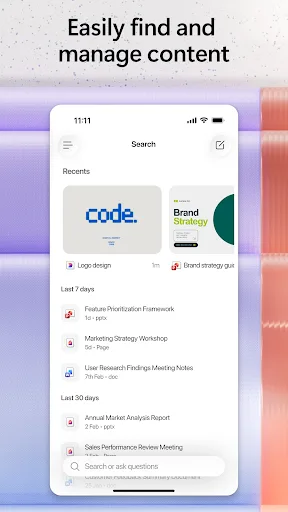
Collabora Office Screenshots
Official app screenshots from the Google Play Store.
Frequently Asked Questions
Which app has a better rating?
Microsoft 365 Copilot has a rating of 4.52 (out of 5) with over 1 billion installs, while Collabora Office has a rating of 3.85 with over 1 million installs. Microsoft 365 Copilot is significantly more popular and higher rated.
Can I use these apps offline?
Collabora Office works fully offline. Microsoft 365 Copilot requires an internet connection for AI features and cloud integration, but basic file viewing may work offline depending on your settings.
Do these apps contain ads?
Neither app contains ads. Microsoft 365 Copilot is subscription-based, while Collabora Office is completely free with no ads.
What are the device requirements?
Microsoft 365 Copilot requires Android 8.0 or later and a Microsoft account. Collabora Office requires Android 5.0 or later and works on lower-end devices.
Which app should I choose?
Choose Microsoft 365 Copilot if you need AI-powered productivity and are already part of the Microsoft ecosystem. Choose Collabora Office if you prefer a free, open-source solution with offline capabilities and ODF support.
Related Comparisons
 VS
VS

WPS Office vs Microsoft Word: Best Android Office App for 2026
 VS
VS

Microsoft PowerPoint vs Microsoft Excel: Which Office App Reigns Supreme
 VS
VS
WPS Office Lite vs Microsoft 365 Copilot: Best Office App for Android in 2026
VS
Microsoft Word vs Microsoft PowerPoint: Which Office App Reigns Supreme?
 VS
VS

OfficeSuite Pro + PDF vs Office Reader: Best Android Office App for Productivity?
VS