Microsoft 365 Copilot vs MobiOffice: Which Office App Reigns Supreme?
Microsoft 365 Copilot is designed for professionals and power users who want AI-driven assistance for creating, summarizing, and managing documents on the go. It integrates deeply with the Microsoft ecosystem and targets users already invested in Office 365. MobiOffice, on the other hand, is a versatile and affordable alternative for students, freelancers, and budget-conscious users who need robust compatibility with Microsoft formats without a subscription. It offers comprehensive document editing, PDF tools, and cross-platform support.

Microsoft 365 Copilot
Recommended- Rating
- ★ 4.51
- Downloads
- 1,000,000,000+
- Developer
- Microsoft Corporation

MobiOffice: Word, Sheets, PDF
- Rating
- ★ 4.35
- Downloads
- 100,000,000+
- Developer
- MobiSystems
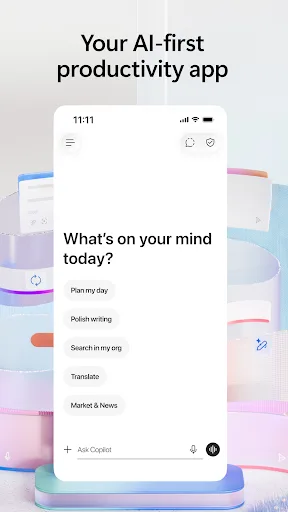
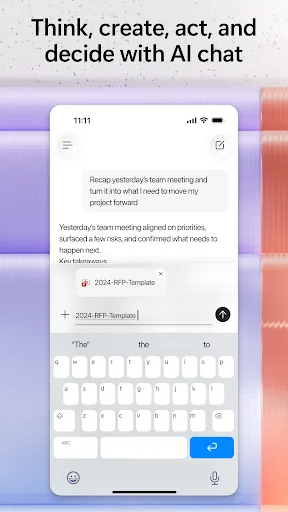
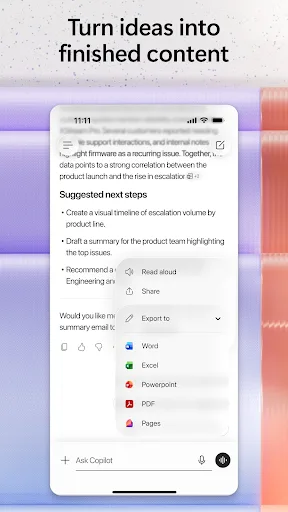
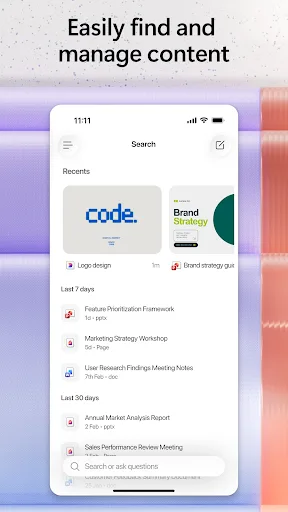
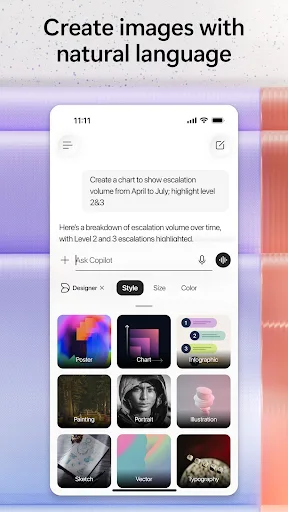
The Microsoft 365 Copilot app is your AI-first productivity app for work. It provides one place for you to chat with your AI assistant, create content, manage projects and quickly find files on the go – helping you get more done, without doing more. With the Microsoft 365 Copil…
Pros
- AI assistant (Copilot) for creating, summarizing, and drafting content
- Deep integration with Microsoft 365 ecosystem and OneDrive
- High-quality document rendering and real-time collaboration
- Regular updates with new AI features
- Excellent security and enterprise-grade compliance
Cons
- Requires Microsoft 365 subscription for full functionality
- Heavy app size and may lag on older devices
- Limited offline capabilities without premium subscription
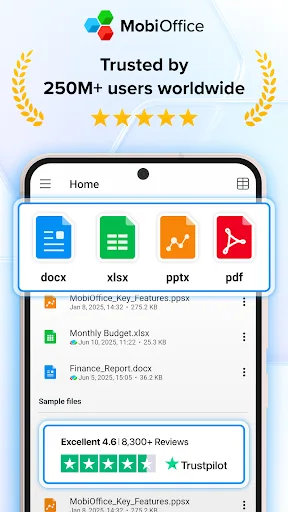
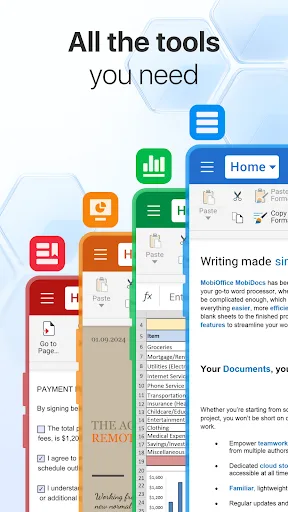
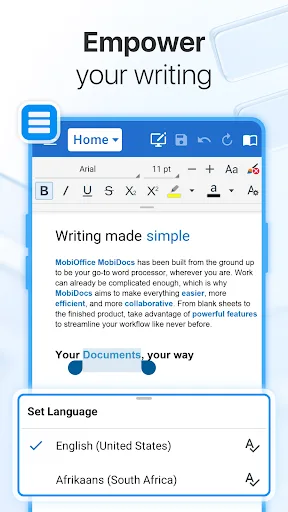
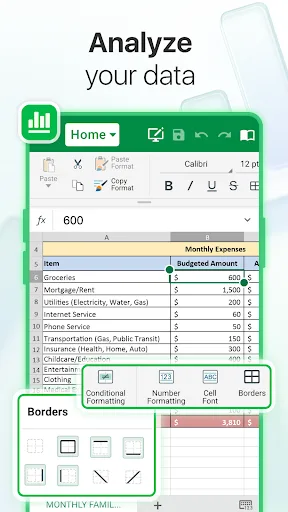
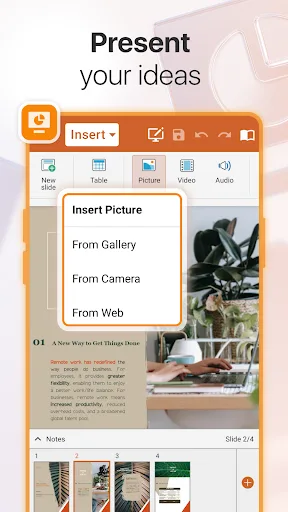
MobiOffice is the smart choice for office productivity. With this powerful office pack, you can create, edit, comment, format, convert, and protect documents, spreadsheets and presentations - as well as the ability to view and sign PDF files. Compatible with Microsoft Office (Wor…
Pros
- Works offline with full editing capabilities
- Compatible with Microsoft Office, Google Docs, and OpenOffice formats
- Includes PDF viewer, editor, and e-signature features
- One-time purchase option (no subscription needed)
- Lightweight and runs smoothly on low-end devices
Cons
- No AI-powered assistance or smart features
- Less polished UI compared to Microsoft apps
- Cloud storage integration is limited to third-party services
Final Verdict
Our pick: Microsoft 365 Copilot
For most users, Microsoft 365 Copilot is the winner due to its unmatched AI capabilities and seamless integration with Microsoft 365. If you rely on AI-powered features like instant document summaries and drafts, Copilot is a game-changer. However, if you need a one-time purchase solution that works offline and supports multiple formats (including Google Docs), MobiOffice is a solid choice. Copilot's higher rating and larger install base reflect its superior ecosystem, but MobiOffice offers excellent value for those who don't need AI. Ultimately, choose Copilot for AI productivity, or MobiOffice for offline, cost-effective office tasks.
Microsoft 365 Copilot Screenshots
Official app screenshots from the Google Play Store.
MobiOffice: Word, Sheets, PDF Screenshots
Official app screenshots from the Google Play Store.
Frequently Asked Questions
Which app has higher ratings?
Microsoft 365 Copilot has a rating of 4.52, while MobiOffice has 4.32. Both are highly rated, but Copilot edges ahead.
Can I use these apps offline?
MobiOffice fully supports offline editing. Microsoft 365 Copilot requires internet for AI features, but basic document viewing works offline with a subscription.
Do these apps contain ads?
Neither app shows ads. However, Microsoft 365 Copilot requires a subscription, while MobiOffice offers a free version with optional in-app purchases.
What are the device requirements?
Both apps require Android 5.0 or later. Microsoft 365 Copilot may need more RAM (2GB+) for optimal AI performance, while MobiOffice runs well on 1GB RAM devices.
Which app should I choose?
Choose Microsoft 365 Copilot if you want AI-driven productivity and are already in the Microsoft ecosystem. Choose MobiOffice if you need a budget-friendly, offline-capable office suite with broad format support.
Related Comparisons
 VS
VS

WPS Office vs Microsoft Word: Best Android Office App for 2026
 VS
VS

Microsoft PowerPoint vs Microsoft Excel: Which Office App Reigns Supreme
 VS
VS
WPS Office Lite vs Microsoft 365 Copilot: Best Office App for Android in 2026
VS
Microsoft Word vs Microsoft PowerPoint: Which Office App Reigns Supreme?
 VS
VS

OfficeSuite Pro + PDF vs Office Reader: Best Android Office App for Productivity?
VS