Microsoft Word vs Microsoft 365 Copilot: Which Office App Reigns Supreme?
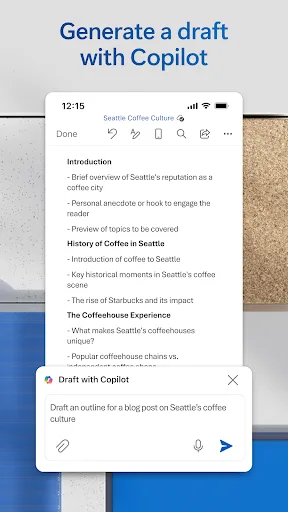
Microsoft Word is the go-to app for anyone who needs to create, edit, and share documents on mobile with the same power as the desktop version. It's ideal for students, professionals, and writers who focus on document formatting and collaboration. Microsoft 365 Copilot, on the other hand, is an AI-first productivity hub that helps you chat with an assistant, generate content, manage projects, and find files quickly. It's designed for users who want an intelligent assistant to boost efficiency across tasks.

Microsoft Word: Edit Documents
Recommended- Rating
- ★ 4.78
- Downloads
- 1,000,000,000+
- Developer
- Microsoft Corporation

Microsoft 365 Copilot
- Rating
- ★ 4.51
- Downloads
- 1,000,000,000+
- Developer
- Microsoft Corporation
Create, edit, read and share documents on your mobile device with the same power and familiarity you rely on from your PC. Write CVs, letters, assignments, notes or creative work on the go. Convert between Word and PDF, collaborate with others and access your files from anywhere.…
Pros
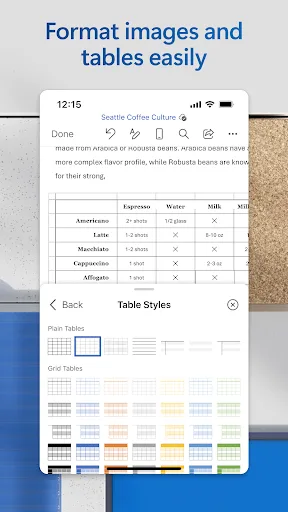
- Full-featured document editing with formatting, tables, and images
- Seamless integration with OneDrive and SharePoint
- Real-time collaboration with track changes and comments
- Built-in PDF converter and reader
- Familiar desktop-like interface optimized for mobile
Cons
- Requires Microsoft account for full functionality
- Some advanced features locked behind Office 365 subscription
- Can be resource-intensive on older devices
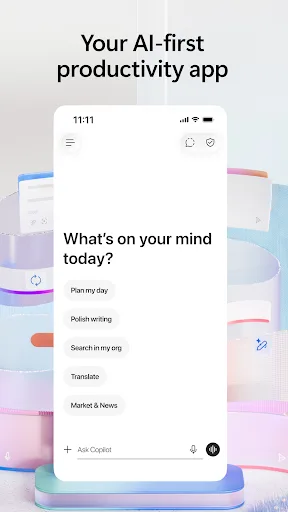
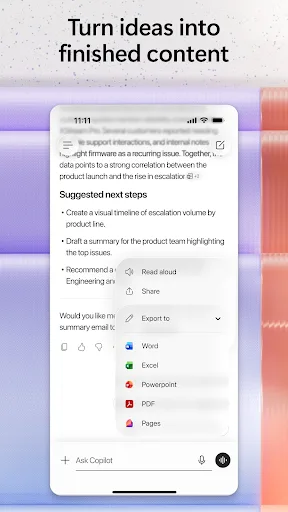
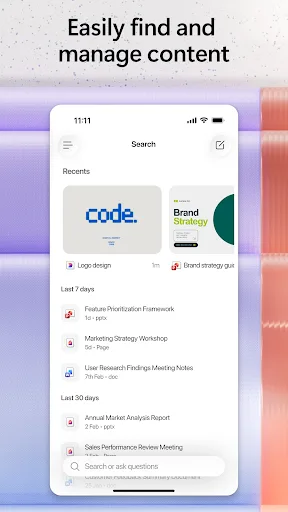
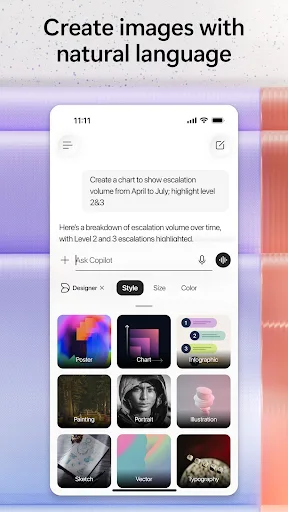
The Microsoft 365 Copilot app is your AI-first productivity app for work. It provides one place for you to chat with your AI assistant, create content, manage projects and quickly find files on the go – helping you get more done, without doing more. With the Microsoft 365 Copil…
Pros
- AI assistant for content generation and summarization
- Unified hub for files, chats, and tasks
- Context-aware suggestions based on your work
- Supports voice commands and natural language queries
- Integrates with Microsoft 365 apps and services
Cons
- AI features may require subscription or be limited
- Less focused on detailed document editing
- Newer app with fewer installs and lower rating
Final Verdict
Our pick: Microsoft Word: Edit Documents
If your primary need is robust document editing with full formatting control, Microsoft Word is the clear winner. It's a mature, feature-rich app with billions of installs and a higher rating. However, if you embrace AI assistance for drafting, summarizing, and managing workflows, Microsoft 365 Copilot offers a revolutionary approach. For most users, Word remains essential for serious document work, while Copilot is a powerful companion. We recommend Microsoft Word for its proven reliability and comprehensive editing tools.
Microsoft Word: Edit Documents Screenshots
Official app screenshots from the Google Play Store.



Microsoft 365 Copilot Screenshots
Official app screenshots from the Google Play Store.

Frequently Asked Questions
Which app has a higher rating?
Microsoft Word has a rating of 4.78, while Microsoft 365 Copilot has 4.52. Word is more highly rated.
Can I use these apps offline?
Both apps offer limited offline functionality. Word allows offline editing of downloaded documents. Copilot's AI features require internet, but you can access cached files.
Do these apps contain ads?
Neither app displays ads. They are free to download with in-app purchases or subscriptions for premium features.
What are the device requirements?
Both apps require Android 6.0 or higher. They run on phones and tablets, but Copilot may need more RAM for AI features.
Which app should I choose?
Choose Microsoft Word if you need powerful document editing and formatting. Choose Microsoft 365 Copilot if you want an AI assistant to help with productivity tasks beyond just documents.
Related Comparisons
 VS
VS
WPS Office vs Microsoft Word: Best Android Office App for 2026
 VS
VS

Microsoft PowerPoint vs Microsoft Excel: Which Office App Reigns Supreme
 VS
VS
WPS Office Lite vs Microsoft 365 Copilot: Best Office App for Android in 2026
VS
Microsoft Word vs Microsoft PowerPoint: Which Office App Reigns Supreme?
 VS
VS

OfficeSuite Pro + PDF vs Office Reader: Best Android Office App for Productivity?
VS