Microsoft Word vs ONLYOFFICE Documents: Best Office App for Android
Microsoft Word is the industry standard for document editing, offering unparalleled compatibility and cloud integration for professionals and students who rely on the Microsoft ecosystem. ONLYOFFICE Documents is a free, open-source alternative that emphasizes real-time collaboration and full compatibility with MS Office formats, making it ideal for teams and budget-conscious users. Both apps allow you to create, edit, and share documents on the go, but they cater to different needs and preferences.

Microsoft Word: Edit Documents
Recommended- Rating
- ★ 4.78
- Downloads
- 1,000,000,000+
- Developer
- Microsoft Corporation

ONLYOFFICE Documents
- Rating
- ★ 3.13
- Downloads
- 1,000,000+
- Developer
- Ascensio System SIA
Create, edit, read and share documents on your mobile device with the same power and familiarity you rely on from your PC. Write CVs, letters, assignments, notes or creative work on the go. Convert between Word and PDF, collaborate with others and access your files from anywhere.…
Pros
- Industry-standard formatting and compatibility with all Word documents
- Seamless integration with OneDrive, SharePoint, and Microsoft 365
- Advanced editing features like track changes, comments, and dictation
- High reliability and frequent updates from Microsoft
- Supports PDF conversion and reading with built-in tools
Cons
- Requires a Microsoft 365 subscription for full editing features
- Large app size (over 200 MB) and can be resource-heavy
- Limited offline functionality without a subscription
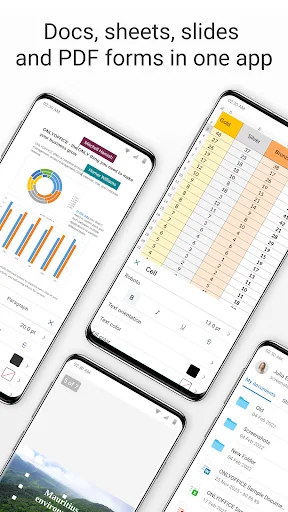
ONLYOFFICE Documents - The ultimate mobile office suite for Android ONLYOFFICE Documents is a free office suite for Android that lets you edit text, spreadsheets, presentations, PDFs, and fill out online forms. Fully compatible with MS Office formats, it supports seamless real-ti…
Pros
- Completely free with no ads or subscription required
- Full compatibility with MS Office formats (docx, xlsx, pptx)
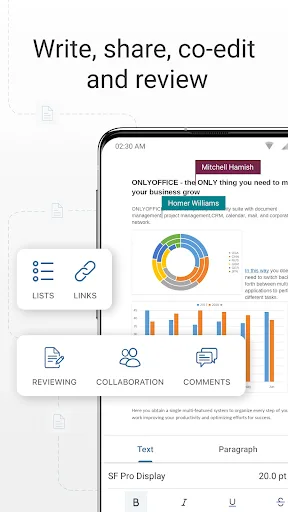
- Real-time collaborative editing with co-authoring and version history
- Lightweight app with efficient performance on older devices
- Offline access to all documents without internet connection
Cons
- User interface feels less polished and intuitive than Microsoft Word
- Fewer advanced features like mail merge or advanced templates
- Smaller user community and less third-party integration
Final Verdict
Our pick: Microsoft Word: Edit Documents
For most users, especially those already invested in Microsoft 365 or needing seamless desktop-to-mobile workflow, Microsoft Word is the clear winner due to its mature feature set, high reliability, and massive user base. However, if you prioritize cost savings (free), privacy, and real-time collaboration without subscription fees, ONLYOFFICE Documents is a surprisingly capable choice. Word offers a more polished experience with better support and integration, while ONLYOFFICE excels in collaborative editing and offline access. Ultimately, if you can afford the subscription or have it through work, go with Word. Otherwise, ONLYOFFICE is a strong free alternative.
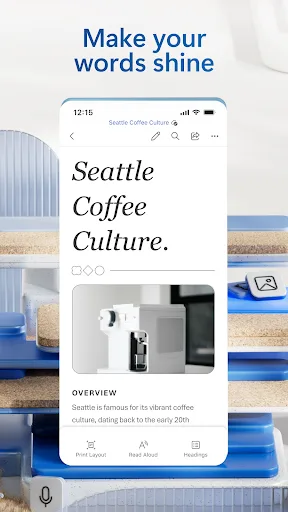
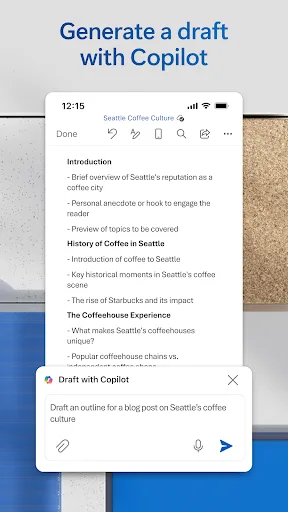
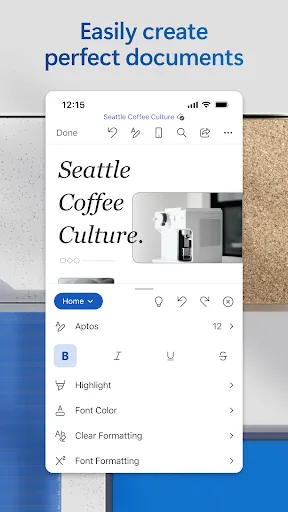
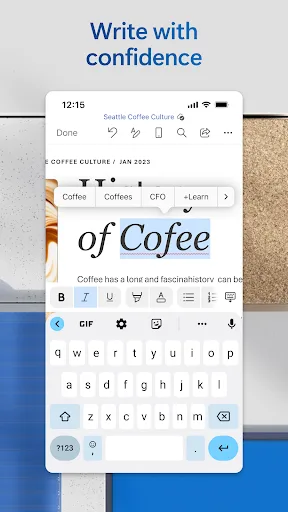
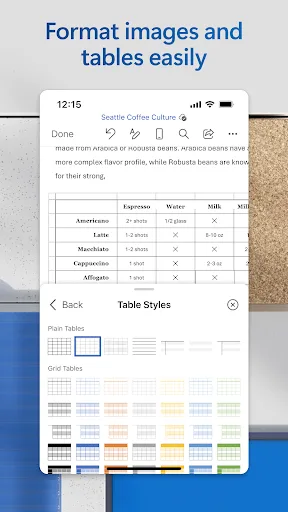
Microsoft Word: Edit Documents Screenshots
Official app screenshots from the Google Play Store.
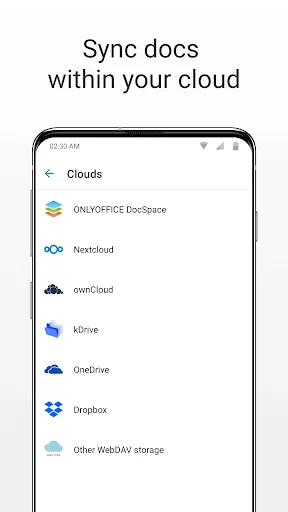
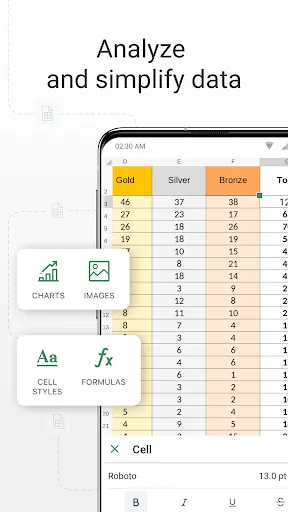
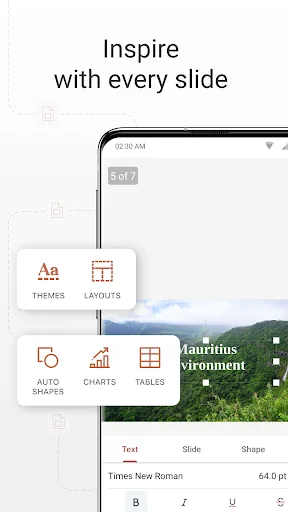
ONLYOFFICE Documents Screenshots
Official app screenshots from the Google Play Store.
Frequently Asked Questions
Which app has better ratings?
Microsoft Word has a significantly higher rating of 4.78 stars from over 1 billion installs, while ONLYOFFICE Documents has a 3.1-star rating from 1 million installs. Word is generally more polished and reliable.
Can I use these apps offline?
Yes, both apps support offline editing. Microsoft Word requires a subscription to create new documents offline, but you can view and edit existing ones. ONLYOFFICE Documents allows full offline access to all documents without any subscription.
Do these apps contain ads?
Microsoft Word does not display ads, as it is a premium product. ONLYOFFICE Documents is also ad-free, making both apps pleasant to use without interruptions.
What are the device requirements?
Microsoft Word requires Android 6.0 or higher and at least 2GB of RAM for smooth performance. ONLYOFFICE Documents works on Android 5.0+ and is optimized for lower-end devices with 1GB RAM.
Which app should I choose for team collaboration?
If your team uses Microsoft 365, Word's real-time co-authoring via OneDrive is excellent. For teams seeking a free, open-source solution with robust collaboration features (including document versioning), ONLYOFFICE Documents is a great choice.
Related Comparisons
 VS
VS
WPS Office vs Microsoft Word: Best Android Office App for 2026
 VS
VS

Microsoft PowerPoint vs Microsoft Excel: Which Office App Reigns Supreme
 VS
VS

WPS Office Lite vs Microsoft 365 Copilot: Best Office App for Android in 2026
VS
Microsoft Word vs Microsoft PowerPoint: Which Office App Reigns Supreme?
 VS
VS

OfficeSuite Pro + PDF vs Office Reader: Best Android Office App for Productivity?
VS