Microsoft Word vs Polaris Office: Best Android Office App Comparison
Microsoft Word is the go-to choice for users who need a full-featured, familiar word processor with deep integration into the Microsoft ecosystem. It excels in creating and editing complex documents, collaborating with others, and seamless cloud sync with OneDrive. Polaris Office, on the other hand, is a lightweight all-in-one office suite that supports Word, Excel, PowerPoint, and PDF. It is ideal for users who want a free, versatile app with AI tools and broad file format compatibility without requiring a Microsoft subscription.

Microsoft Word: Edit Documents
Recommended- Rating
- ★ 4.78
- Downloads
- 1,000,000,000+
- Developer
- Microsoft Corporation
Polaris Office: Edit&View, PDF
- Rating
- ★ 3.56
- Downloads
- 50,000,000+
- Developer
- Polaris Office Corp.
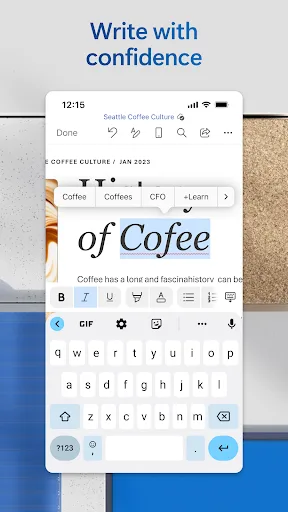
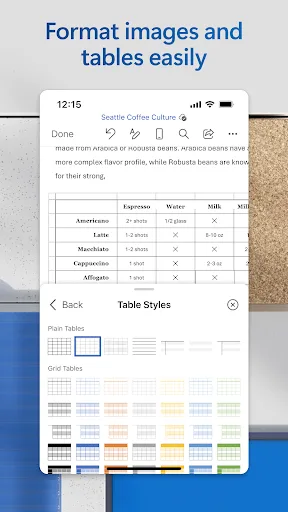
Create, edit, read and share documents on your mobile device with the same power and familiarity you rely on from your PC. Write CVs, letters, assignments, notes or creative work on the go. Convert between Word and PDF, collaborate with others and access your files from anywhere.…
Pros
- Industry-standard compatibility with complex Word formatting and templates
- Real-time co-authoring and comments for team collaboration
- Seamless integration with OneDrive, SharePoint, and other Microsoft services
- Advanced editing tools like track changes, mail merge, and smart lookup
- High reliability and frequent updates from a trusted developer
Cons
- Requires a Microsoft 365 subscription for full features on larger screens
- App size is large (over 100 MB) and can be resource-intensive
- Limited PDF editing capabilities compared to dedicated PDF apps
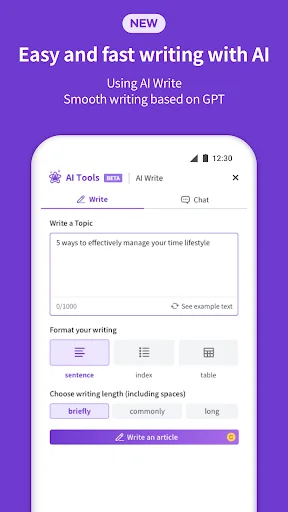
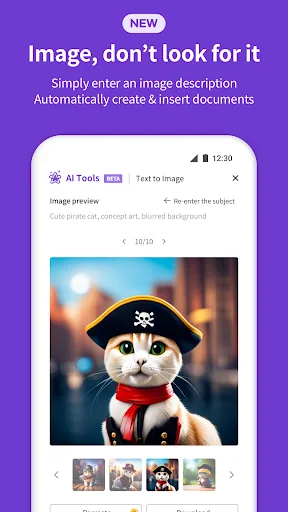
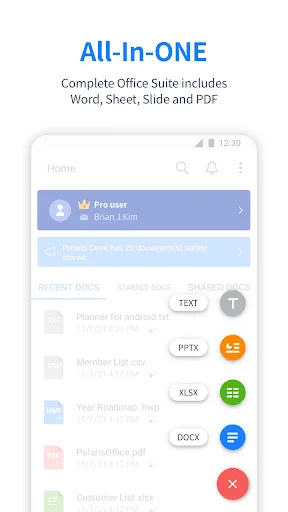
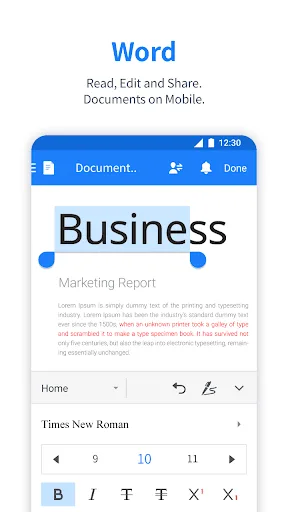
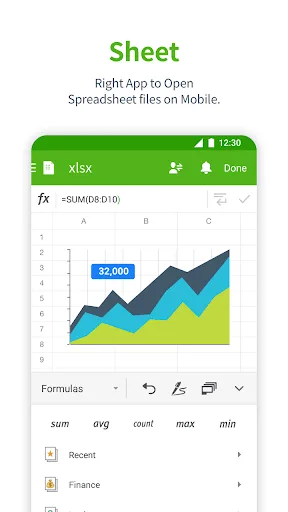
Edit documents easily and quickly with document-based generation AI tools! Already 100 Million Users Across The World, Get the Latest Android Office App For Free. Experience New All-in-One Complete Office Suite compatible with MS Word, Excel, PowerPoint and Adobe PDF. "Editors' C…
Pros
- Free to use with no subscription required for basic editing
- All-in-one support for Word, Excel, PowerPoint, and PDF files
- AI-powered document generation and editing tools
- Lightweight app with fast loading times on older devices
- Good file format compatibility including HWP and ODT
Cons
- Lower user rating (3.57) indicating bugs and stability issues
- Ads and in-app purchases can be intrusive
- Formatting may break when opening complex Word documents
Final Verdict
Our pick: Microsoft Word: Edit Documents
For most users, Microsoft Word is the superior choice thanks to its unparalleled editing power, high reliability, and seamless integration with desktop Word. Its 4.78 rating and over 1 billion installs speak to its trust and performance. Polaris Office is a decent alternative if you need a free, multi-format office suite without a subscription, but it falls short in stability and user experience compared to Word. If you prioritize document fidelity and collaboration, choose Microsoft Word. If you need a basic all-in-one editor and don't want to pay, Polaris Office can suffice.
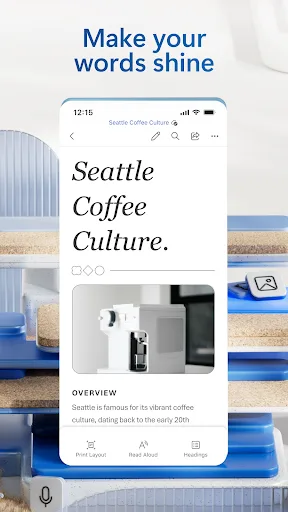
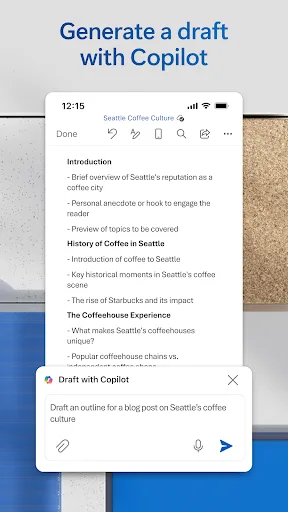
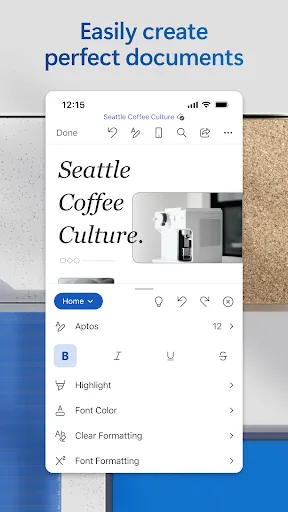
Microsoft Word: Edit Documents Screenshots
Official app screenshots from the Google Play Store.
Polaris Office: Edit&View, PDF Screenshots
Official app screenshots from the Google Play Store.
Frequently Asked Questions
What are the ratings of Microsoft Word and Polaris Office on Android?
Microsoft Word has a rating of 4.78 out of 5, while Polaris Office has a rating of 3.57 out of 5.
Can I use these apps offline?
Yes, both apps allow offline editing of documents stored on the device. However, some features like real-time collaboration require internet.
Do these apps contain ads?
Microsoft Word is ad-free. Polaris Office includes ads and offers an ad-free version via in-app purchase.
What are the device requirements?
Both apps require Android 5.0 or higher. Microsoft Word needs about 150 MB free space; Polaris Office needs about 60 MB.
Which app should I choose for professional document editing?
Choose Microsoft Word for professional, reliable editing with full feature parity to desktop. Choose Polaris Office if you need a free multi-format viewer/editor and don't require advanced formatting.
Related Comparisons
 VS
VS
WPS Office vs Microsoft Word: Best Android Office App for 2026
 VS
VS

Microsoft PowerPoint vs Microsoft Excel: Which Office App Reigns Supreme
 VS
VS

WPS Office Lite vs Microsoft 365 Copilot: Best Office App for Android in 2026
VS
Microsoft Word vs Microsoft PowerPoint: Which Office App Reigns Supreme?
 VS
VS

OfficeSuite Pro + PDF vs Office Reader: Best Android Office App for Productivity?
VS