Microsoft Word vs WPS Office Lite: Best Android Office App for Mobile Document Editing
Microsoft Word is the gold standard for document creation and editing, offering seamless integration with Microsoft 365 and powerful collaboration tools. WPS Office Lite is a lightweight alternative that provides core office functionalities with a smaller footprint and faster performance. If you need full-featured word processing and work within the Microsoft ecosystem, Word is ideal. If you prefer a quick, space-saving app for basic tasks and PDF conversion, WPS Office Lite is a solid choice.

Microsoft Word: Edit Documents
Recommended- Rating
- ★ 4.78
- Downloads
- 1,000,000,000+
- Developer
- Microsoft Corporation
WPS Office Lite
- Rating
- ★ 4.27
- Downloads
- 50,000,000+
- Developer
- WPS SOFTWARE PTE. LTD.
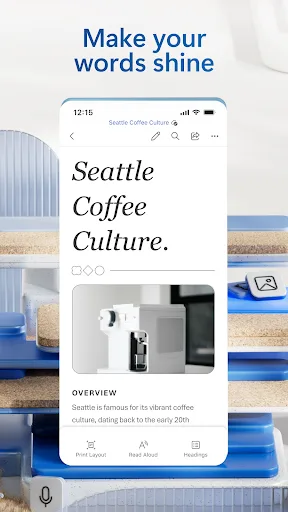
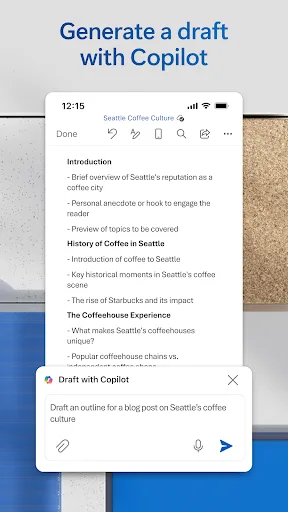
Create, edit, read and share documents on your mobile device with the same power and familiarity you rely on from your PC. Write CVs, letters, assignments, notes or creative work on the go. Convert between Word and PDF, collaborate with others and access your files from anywhere.…
Pros
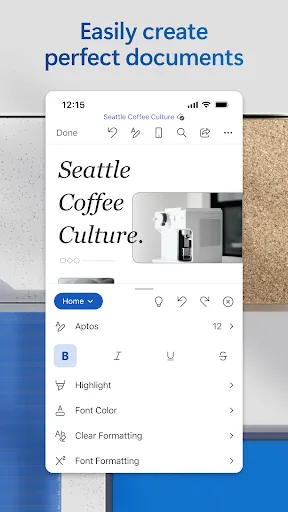
- Industry-leading document formatting and editing tools
- Real-time collaboration with multiple users
- Seamless integration with OneDrive and SharePoint
- Built-in PDF converter and reader
- Regular updates with new features and security patches
Cons
- Requires Microsoft 365 subscription for premium features
- Large app size (over 200 MB) and storage usage
- Some features are hidden behind paywalls
In order to provide better products and services, we changed the name of "Kingsoft Office" application to "WPS Office Lite ". 【WPS Office Lite】 Unlike the official version of WPS Office, the BETA version means: Preview the latest features: Try out the newest features. Give ea…
Pros
- Lightweight app with small download size (~20 MB)
- Fast launch and smooth performance on low-end devices
- Free to use with basic editing and PDF tools
- Supports multiple document formats (DOCX, XLSX, PPTX)
- Built-in file manager and cloud storage support
Cons
- Limited advanced formatting and collaboration features
- Contains ads in the free version
- Lower user rating (4.28) compared to Microsoft Word
Final Verdict
Our pick: Microsoft Word: Edit Documents
For most users, Microsoft Word is the clear winner due to its superior feature set, higher rating, and seamless integration with cloud services. Its extensive formatting options, real-time collaboration, and robust PDF conversion make it indispensable for professionals and students. However, WPS Office Lite is a worthy contender for those with limited storage or older devices, offering a fast and efficient experience for basic editing. If you prioritize performance and minimalism over advanced features, WPS Office Lite is a great alternative. Ultimately, Microsoft Word wins for its reliability and comprehensive capabilities.
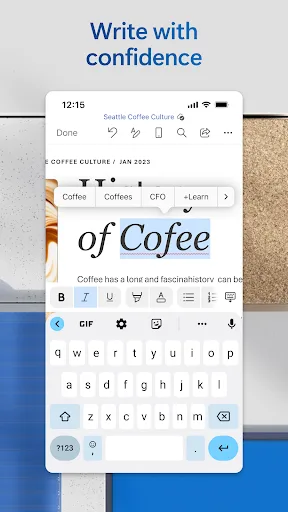
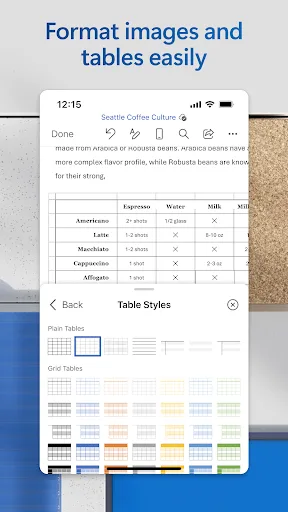
Microsoft Word: Edit Documents Screenshots
Official app screenshots from the Google Play Store.
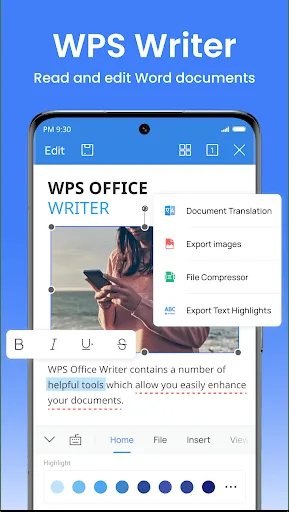
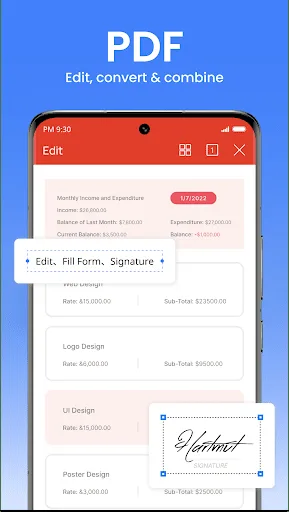
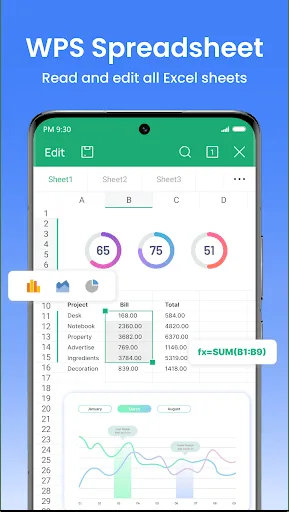
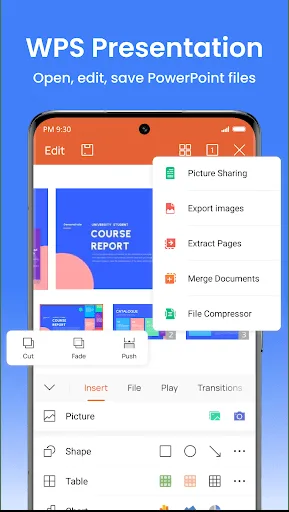
WPS Office Lite Screenshots
Official app screenshots from the Google Play Store.
Frequently Asked Questions
Which app has a higher rating?
Microsoft Word has a significantly higher rating of 4.78 compared to WPS Office Lite's 4.28, based on user reviews.
Can I use these apps offline?
Yes, both apps allow offline editing of documents. Microsoft Word requires you to save files locally or sync them for offline access, while WPS Office Lite works fully offline for local files.
Do these apps contain ads?
Microsoft Word is ad-free. WPS Office Lite displays ads in the free version, but you can remove them via an in-app purchase.
What are the device requirements?
Microsoft Word requires Android 6.0 or higher and at least 200 MB of storage. WPS Office Lite runs on Android 4.4+ and needs only about 20 MB, making it suitable for older devices.
Which app should I choose for basic document editing?
For basic editing and lightweight performance, choose WPS Office Lite. For advanced features, collaboration, and higher reliability, choose Microsoft Word.
Related Comparisons
 VS
VS
WPS Office vs Microsoft Word: Best Android Office App for 2026
 VS
VS

Microsoft PowerPoint vs Microsoft Excel: Which Office App Reigns Supreme
VS

WPS Office Lite vs Microsoft 365 Copilot: Best Office App for Android in 2026
VS
Microsoft Word vs Microsoft PowerPoint: Which Office App Reigns Supreme?
 VS
VS

OfficeSuite Pro + PDF vs Office Reader: Best Android Office App for Productivity?
VS