MobiOffice vs WPS Office: Which Office Suite Reigns Supreme?
MobiOffice is ideal for users who need a comprehensive office suite with strong file compatibility and PDF capabilities, especially those who work with various formats like OpenOffice and LibreOffice. WPS Office, on the other hand, is perfect for users seeking a lightweight, feature-rich suite with a vast user base and seamless integration with Microsoft formats. Both apps excel in document editing, but they cater to slightly different preferences in terms of interface and additional tools.

MobiOffice: Word, Sheets, PDF
- Rating
- ★ 4.35
- Downloads
- 100,000,000+
- Developer
- MobiSystems

WPS Office-PDF, Word, Sheet
Recommended- Rating
- ★ 4.38
- Downloads
- 500,000,000+
- Developer
- WPS SOFTWARE PTE. LTD.
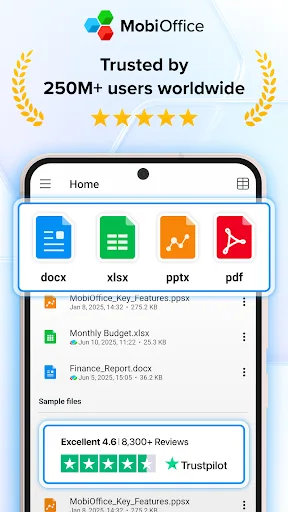
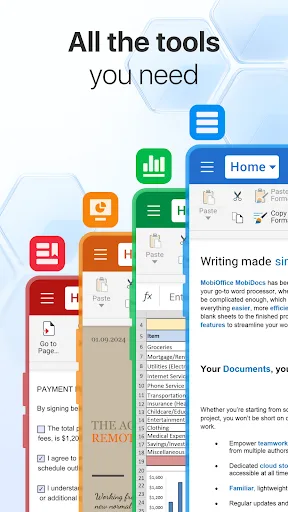
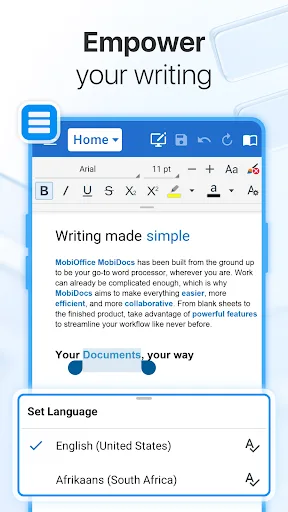
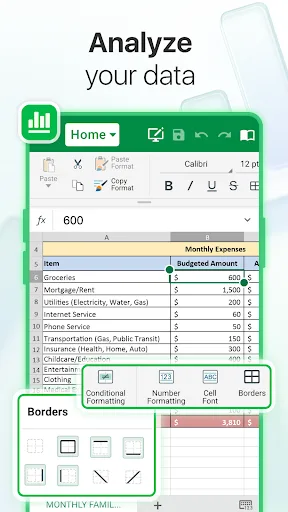
MobiOffice is the smart choice for office productivity. With this powerful office pack, you can create, edit, comment, format, convert, and protect documents, spreadsheets and presentations - as well as the ability to view and sign PDF files. Compatible with Microsoft Office (Wor…
Pros
- Supports a wide range of formats including OpenOffice, LibreOffice, and Google Docs
- Includes PDF viewing, signing, and basic editing capabilities
- Offers file conversion and document protection features
- Lightweight app with smooth performance on most devices
- Free version includes essential office tools without heavy ads
Cons
- Some advanced features require a subscription
- User interface feels slightly dated compared to competitors
- Cloud storage integration is limited compared to WPS Office
★ WPS Office – Office Suite, PDF Editor & Document Reader WPS Office is a powerful office suite designed to help you create, edit, read and manage documents efficiently. It supports Word documents, PDF files, Excel spreadsheets and PowerPoint presentations, making it a reliab…
Pros
- Higher user rating (4.39) and massive install base (500M+)
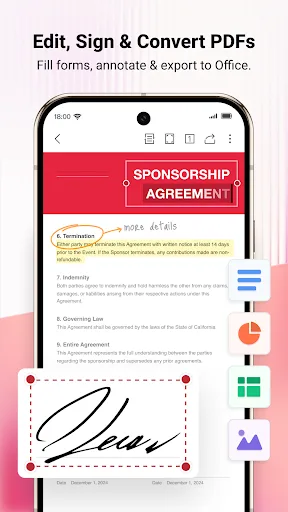
- Excellent PDF editor with annotation, form filling, and conversion tools
- Seamless integration with Microsoft Office formats
- Built-in cloud storage (WPS Cloud) and support for Google Drive, Dropbox
- Rich template library for documents, resumes, and presentations
Cons
- Free version displays ads that can be intrusive
- Some features like advanced PDF editing are locked behind a paywall
- Requires internet connection for certain cloud features and template downloads
Final Verdict
Our pick: WPS Office-PDF, Word, Sheet
While both apps are excellent, WPS Office edges out MobiOffice due to its higher rating (4.39 vs 4.31), massive install base (500M+ vs 100M+), and superior PDF editing features. WPS Office also offers a more polished user experience with built-in templates and cloud integration. However, MobiOffice remains a strong contender for users who need broader file format support, including OpenOffice and LibreOffice. For most users, WPS Office is the recommended choice for its reliability and comprehensive feature set.
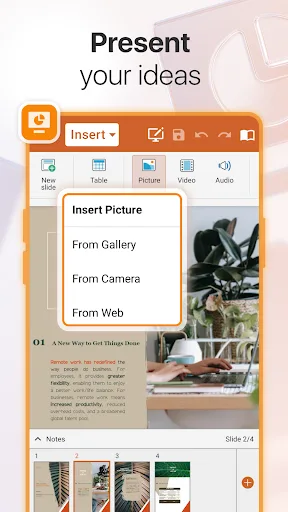
MobiOffice: Word, Sheets, PDF Screenshots
Official app screenshots from the Google Play Store.
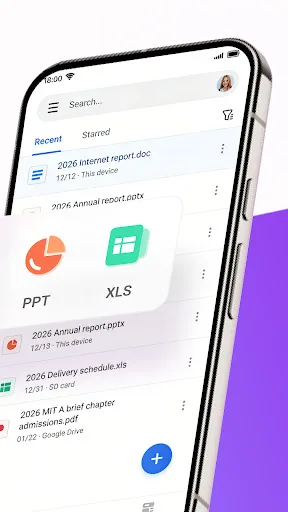
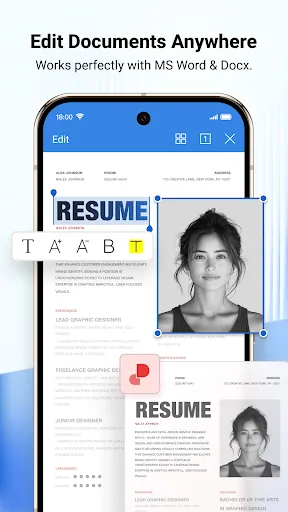
WPS Office-PDF, Word, Sheet Screenshots
Official app screenshots from the Google Play Store.

Frequently Asked Questions
Which app has better ratings?
WPS Office has a slightly higher rating of 4.39 compared to MobiOffice's 4.31, based on user reviews.
Can I use these apps offline?
Yes, both apps allow offline document editing and viewing. However, some features like cloud sync and template downloads require an internet connection.
Do these apps contain ads?
WPS Office's free version includes ads, which can be removed via subscription. MobiOffice's free version has fewer ads, but some features are limited.
What are the device requirements for these apps?
Both apps require Android 5.0 or later and work on most smartphones and tablets. They are optimized for various screen sizes and support split-screen multitasking.
Which app should I choose for everyday office tasks?
For most users, WPS Office is recommended due to its higher rating, extensive features, and better PDF tools. Choose MobiOffice if you need broader format compatibility or prefer a simpler interface.
Related Comparisons
VS

WPS Office vs Microsoft Word: Best Android Office App for 2026
 VS
VS

Microsoft PowerPoint vs Microsoft Excel: Which Office App Reigns Supreme
 VS
VS

WPS Office Lite vs Microsoft 365 Copilot: Best Office App for Android in 2026
VS
Microsoft Word vs Microsoft PowerPoint: Which Office App Reigns Supreme?
 VS
VS

OfficeSuite Pro + PDF vs Office Reader: Best Android Office App for Productivity?
VS